

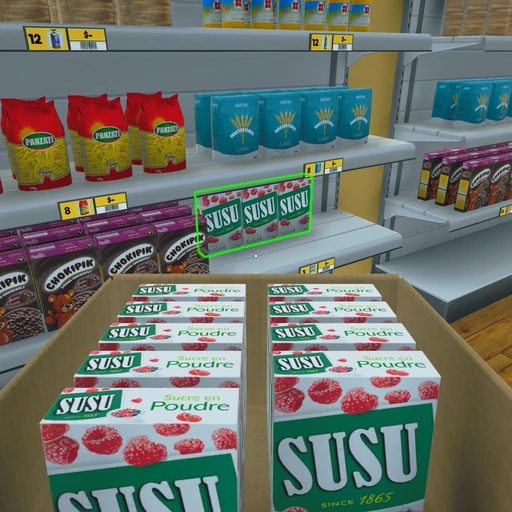
You run your own grocery store in Supermarket Simulator, a relaxed first-person game from Nokta Games. Each day begins with you stocking the shelves, setting prices, and turning the sign to open. The clock stays still until you open the store, so you can set up at your own pace. Stock comes from the in-game computer or from local stores on the map, and you unpack it and place every item on a shelf, in a fridge, or in a freezer, since an empty spot means a sale you never make.
Once the doors open, customers pick up what they need, weigh their produce, and pay at the register, where you scan items and take cash or card. Prices shift with the market, so you keep an eye on what things cost and balance what you charge against what you earn. Between customers, you also pack and deliver online orders, keep the floors and windows clean, and deal with shoplifters.
Your money comes from sales and goes out to staff wages, electricity, and any loans you take. What is left over goes back into the store, where you can expand your floor space, add shelves and fridges, and buy product licenses that let you stock new kinds of goods like dairy, fruit, and cleaning supplies. Hired cashiers, restockers, and cleaners take on the repeat work, and up to four friends can join you in online co-op. The long-term goal is a full, well-stocked supermarket.
- Developer
- Nokta Games
- Publisher
- Nokta Games
- Release
- Early Access: 2024-02-20 · Full release: 2025-06-19
- Platforms
- Windows, macOS
Game data
Products
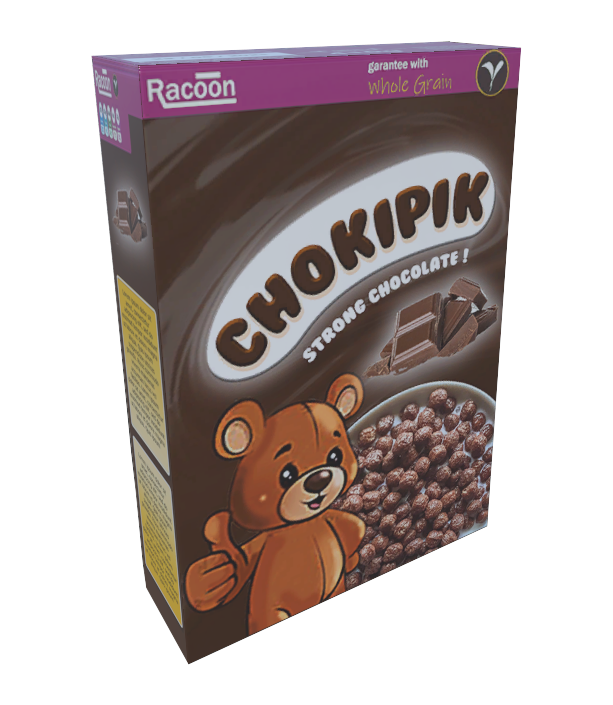
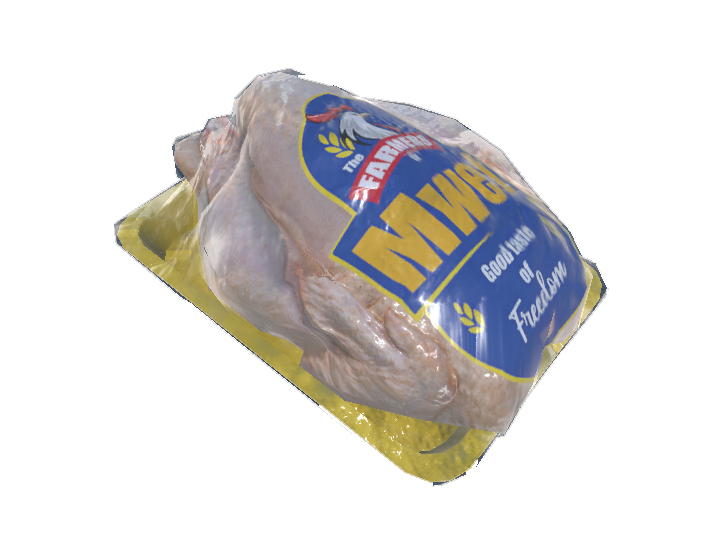
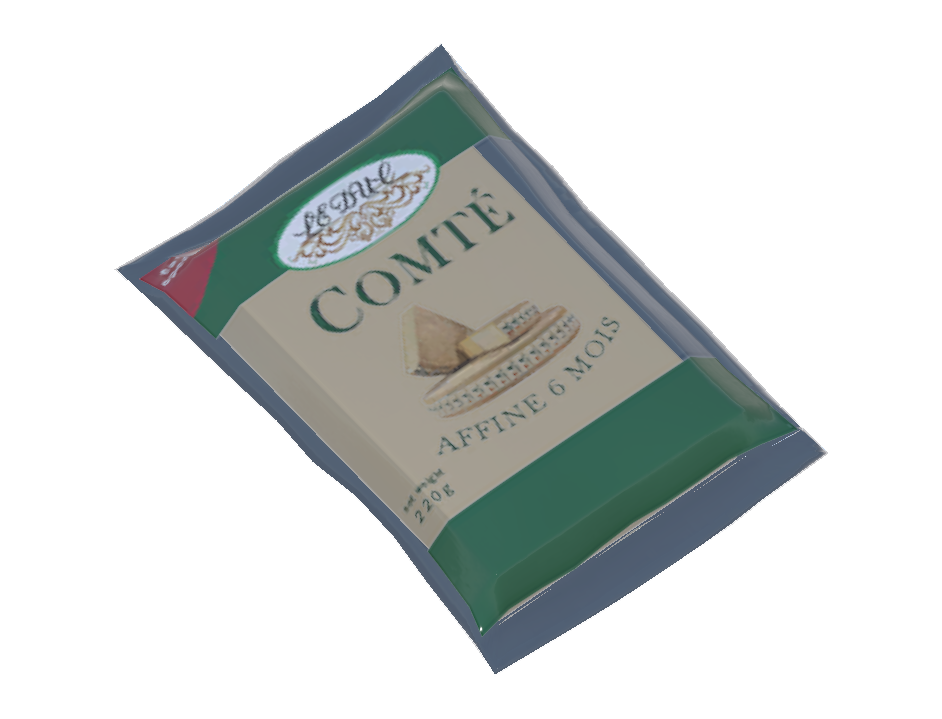
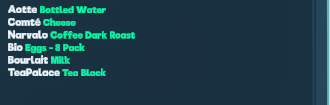
Products are the goods you order, stock and sell in Supermarket Simulator. Each one is unlocked with a license as your store grows, starting with staples like cereal and bread and moving on to dairy, frozen food and more. Most go on shelves, while dairy and chilled meals go in fridges, frozen food goes in freezers, and fresh fruit and vegetables have their own produce stalls.



Product Licenses
Product licenses are purchased upgrades that let your store stock new kinds of products, and some add new brands too. Each one needs a set store level and a cash payment, and once bought, its products show up in the in-game computer's Market app. Early licenses add everyday staples and dairy, while later ones bring drinks, frozen food, cleaning supplies, fresh produce, alcohol and more. Cold and frozen products need a fridge or freezer, so set up your equipment before you buy.


Supermarket Simulator gameplay tips
- Keep two or three spare boxes of each product in storage. Deliveries take time to arrive, and a spare box keeps the shelf full until the next one shows up.
- Check the market before you set prices, and aim a little above the going rate. Prices change daily, and when customers think something costs too much, they complain and stop buying.
- Hire a cashier first and a restocker second. Once a queue forms, checkout keeps you stuck at the counter, so a cashier frees you up, and a restocker then keeps shelves filled while you handle everything else.
- Buy from local stores on the map when you can. They cost about half as much as ordering through your computer, and a pickup truck can haul the boxes back to your store.