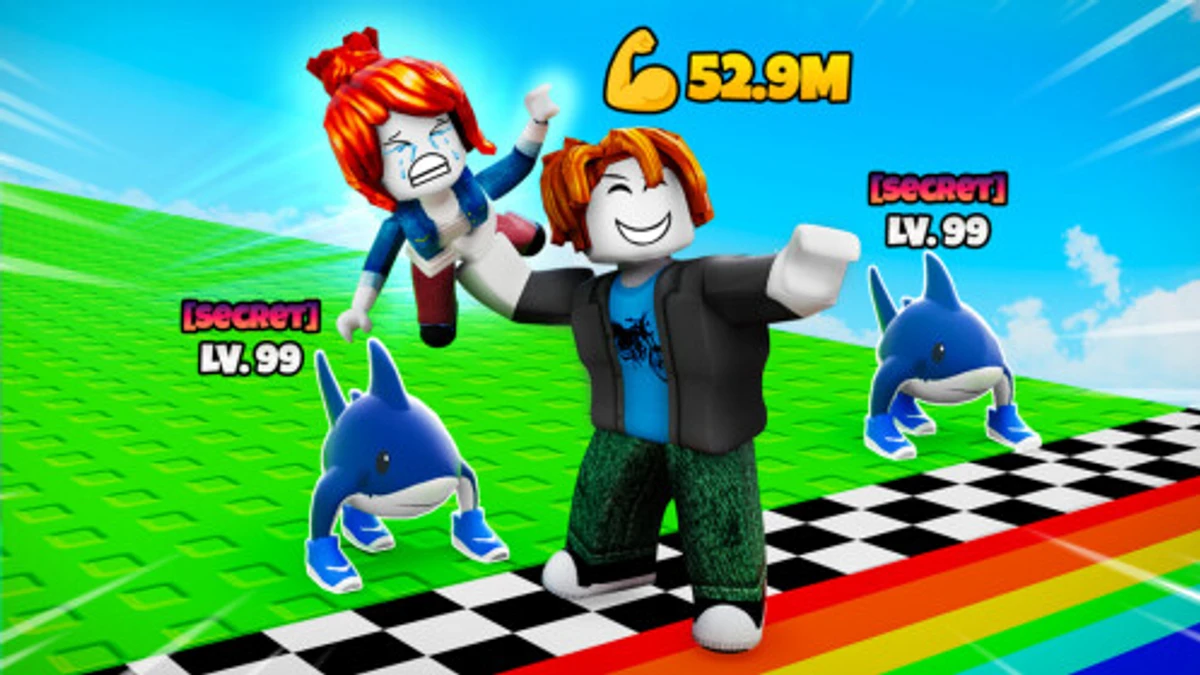
Touchdown Simulator lets you train your football skills by scoring touchdowns, upgrading strength, and collecting pets that boost your power. Using Touchdown Simulator codes can give you extra Wins and helpful boosts to improve your gameplay faster. These codes are a quick way to get rewards that help you beat tougher defenders and climb the leaderboards.
Checked and verified on September 24, 2026 (Today)
RELEASEThis code gives you 1 Double Wins Potion.
How to Redeem Touchdown Simulator Codes
There are no level or other requirements to redeem codes in Touchdown Simulator. Just follow these steps:
- Launch Touchdown Simulator on Roblox.
- Click the yellow coupon icon on the left side of the screen.
- Enter your code exactly as shown into the Promo Code text box. Codes are case sensitive.
- Click the Confirm button to claim your reward.
Make sure to enter the codes carefully to avoid errors.
Try boosting your play with codes from genre-similar sims like Toilet Fighting Simulator codes or Toilet Defense Tycoon codes.
These codes are expired and no longer work.
BakersIceBlue
Why Codes Might Not Work
Codes might fail if you enter them with incorrect spelling or wrong letter casing since they are case sensitive. Always copy and paste codes to avoid typos. If a code doesn’t work even when entered correctly, it’s likely expired or removed by the developer.
What Rewards You Normally Get?
Redeeming codes in Touchdown Simulator usually grants you Wins or special boosts that improve your gameplay. Here are the typical rewards:
| Reward Type | Description |
|---|---|
| Wins | Points earned to unlock workouts and new players. |
| Double Wins Potion | Temporarily doubles the Wins you earn from scoring touchdowns. |
| In-Game Rewards | Includes boosts or items that enhance your player’s strength, speed, or accuracy. |
These rewards help you train faster, face stronger defenders, and unlock better pets to boost your power on the field.
Where to Find New Touchdown Simulator Codes
New codes for Touchdown Simulator are usually announced by the developer The Gang Gaming on their official Discord server, especially in the #announcements channel. You can also check their Roblox group, Twitter/X profile @TheGang_Gaming, and YouTube channel @TheGangGaming for updates. Developer socials are listed below for easy access.
We keep track of these sources and update this page as soon as new codes drop. Bookmark this page or follow our channels to get the codes right away.