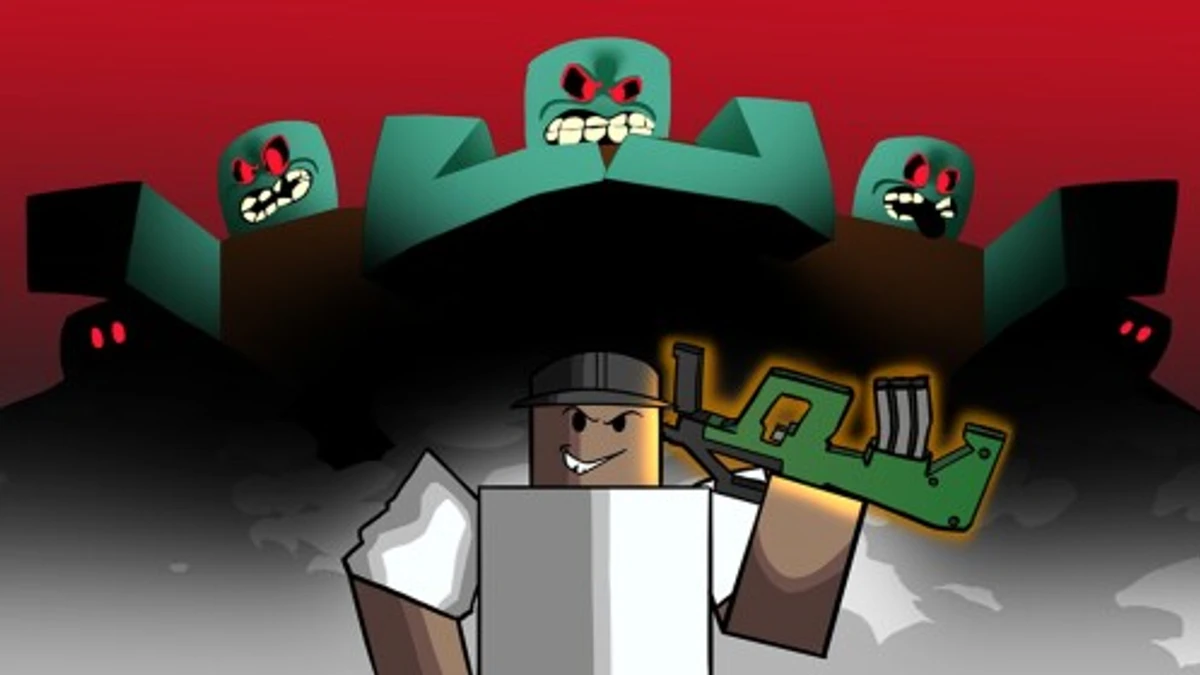
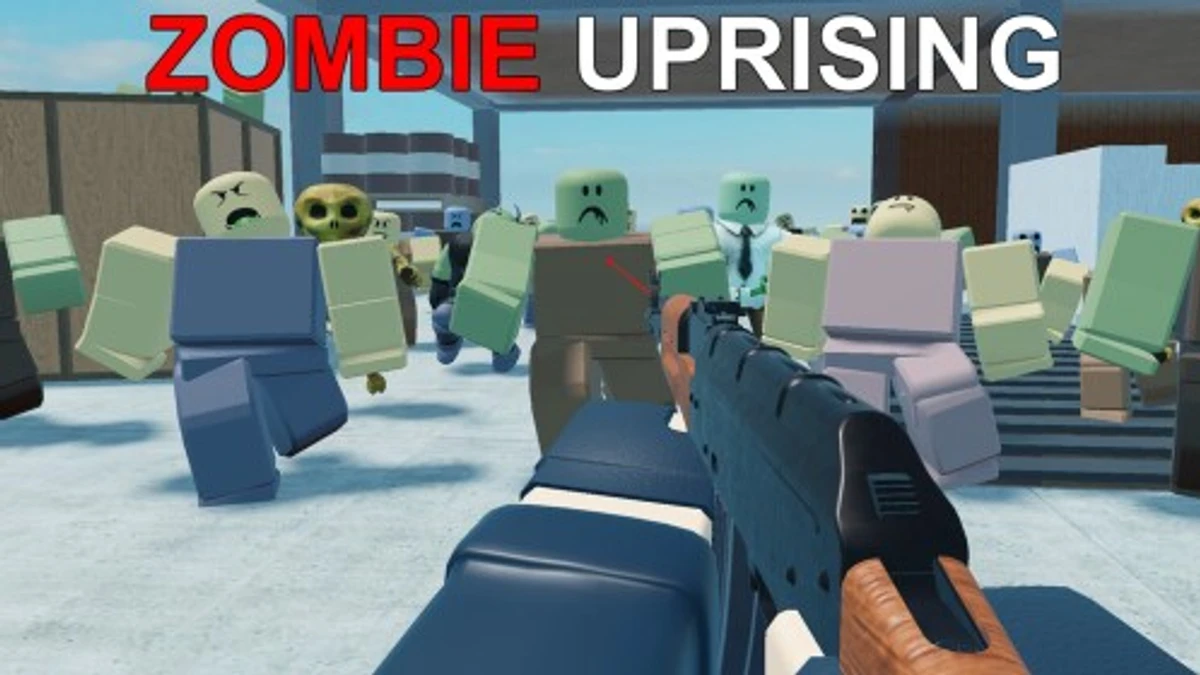
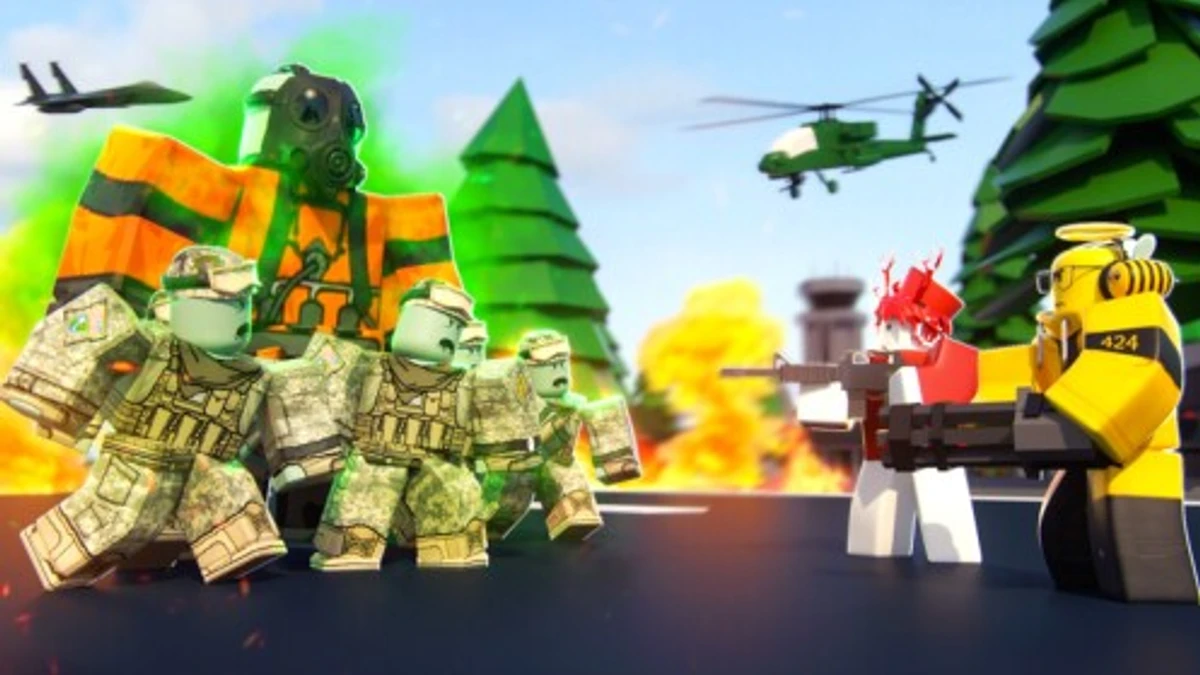
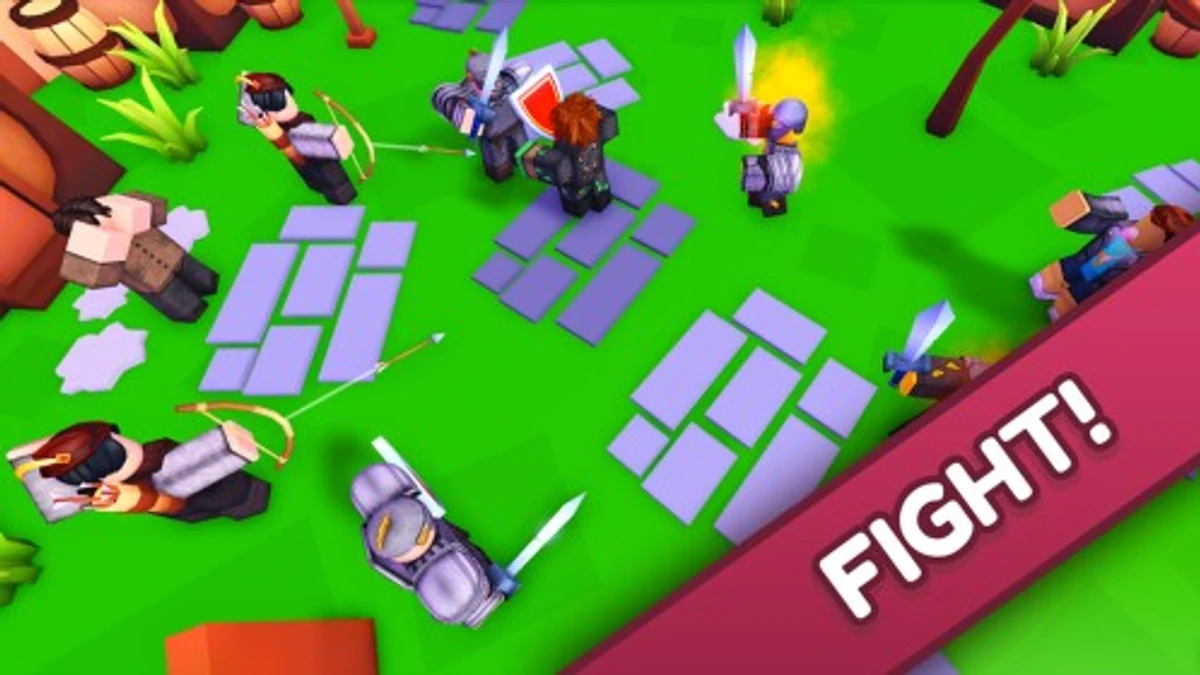
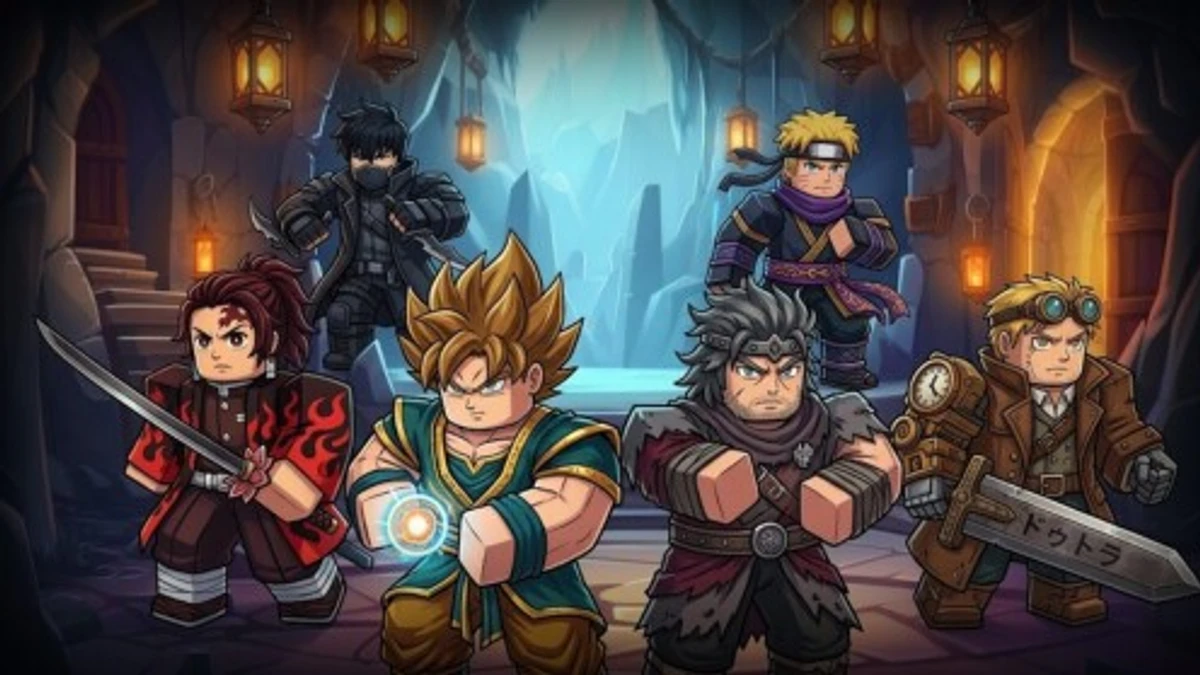
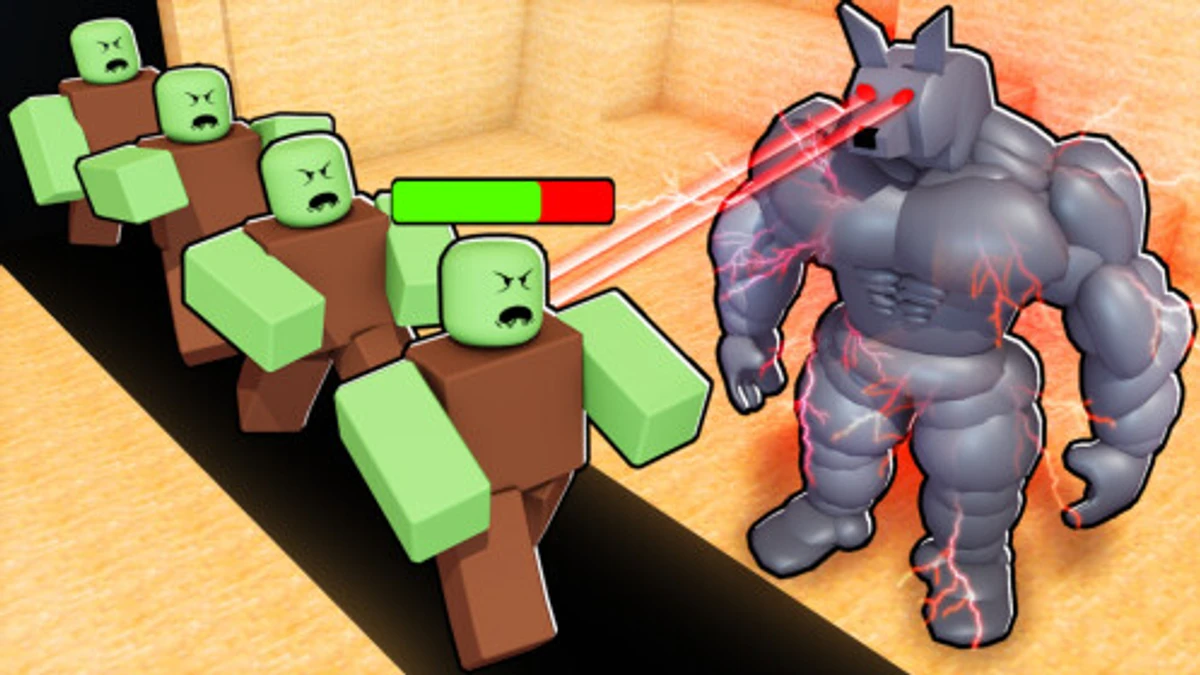
The Heroes Simulator lets you fight tough enemies, unlock swords, pets, and avatars while exploring new zones. Codes in the game give you extra gems, keys, and special items that help you level up faster and prepare for PvP battles. Knowing how to use The Heroes Simulator codes can save you time and boost your power in the game.
Checked and verified on November 5, 2026 (Today)
RELEASEThis code gives you 10 GP Gems and 5 Defense Keys.
CURSESPINThis code gives you 5 Cursed Scrolls.
UPDATE1This code gives you 5 GP Gems, 2 Alien Fruits, 5 Defense Keys and 3,000 Gems.
How to Redeem The Heroes Simulator Codes
There are no special requirements to redeem codes. Just follow these steps to get your rewards.
- Launch The Heroes Simulator.
- Click the Codes icon on the left side of the screen.
- Enter the code exactly as it appears, since codes are case sensitive.
- Press the Use Code button to claim your rewards.
Make sure to type the codes carefully to avoid errors.
For more genre-similar thrills, check out The Ants Underground Kingdom codes and Tapping Gods codes.
These codes are expired and no longer work.
LIBERAR
Why Codes Might Not Work
Codes can fail if you do not enter them exactly as shown because they are case sensitive. Double-check spelling and capitalization before redeeming. If the code still does not work, it might have expired or been removed by the developers.
What Rewards You Normally Get?
Codes in The Heroes Simulator usually give you a mix of gems, keys, and special items that help with fighting and upgrading.
| Reward Type | Description |
|---|---|
| GP Gems | Currency used to buy swords and upgrades. |
| Defense Keys | Items that help unlock defensive gear or features. |
| Cursed Scrolls | Special items likely used for unique boosts or events. |
| Alien Fruits | Rare items that can boost stats or unlock abilities. |
| Gems | A more general currency for buying powerful items. |
| These rewards let you access better swords, pets, and unlock new zones faster. |
Where to Find New Codes for The Heroes Simulator
The developer Alonezinho_X shares new codes mostly on their official Discord server, especially in the #codes channel. Codes also appear on their Twitter accounts and Roblox group. New codes drop occasionally after updates or events. Developer socials are listed below the game.
We keep track of these sources and update this page as soon as new codes drop. Bookmark this page or follow our channels to get the codes right away.