

Brookhaven RP music IDs are numeric Roblox audio asset IDs associated with songs that Roblox lists for the experience. Search by title or artist, then copy an ID when you need to identify a track or when your current Brookhaven music control accepts a number.
Brookhaven's current music system uses an in-game speaker list and search. The IDs below are Roblox's experience-song associations, not a promise that every number can be pasted into every server. Start with the built-in speaker menu, where the music usually has fewer surprises than an old code list.
All Music Codes
Broad music ID discovery beyond the daily top list.
Trending
Daily Roblox top songs, capped at 500 music IDs.
Charts
Weekly, monthly, and yearly Creator Store music charts.
Game Specific
Music, radio, and sound IDs organized around supported Roblox games.

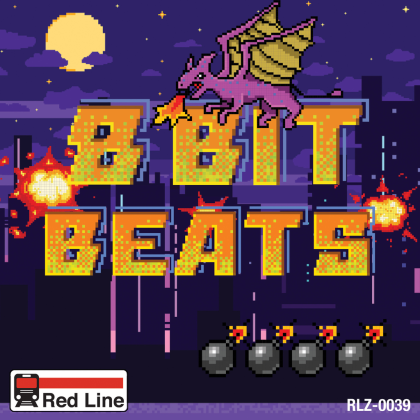
All Dropping 8 Bit Beats
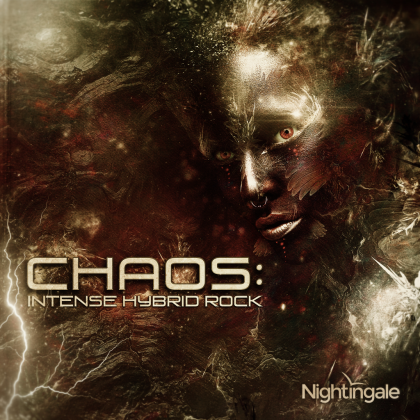
Chaos
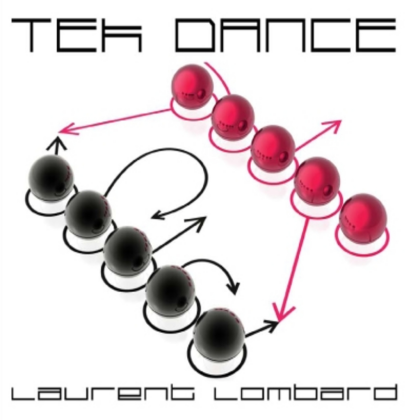

1936 Largo (aus Ein Leben)

Happy Song

What are Brookhaven RP Music IDs?
A Brookhaven RP Music ID is the numeric asset ID for a Roblox audio upload. Players also call these Brookhaven music codes or song IDs. The number identifies the audio asset, but it does not unlock Music Unlocked, grant Brookhaven cash, or give you a roleplay item.
Roblox currently associates the songs below with Brookhaven RP through its Music Discovery service. Each card can include the title, artist, album, duration, cover art, and the numeric asset ID. Use the title and artist to confirm that you found the right track before copying the number.
How to use music in Brookhaven RP
- Join Brookhaven RP on Roblox.
- Open a speaker, jukebox, or another music control in a house, vehicle, boat, or prop when one is available.
- If the control shows a song list or search box, look for the track there first.
- If your current control accepts a Roblox audio ID, copy the digits from a matching card and enter the number.
- Select the song and test it with Roblox volume turned up.
Brookhaven's music controls have changed over time. Older guides often describe an open ID-sharing flow, while newer references describe a built-in playlist-style system. Follow the buttons visible in your current server. A missing ID field is a feature difference, not a sign that you typed the number badly.
What these Brookhaven song IDs represent
The list comes from Roblox's paginated Music Discovery response for the Brookhaven universe. Roblox supplies the association, title, artist, duration, and optional album details. The source order is kept so the list stays easy to compare with Roblox's own experience music signal.
An association does not mean every song is an official Brookhaven composition. It also does not prove that the audio is exposed in every speaker menu or that a player can submit the ID manually. Think of the number as a useful Roblox audio reference, then let the in-game control have the final word.
The Brookhaven RP official site currently points players toward its jukebox-style music experience. The Brookhaven music reference describes Music Unlocked, speakers across roleplay spaces, and a searchable song list. Those details explain why the built-in menu should be your first stop.
Why a Brookhaven music ID may not play
A number can look correct and still produce silence. Common causes include:
- The current control does not accept manual IDs. Use its built-in song list or search instead.
- The asset is private, moderated, or no longer distributed. Roblox can change an audio asset after a list publishes it.
- Brookhaven changed its music permissions. An audio association does not guarantee playback in the current game build.
- The ID was copied incorrectly. Paste only the digits when a field is available.
- Your music access is limited. Music Unlocked or another current game requirement may control which speaker features appear.
- Volume is muted. Check Roblox volume, device output, and the speaker's own controls.
Try the same track through the built-in search, then test a second ID. If the list works but a manually entered number does not, the control probably expects its own song catalog rather than a general Roblox audio lookup.
Brookhaven music access and the built-in speaker list
Brookhaven's music feature has had more than one version. The older music-code conversation focused on sharing arbitrary song numbers. The newer system described by current references centers on a built-in list, search, and Music Unlocked access. That change is why old lists can be popular and still give the wrong instructions.
The safest routine is simple: open the speaker menu, search for the song by name, and use a manual ID only when the visible control supports it. Roblox audio rules, moderation, creator permissions, and Brookhaven's own settings can all change the result.
These IDs are audio references, not a way around Roblox's copyright or safety rules. Use audio you have permission to play, and remember that a song selected in a shared roleplay space can be heard by other players.
How the Brookhaven music list is assembled
Each entry starts with a song association returned by Roblox for the Brookhaven RP universe. The refresh keeps the asset ID and source order, then carries over the title, artist, album, duration, and album-art ID when Roblox provides them.
The source_verified status means Roblox returned the association and the row passed the source refresh. It does not mean the song was played in a live Brookhaven server. Direct in-game testing is stronger evidence and should be recorded separately when available.
Search accepts a title, artist, album, genre, or exact asset ID. The Roblox link on a card opens the audio record, while the copy button copies only the number needed for a compatible in-game field.
Brookhaven RP Music IDs FAQ
Are these guaranteed working Brookhaven music codes?
No. They are Roblox audio IDs associated with Brookhaven RP through Music Discovery. Brookhaven's current music system may use a built-in speaker list and search instead of accepting arbitrary pasted IDs, and Roblox permissions can change over time.
Where do I enter a Brookhaven music ID?
Open a speaker or music control in your current Brookhaven server. If it shows an ID field, paste the plain digits. If it only shows a built-in song list or search, use that control instead.
Do I need Music Unlocked to play music in Brookhaven RP?
Brookhaven references describe Music Unlocked as part of the music feature. Access, price, and controls can change, so use the requirement shown by the current in-game menu rather than an old guide.
Are these official Brookhaven soundtrack songs?
Not necessarily. Roblox associates these audio assets with the Brookhaven experience, but that association does not identify every artist as a Brookhaven composer or prove that every track is part of the official soundtrack.
Why do old Brookhaven music-code lists give different instructions?
Brookhaven's music flow has changed. Older guides focus on sharing song IDs, while newer references describe a built-in playlist-style system with search. The controls visible in your current server are the best guide.
Can I use any Roblox audio ID in Brookhaven?
No. The current control may limit you to its own song list, and Roblox permissions, moderation, and game settings can block an otherwise valid audio asset. Test a number only when the visible control accepts manual IDs.
Why does a Brookhaven song stay silent?
The asset may be unavailable, the current speaker may not accept manual IDs, Music Unlocked access may be missing, or your Roblox or device volume may be muted. Try the built-in search and a second song to narrow down the cause.
What does source verified mean on a Brookhaven music row?
It means Roblox returned the song association during the source refresh. It is not a recorded playback test inside Brookhaven. An in-game test is the stronger compatibility check.