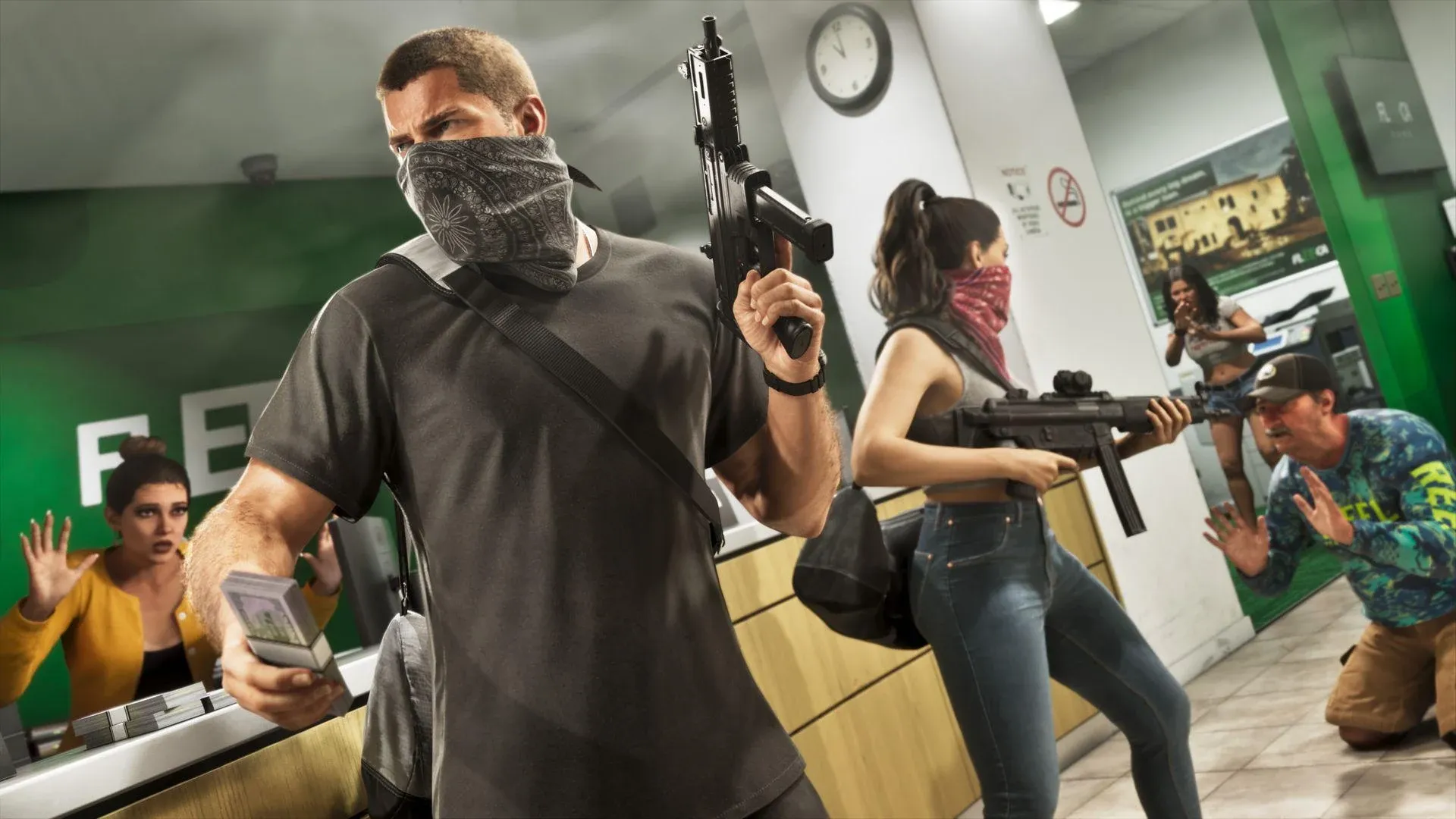
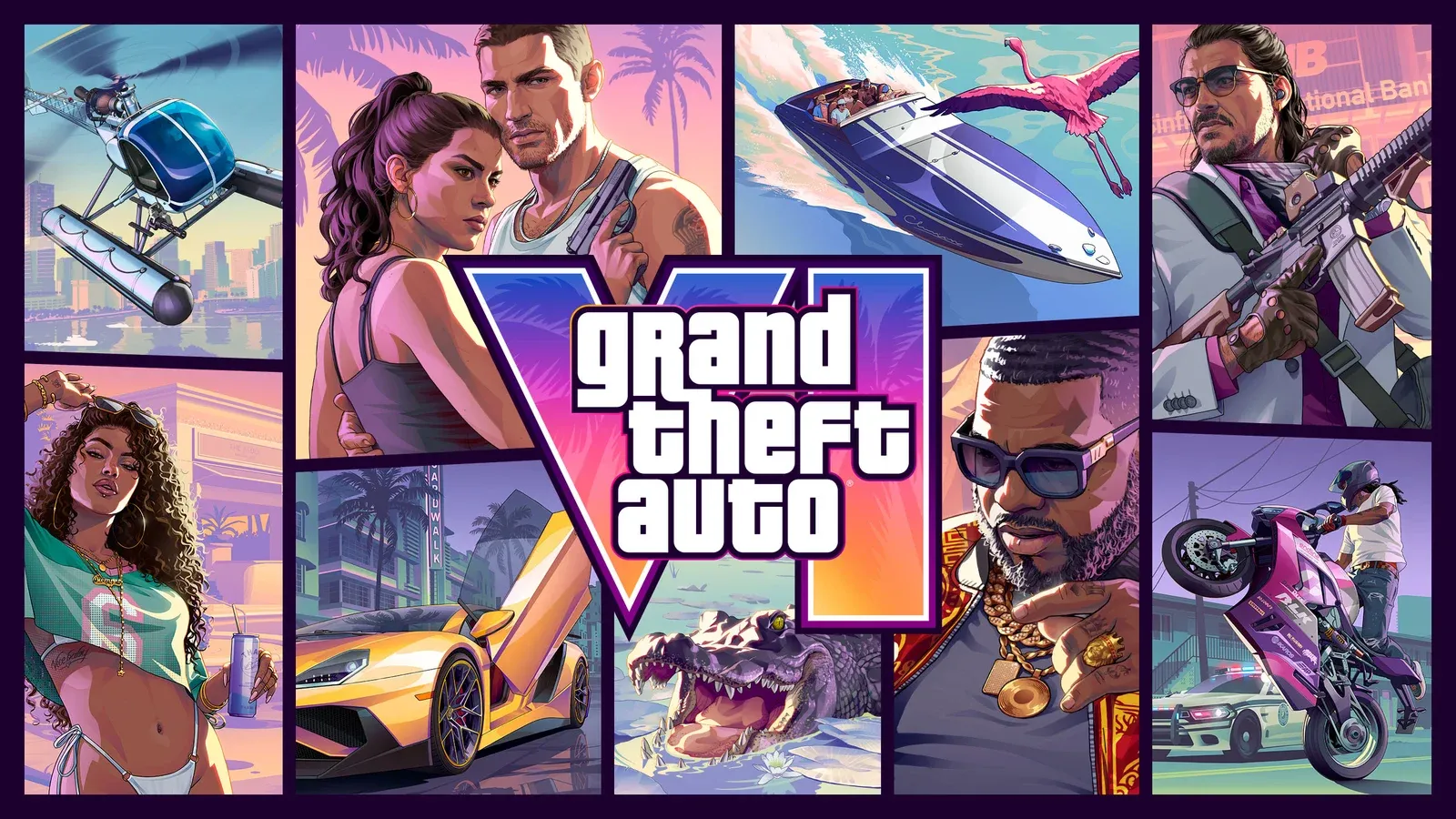
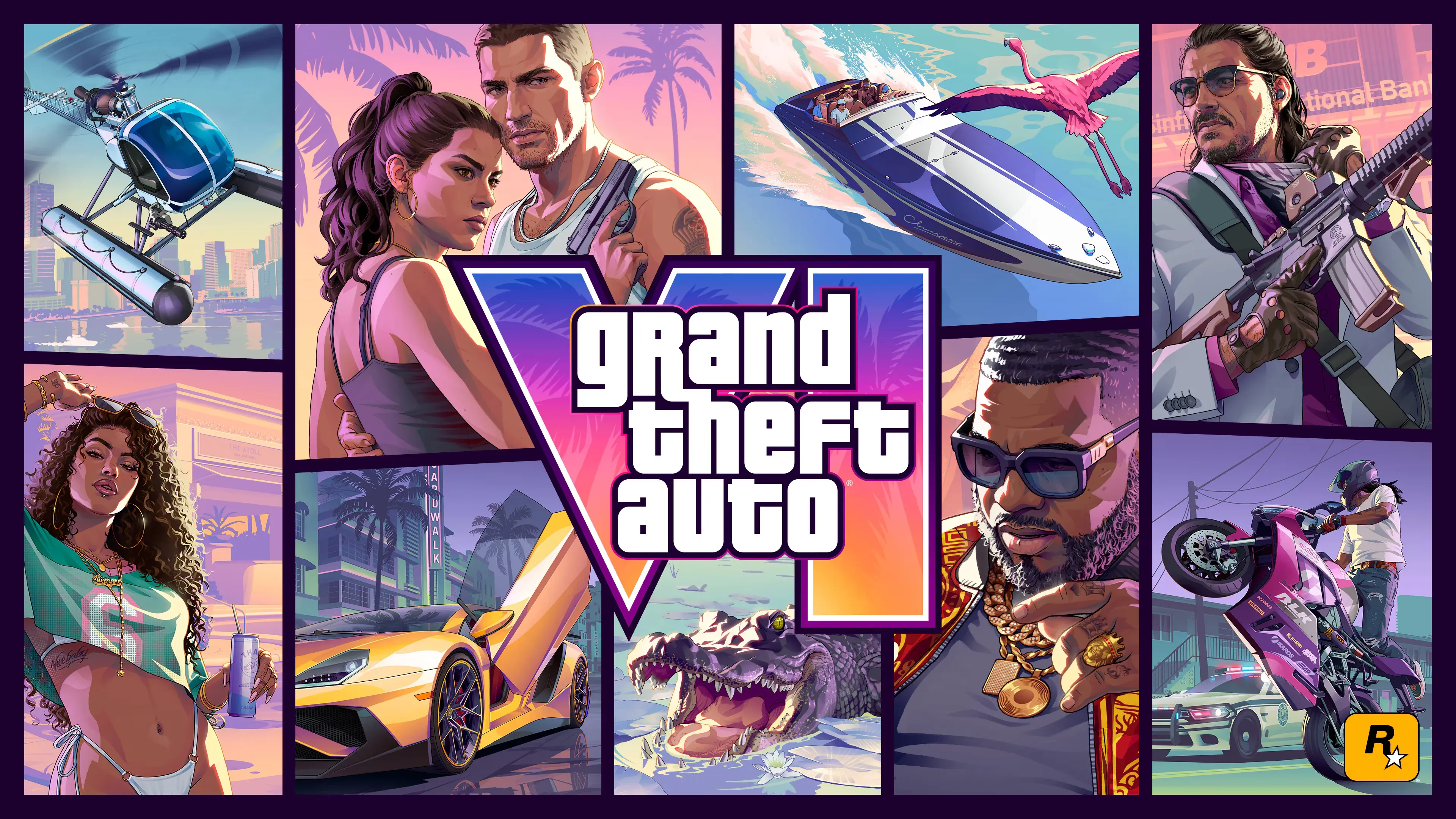
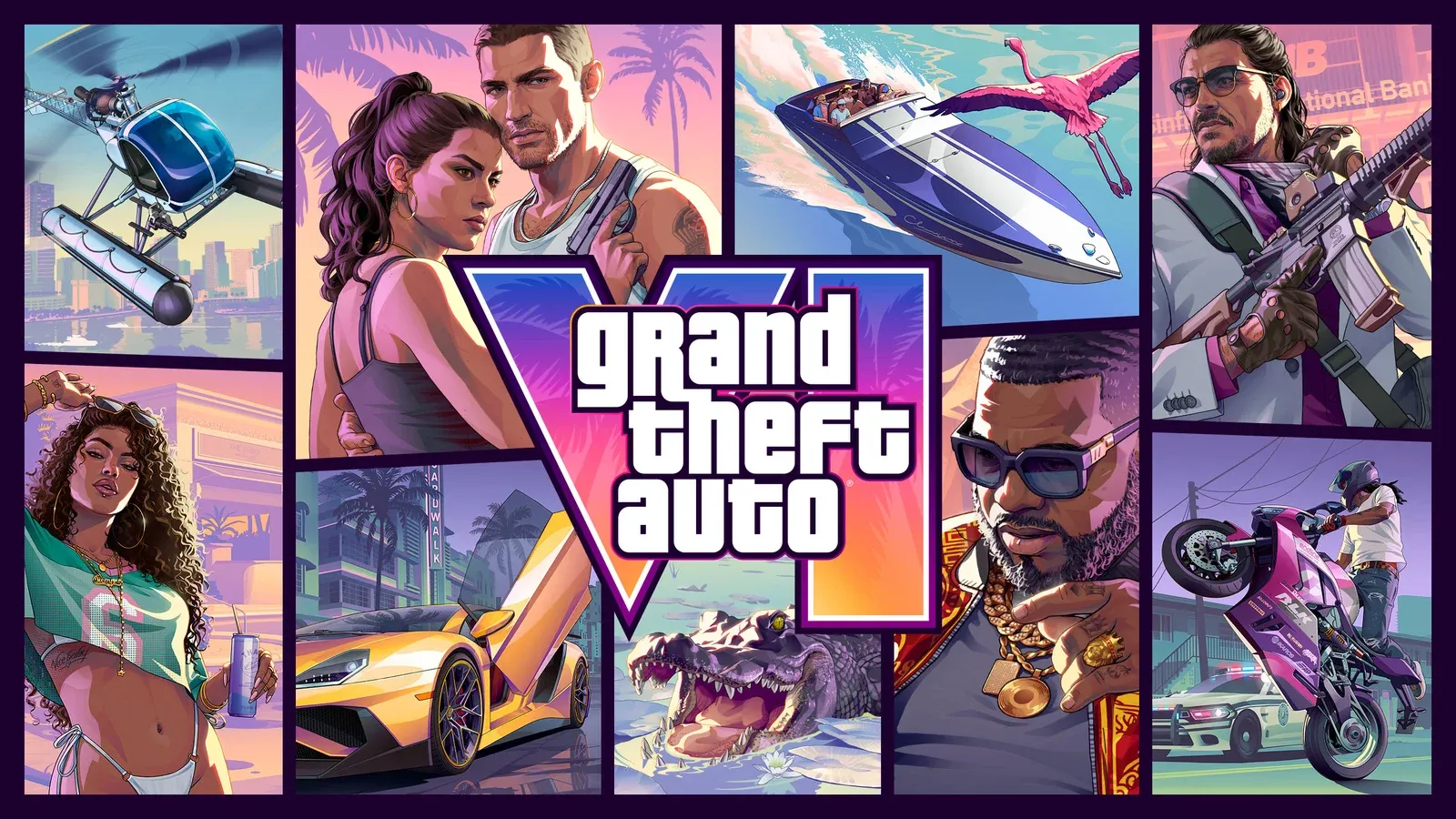
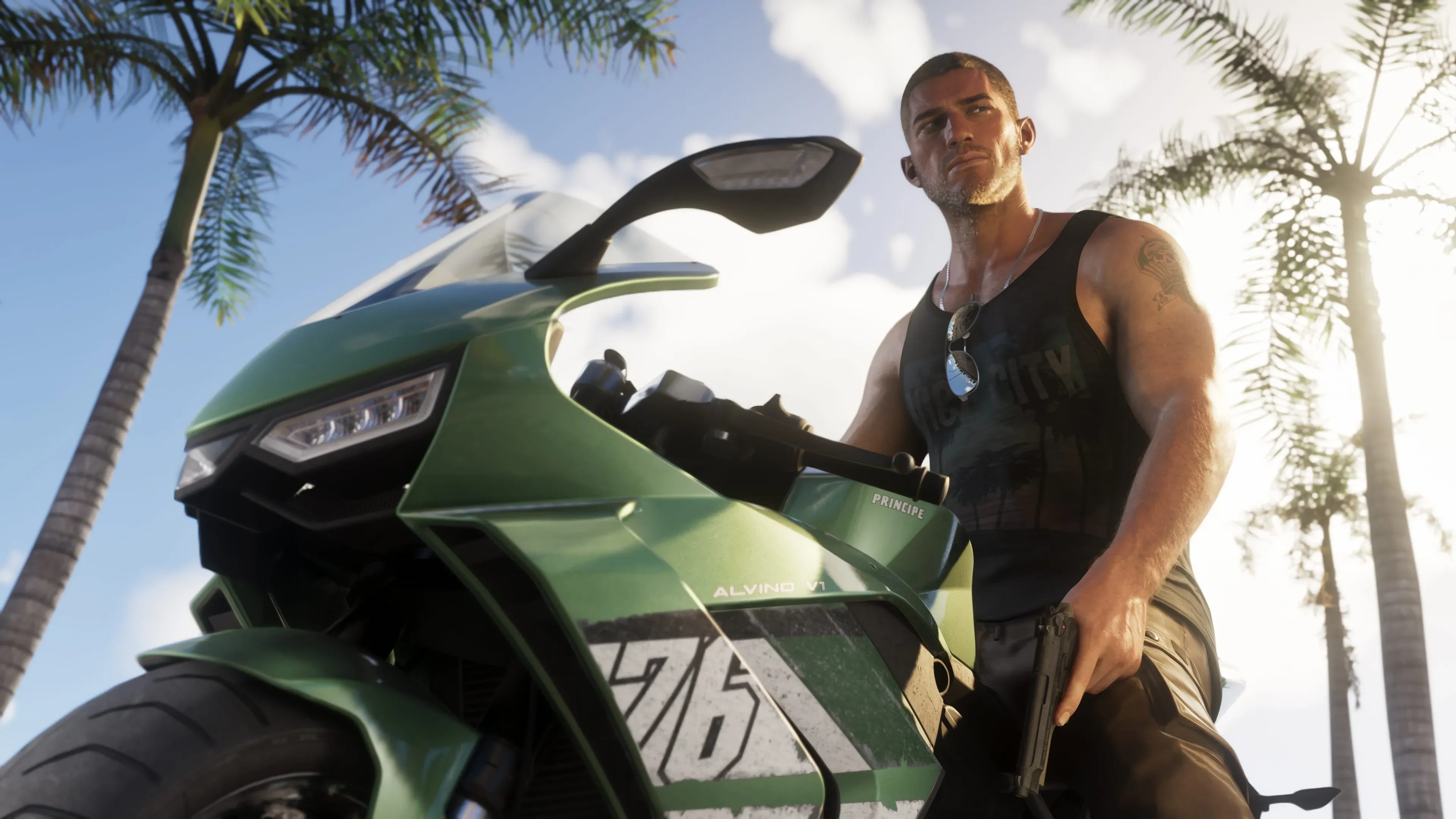
No, GTA 6 is not a game for children. It's an open-world crime game set in Leonida, where you play as Jason and Lucia and can rob banks, steal cars and shoot people. Its ratings start at 17 in the US and at 18 in the UK, Australia and New Zealand, and the content includes bloody violence, nudity, sexual content, drug and alcohol use and frequent strong language.
| Age | US: M (17+) | UK: PEGI 18 | Australia: R 18+ | New Zealand: R18 |
|---|---|---|---|---|
| Under 17 | Below rating | Below rating | Below rating | Below rating |
| 17 | Meets rating | Below rating | Below rating | Below rating |
| 18 and older | Meets rating | Meets rating | Meets rating | Meets rating |
What Mature Content Does GTA 6 Include?
Most of the mature content comes from the crime at the center of the game. It's built around robbing banks and stores, stealing cars and shooting people, and some missions have players shooting large numbers of people. You can see every robbery in the full list of robberies. The violence is graphic too, with headshots replayed in close-up slow motion and gore.
These are the main reasons the game carries its mature ratings. The rest of its mature content falls into three areas:
- Nudity and sex: The game includes nudity and sexual content, including aggressive sexual behavior in public.
- Drugs and alcohol: Alcohol, cigarettes, cannabis and vapes can give your character a boost. Buying wine and rum, and robbing a liquor store, are also things players can do.
- Language and humor: Strong language is frequent, some of the dialogue is offensive, and the humor is mature.
Don't count on an in-game setting to soften any of this. The console age limit is the control that actually keeps the game away from a child.
What the 17 and 18 Age Limits Mean for Your Child
The ratings differ because each country or region sets its own minimum age for the game, and the full ESRB, PEGI and regional rating breakdown lists every descriptor. The US rating is the lowest of the four, so a 17-year-old meets it. The UK, Australian and New Zealand ratings all require 18, so a 17-year-old falls short in those countries. If you live in one of them, 18 is the age to go by.
These are minimum ages for the content, not an assessment of how ready a particular teen is. A mature 17-year-old still falls short of the 18 threshold in those three countries. To see the whole campaign before you decide, the complete list of story missions lays out every mission.
Can Kids Play GTA 6 Online With Other Players?
At launch, GTA 6 is a single-player game. The PlayStation Store and Xbox Store both list it that way, and the launch version has no online multiplayer mode. A child who plays it is playing the story alone, with no other players involved.
Does GTA 6 Have In-Game Purchases?
The store pages flag in-game purchases, but they don't say what can be bought. The ESRB listing carries an in-game purchases notice, the PlayStation Store labels them as optional, and the Xbox Store lists in-app purchases. Since those pages don't name an in-game currency or item shop, the notice alone doesn't tell you what a child could spend money on. More on that is in whether GTA 6 has microtransactions.
What the stores do show is the cost of the editions. The US Xbox Store lists the Standard Edition at $79.99 and the Ultimate Edition at $99.99, with a separate $20 Ultimate Edition Upgrade add-on. These are store purchases, not confirmed extras inside the game. Both PS5 and Xbox have controls for managing spending, and you can set them alongside the age limit.
How to Block GTA 6 on PS5 and Cap Spending
Sony's parental controls compare a game's rating with the age level on a child's account. An age level lower than GTA 6's rating blocks the game for that account.
- Open Settings and select Family and Parental Controls.
- Choose Family Management, then select your child.
- Open Parental Controls and select Age Level for Games and Apps.
- Pick an age level lower than GTA 6's rating in your country.
If your child is already playing, they need to sign out and sign back in before the change takes effect. To cap spending, open the same Parental Controls menu and set a Monthly Spending Limit.
How to Block GTA 6 on Xbox and Control Purchases
On Xbox, you can set the age limit in the Xbox Family Settings app or directly on the console.
In the app:
- Open the Xbox Family Settings app and select Your Family.
- Choose your child's profile, then select Settings (the gear icon).
- Select Content restrictions, then Apply age filters.
- Set the age limit. Content rated above that age needs your approval before your child can access it.
On the console:
- Press the Xbox button and go to Profile & system, then Settings.
- Select Account, then Family settings, then Manage family members.
- Choose your child and select Access to content.
- Pick the age level.
The Family Settings app also has Ask to Buy, which controls purchase approval. It's separate from the age filter, so an age limit on its own won't stop spending.