In GTA 6, Rockstar's open-world crime game, the phone is the iFruit, and you open it by pressing Up on the D-pad. Its apps scan cars and landmarks, call a ride or your own car, store your savings and take photos, while texts and calls carry much of the story. You change the ringtone and wallpaper in the phone's settings menu.
| Phone feature | What it does |
|---|---|
| WAiNK | Scans cars for their value and security features, and scans landmarks for challenges |
| RydeMe | Sends a car to take you to a destination |
| Scooter Bros | Delivers the current car of Jason or Lucia to you |
| BuckMe | Stores your cash as savings and pays a reward for hitting targets |
| Photo app | Takes photos and selfies of the game world |
| Snapmatic | The game's Instagram-style social app |
| Texts and calls | Story messages and calls, with most replies picked from two options |
| Fitness tracking | Monitors health and gives a workout program |
How to Open the iFruit Phone in GTA 6
You can open the phone at almost any time, and the game smoothly switches to a first-person view while it's open.
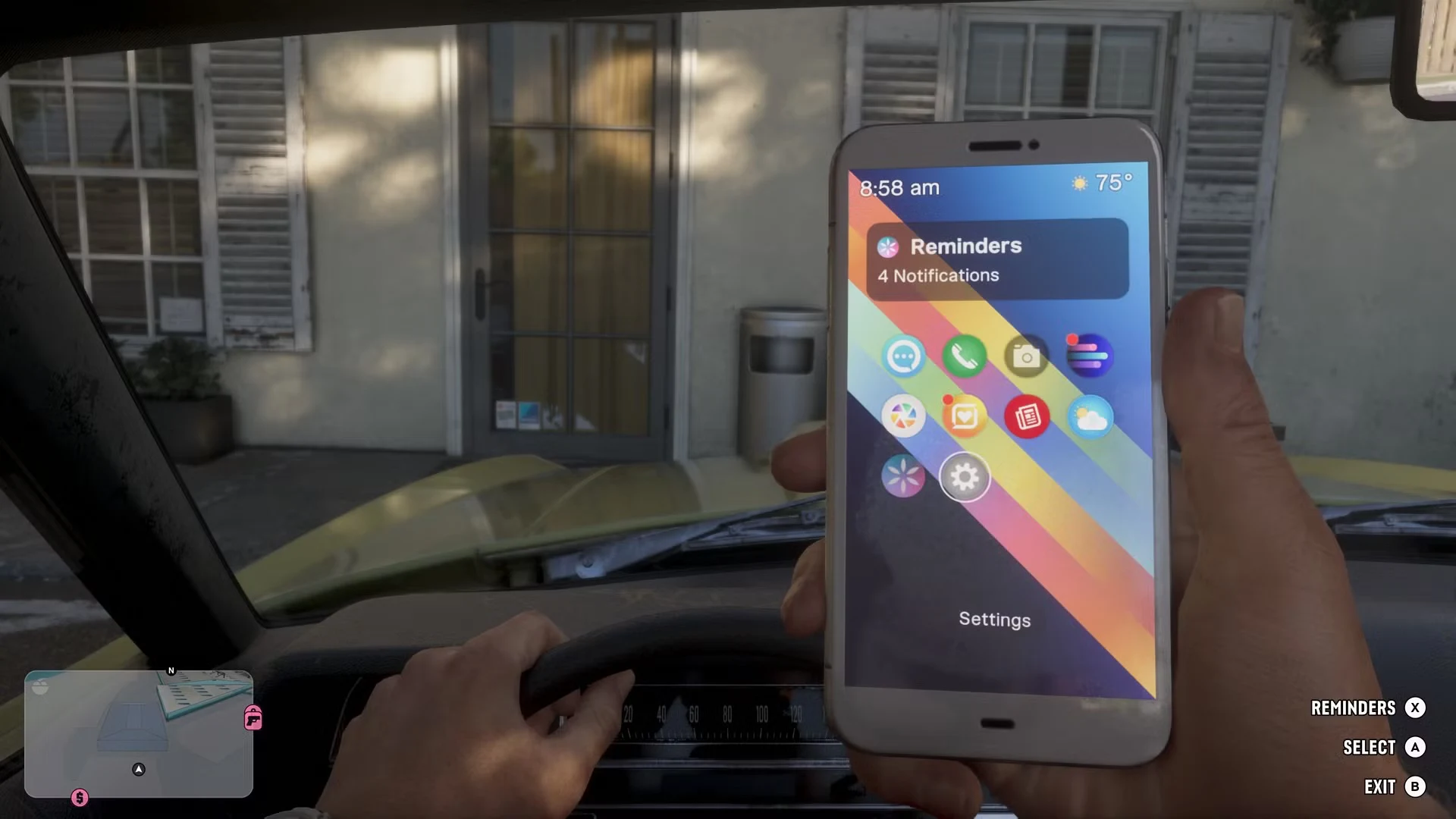
- Press Up on the D-pad to open the phone.
- Hold Up on the D-pad instead to open WAiNK straight away.
When you're not sure what to do next, check the "Recommended" section at the top of the phone. It lists the actions available to you at that moment.
Texts and Calls: How the Phone Drives the Story
Jason and Lucia, the game's two lead characters, use the phone to text and call people from the start, and friends will text and call them too. For the whole game, the phone is how you talk with the people of Leonida. Most story replies come as two-choice prompts inside your text messages, so you'll be picking answers on the phone often.
WAiNK: Scanning Cars and Landmarks
WAiNK has two jobs. Scan a car and it shows the car's exact value and its security features, which tells you whether the car is worth the trouble before you take it. Scan a local landmark and you complete a challenge instead, so it's worth opening as you explore the map. Once you have a car, how to sell stolen cars for the best price covers the next step.
RydeMe and Scooter Bros: Rides and Car Delivery
RydeMe is the game's Uber parody, and it will send a car anywhere. You choose a destination and the car drives you there automatically, and an extra $100 turns the trip into an instant fast travel. The game also has a taxi system that works the same way, so you can use either. For a side-by-side look at both options, see how to fast travel in GTA 6.
Scooter Bros works in the other direction. It calls the current car of Jason or Lucia to be delivered to you on demand, so you don't have to walk back to where you parked. It's a modern version of the horse system from Red Dead Redemption 2.
BuckMe: Storing Your Cash in Savings
BuckMe is the phone's savings app, and it's where you store your cash. Completing tasks, both criminal and legitimate, leaves you with a lot of money, so the app gives you a reason to move some of it into savings. Each chapter, add the cash you've made to your savings and try to hit the target, since hitting it earns a reward of more money.
The Photo App and Snapmatic
The phone's photo app takes photos and selfies of the game world. You can use it to capture a sunset or the chaos happening around you. It's separate from the game's photo mode, which has its own camera and filter settings. Snapmatic, the game's Instagram-style social app, is covered in how social media works in GTA 6.
Fitness Tracking and Workout Plans on the Phone
Your phone also tracks your health and gives you a workout program. Following that program improves the physical stats of Jason or Lucia, such as strength and stamina. Higher stamina lets a character run for longer, and higher strength gives them more health, so the work you put in shows up during play.
How to Change Your Ringtone
- Press Up on the D-pad to open the phone.
- Move to the gear icon to open the phone settings.
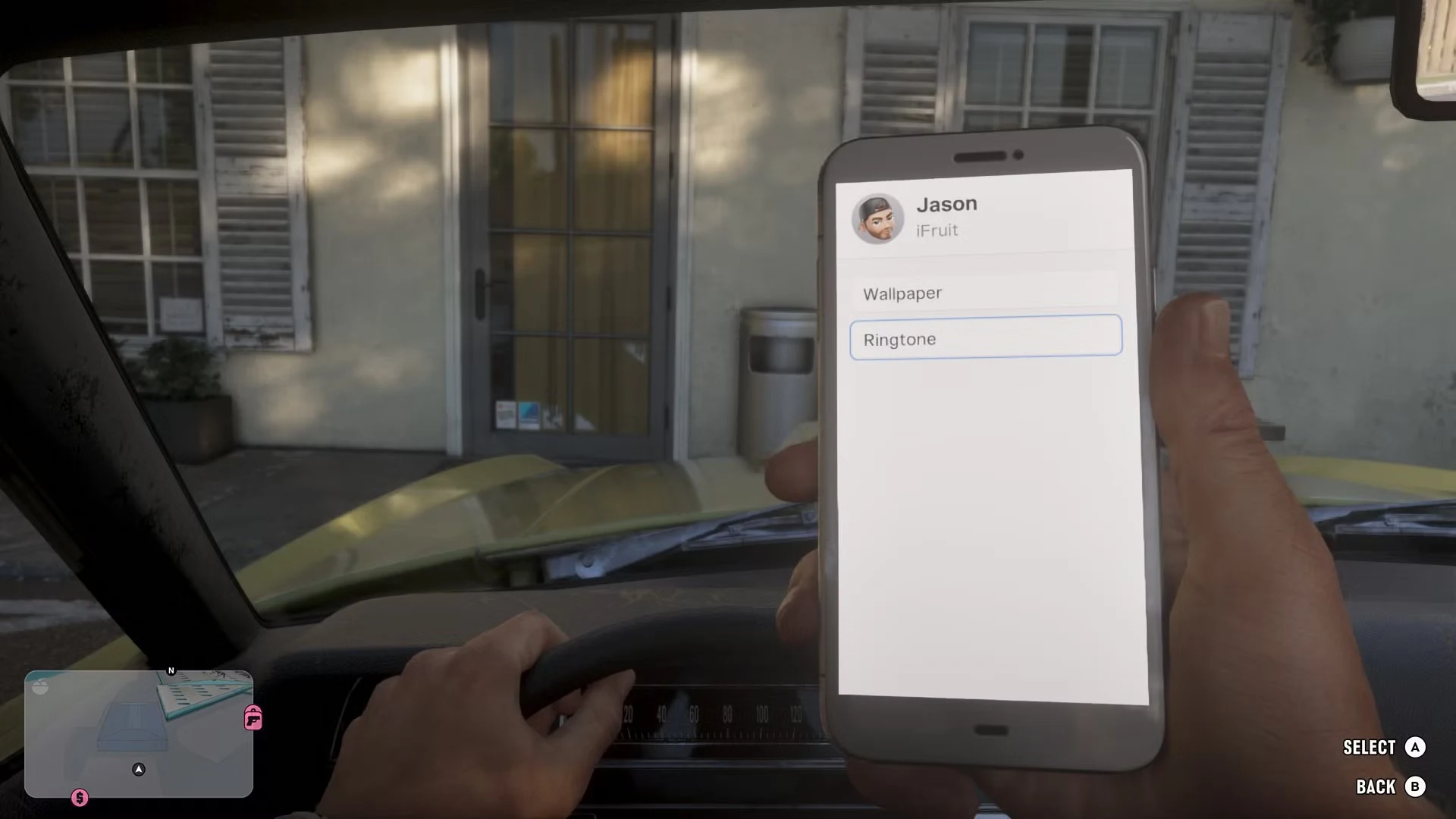
- Choose Ringtone.
- Pick a tone from the list. The phone plays it once.
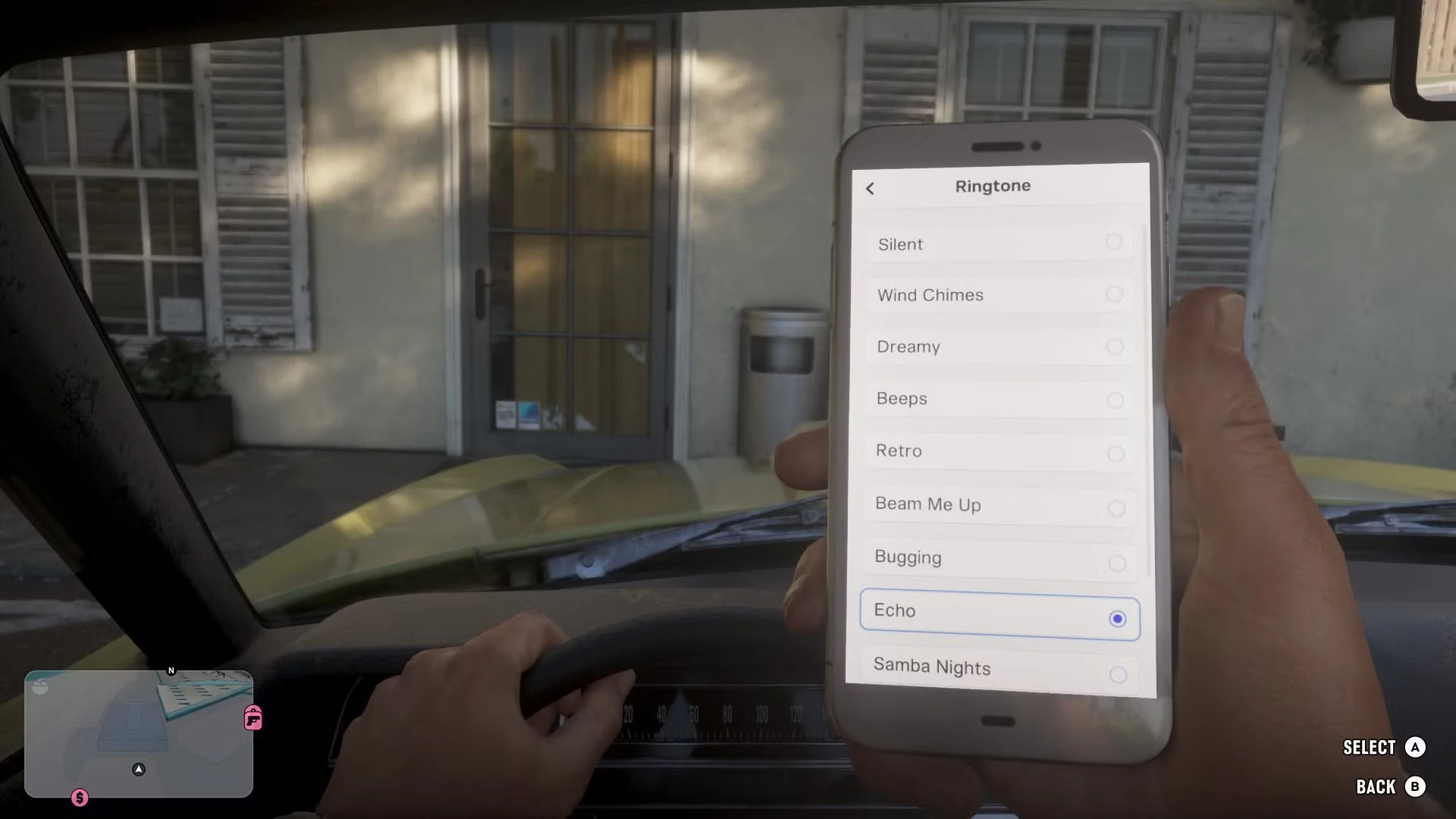
The choice isn't huge, but it's more varied than the ringtones in GTA 5. The list starts with Silent, Wind Chimes, Dreamy, Beeps, Retro, Beam Me Up, Bugging, Echo and Samba Nights, and it goes on past Samba Nights. Your phone rings a lot, especially while you're still working through the story and side missions, so it's worth picking a tone you like.
How to Change Your Wallpaper
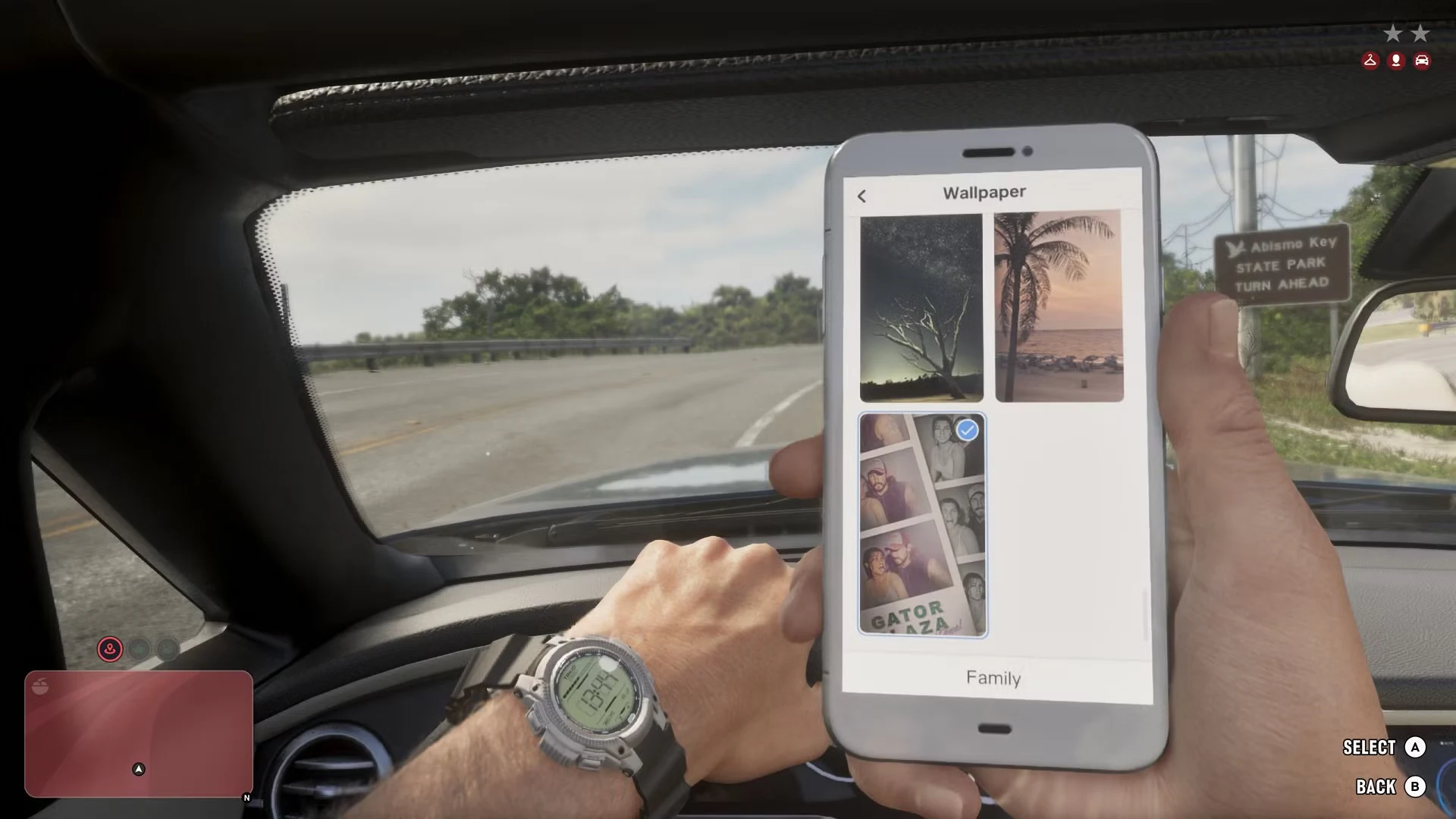
- Open the phone settings the same way as for the ringtone: press Up on the D-pad, then select the gear icon.
- Choose Wallpaper.
- Scroll all the way down the list.
The default wallpapers come first. The bottom of the list has landscape shots and an image of Jason and Lucia together. Photos you take with your phone can't be set as a wallpaper.