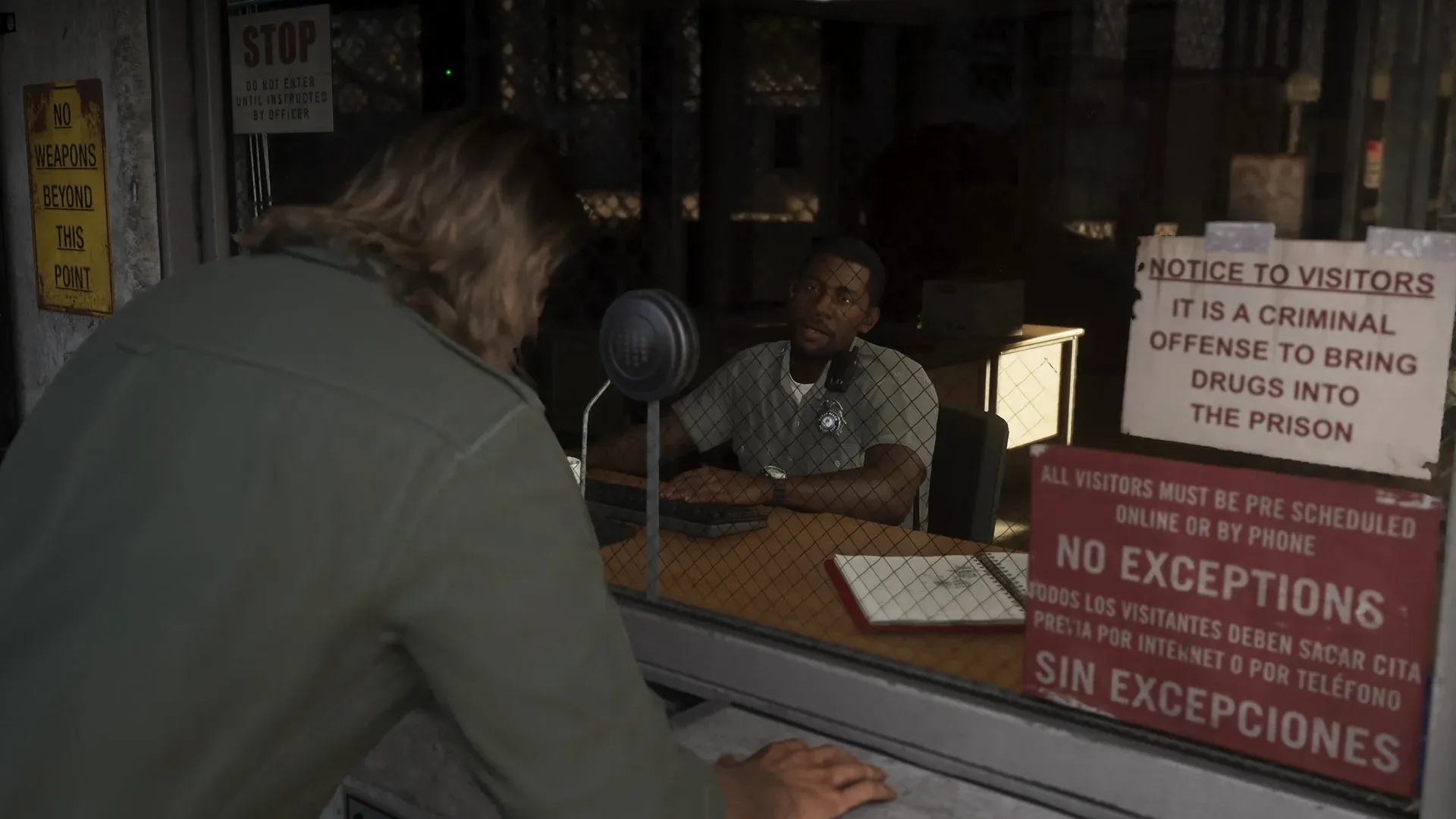
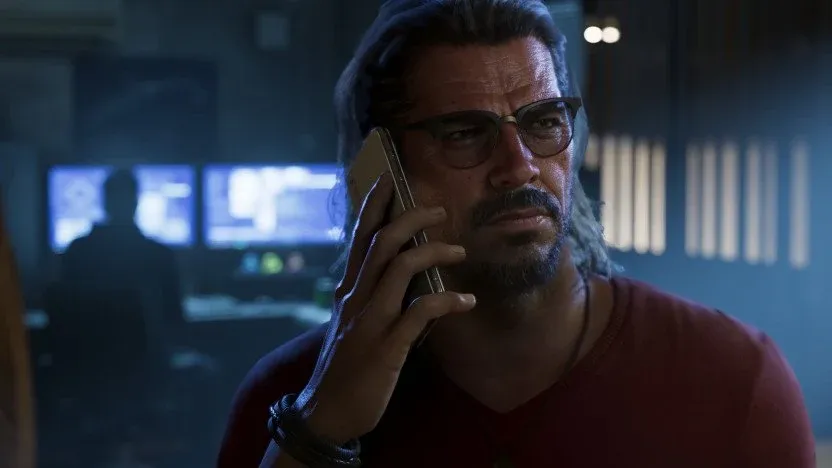
GTA 6 is an open-world crime game where you play as two criminals, Jason and Lucia, across the state of Leonida. Before your first gunfight, set your aim and accessibility options, then build a few habits that keep you alive and out of police trouble: keep both characters fed and rested, store your guns before you quit, check cars for trackers, and bank your cash. The one thing to avoid early on is the Irredeemable criminal rating, because it can't be undone.
| Action | PS5 button |
|---|---|
| Open weapon wheel | Hold L1 |
| Aim | L2 |
| Shoot | R2 |
| Take cover | R1 |
| Melee | Square |
| Interact | Triangle |
| Crouch | Circle |
| Jump and climb | X |
| Run | L3 |
| Look behind | R3 |
| Focus (slow motion) | L3 and R3 together |
| Open phone | Press D-pad up |
| Open WAiNK | Hold D-pad up |
| Swap characters and call backup | Hold D-pad right |
These are the PS5 buttons used throughout the game. Holding L1 opens the weapon wheel, and clicking L3 and R3 together turns on Focus, the slow-motion mode you'll use for aiming and spotting valuables.
Set Your Aim and Accessibility Options Before Your First Gunfight
Gunplay is where most new players get stuck, so sort out these settings before a fight starts. Aim assist is on by default and helps keep your reticle on enemies. If you'd rather aim the way you would in a typical third-person shooter, turn aim assist off and switch on free aim. You can also adjust aim assist strength and the aim acceleration curve until the aim feels right to you.
Accessibility options are worth a look too. Button-mash prompts can be changed to holds, and full assists are available if you need them. The same Gameplay tab has Accessible Combat and Reduced Vehicle Damage, and both are set to Off.
Focus is the aiming tool to learn early. It slows the world down and can find weak spots on enemies, and how Focus slows the action and finds weak spots walks through how to use it.
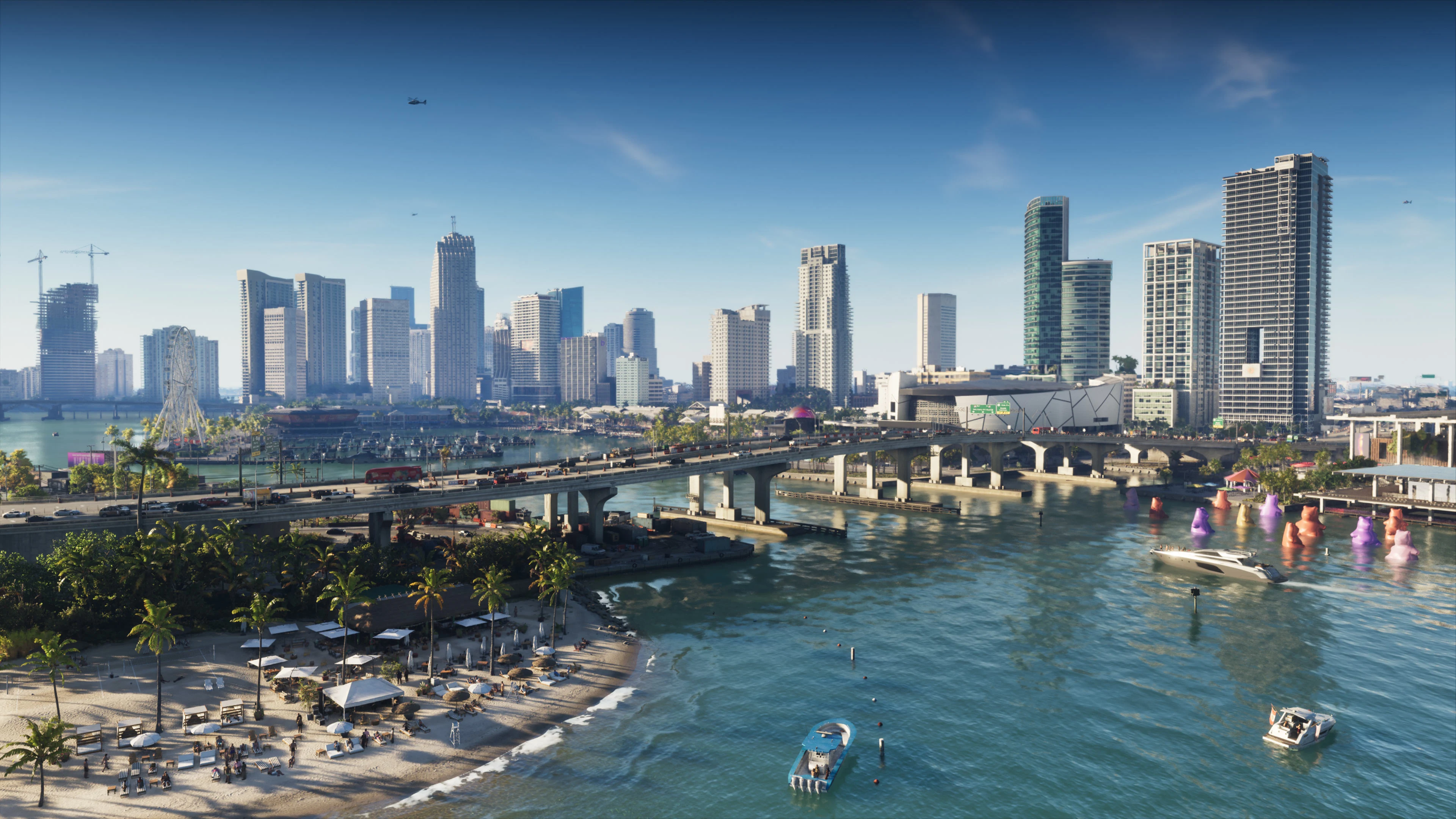
Keep the frame rate in mind as well. The game runs at 30 fps, even on PS5 Pro, and you'll see drops on packed Vice City streets and during large police firefights.
Eat, Train and Sleep to Keep Your Health Up in GTA 6
Jason and Lucia have health, stamina and focus, and they need food and rest to keep all three up. Eating and drinking temporarily raise them, so a meal before a big job is time well spent. Keeping well fed also keeps health high and helps it regenerate, and building muscle extends your health bar.
Working out builds Strength and Stamina. You can lift weights on Jason's deck, go for a run or swim, and each stat has four levels. The phone's fitness app shows where your workout levels stand. Strength also matters in fights: if you're unarmed, pressing melee on an armed enemy lets you try to take their gun, and the higher your Strength, the easier that becomes.
Focus works differently. It comes from meditation and good deeds, not from the gym. Sleep matters too, since your characters need it every few days, and sleeping passes hours in the game.
When you're hurt, open the weapon wheel, press R1 to reach the accessory list, and press Square to heal with a dose of Zombix. Triangle gives you an adrenaline shot that fills your stat bars gold for a short time. Check the on-screen prompt to confirm the buttons.
Stash Your Guns Before You Quit and Keep Long Guns Out of Sight
Guns you grab in the world are lost when you quit the game unless you store them first. Purchased and unique guns are kept in weapons lockers or in your owned vehicles, and you'll need to visit an Ammu-Nation to permanently own a weapon.
Each character can carry two sidearms, two long arms, explosives, one melee weapon and equipment. You can swap these from the weapon lockers in each store or from your car trunk, which covers sidearms, long arms and gear.
Long arms need more care. Every weapon you carry is visible, and police get suspicious when they see one. NPCs do too if you walk into a place with a mask on. Long arms can only be carried openly, so it pays to keep large weapons in your trunk, along with a change of clothes.
How the GTA 6 Wanted Level Works and How to Shake Off Police
Police respond to crimes by searching for the people who committed them. Keep an eye on the stars on your HUD, and on the red outfit and face icons beside them, since those icons show which parts of your look police are picking up. What each HUD icon and meter means is a good next read if the screen feels busy.
Each star widens the search zone. The inner area has police already present or on their way, and the broader zone around it is where you can still be spotted until you leave.
Heat drops when you stay out of the wanted area long enough, and higher stars take longer to clear. These actions bring it down faster:
- Changing your hair and clothes
- Finding a new vehicle
- Taking off your mask
- Putting your guns away
Even after you slip away, the map shows a red layer over the area where police are still looking for people who match your description. Changing your look makes it simple to get through that area.
Loud crimes bring the biggest response. Gunfire and murder bring cops in faster, and helicopters and canine units can search whole regions. Cameras capture your appearance, witnesses describe your clothes or getaway car, and officers share what they know over the radio. Carjacking also brings cops quickly, and drivers can chase you down and ram you off the road after a hit-and-run.
A mask keeps officers from knowing your face, but they can still recognize your clothes. That's why the trunk matters: your owned vehicle's trunk can hold up to five outfits, so you can swap out of a recognizable look with a quick stop. Hats and glasses also make you harder to spot in a car. Once you reach a safe spot, change clothes if you have heat.
Clothing stores sell outfits too, and some listings are tagged as removing outfit heat. A $59 workwear set is one example. Public transit can help you get out, since buses and trains run on set schedules. Walking to a bus stop with a hat and glasses on can get you quietly out of a search zone.
Check Cars With WAiNK and Watch for Trackers
WAiNK is the phone app for scanning cars and landmarks, and you open it by holding up on the D-pad. Scanning a car shows its sale value, its registration fee, and whether it has a tracker or keyless entry. That's the information you need to pick a car worth taking.
Early in the story, stealing a car means a loud smash and grab with the alarm going, and you can't break into properties without setting off security. Later, parked cars don't need a smashed window, but some require keyless entry, which you unlock through a story app. Fancier cars need a key cloner mini-game and can't be hotwired, so for a large part of the game you'll be driving cheaper cars.
Pricier cars can carry trackers that let police find you. Standard trackers need a specific shop to register, and advanced trackers can alert police if you don't get the car there fast enough. Keep your speed up on the way, and register or sell the car quickly.
Once a car is registered to you, you can call it to you with the Scooter Bros app. Registration costs more for pricier cars. Pay 'N' Spray shops can also register stolen vehicles in your name once the story has progressed far enough.
Use Navigation Settings, Auto-Drive and RydeMe to Get Around
The navigation settings have the GPS route, door markers and interaction markers switched on, along with a dynamic minimap and the compass turned off. The markers help you find doors and interaction points without guessing. The map is also full of street and highway signs that can point you toward a destination without the GPS, so it's worth watching them.
Auto-drive works well once you've set a navigation point. Hold down on the D-pad to start it in your own vehicle, then press Menu to switch on the cinematic camera if you want to sit back and watch. It's less reliable in planes and on water.
The game's Uber-style app, RydeMe, and the taxi system both drive you to a destination automatically. An extra $100 turns the ride into an instant fast travel. If you rely on it for long trips, the full fast travel breakdown is worth a look.
Bank Your Cash Instead of Carrying It Around
BuckMe is the savings app, and it's where your money goes because both characters have bad credit and can't open a checking account at first. Hit its target each time you save and you get a reward, paid as bonus money. Banking opens up after the BuckMe mission in Chapter 1.
Don't carry large sums. If you die during free roam or a mission, you can lose a huge amount of money. Put cash in the floor stash at your safe house or deposit it at a bank instead.
The map is full of ATMs you can deposit into. Yanking one out of the wall with a tow-capable vehicle is a free way to withdraw, but it brings the wanted system into play. If you're short on cash early on, these early cash methods are a good place to start.
Keep Your Criminal Profile Clean and Your Partner Close
Your criminal profile tracks how you handle jobs and changes how people and police react to you. There are five: Professional, Hardened, Violent, Psycho and Irredeemable. Doing jobs cleanly keeps you Professional, using force earns Hardened, and attacking police and bystanders earns Violent. Murdering civilians can push you to Psycho, and Irredeemable is the one rating you can't undo.
Violence pushes your profile toward the worse end, while knocking enemies out and taking a stealthy approach keep you Professional. Your bond with your partner matters too. Robbing stores, working out, texting each other and going out to eat help it grow, but abandoning your partner when you flee police weakens it.
Your partner is useful in a fight as well. Hold right on the D-pad to switch between Jason and Lucia, or to call in backup. You can also hand stash bags to your partner to sell to a fence, or pass them your weapon when a firefight turns against you. Your partner can distract the law, and their kills don't count toward your morals. Outside missions that lock you to one character, you can switch whenever you like, and how switching between Jason and Lucia works covers the details.