

Anubis is a close-range sword Stand in [D4C] A Bizarre Run, the Roblox game that mixes a horse race with fights against other players. It comes from a Stand Arrow, and the result is random, so it's never a sure thing. Once you have it, open with its fast sword cuts, save its counter for an attack you can clearly see coming, and plan around Afterimages' cooldown.
| Skill | What it does | Key detail |
|---|---|---|
| Low Slash | A fast cut that can start a combo | Deals 6 damage |
| Crescent Slash | A backward leap followed by a quick dashing slice | Backward movement comes first |
| Anubis Counter | Answers an incoming attack with consecutive slashes | 0.6-second activation window |
| Afterimages | Moves rapidly and slashes enemies along its path | 20-second cooldown |
How to Get Anubis in A Bizarre Run With a Stand Arrow
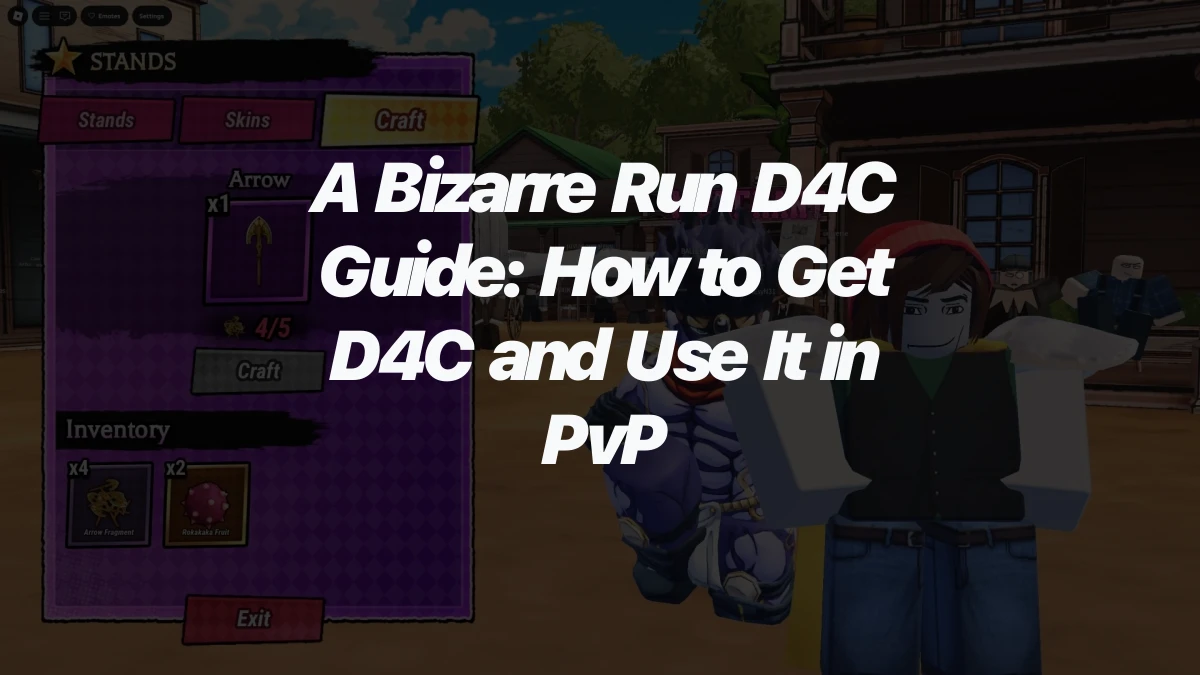
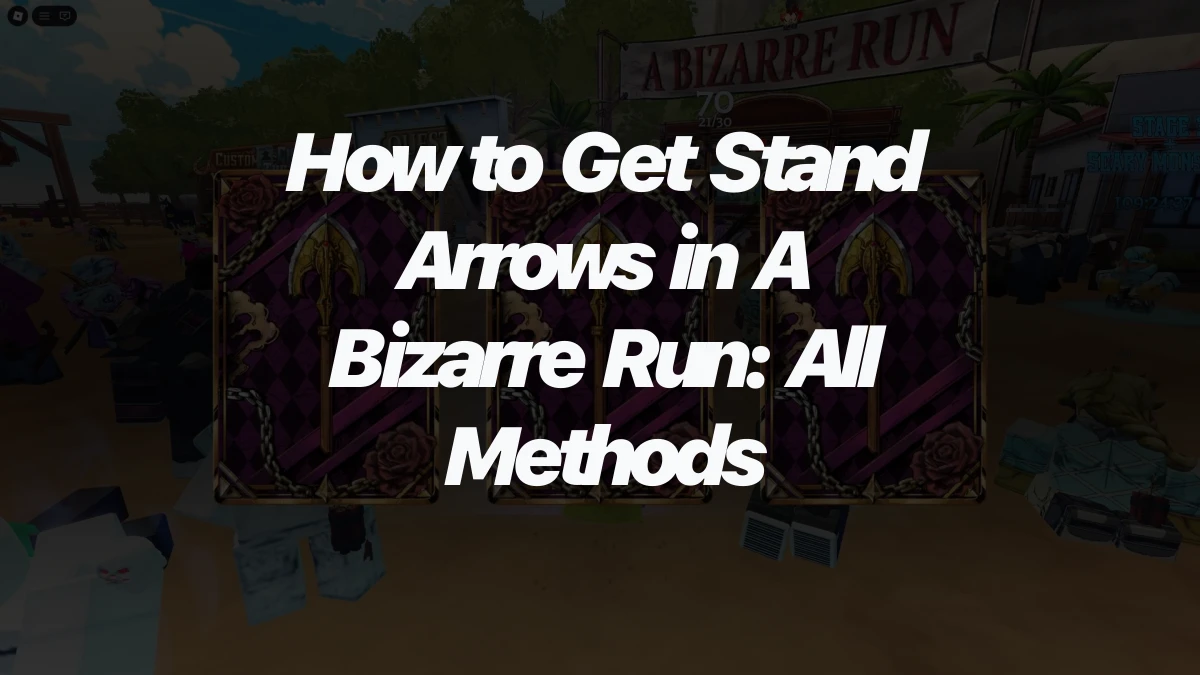
You'll need a Stand Arrow before you can try for Anubis. Five Stand Arrow Fragments also craft a single Arrow from the Stands menu, so collecting fragments is a steady way to build up tries.
When you use an Arrow, select an empty Stand slot first. The result goes into that slot, so the Stand you already have stays where it is. Anubis isn't guaranteed, and no drop rate has been confirmed, so treat each Arrow as a try rather than a sure thing.
Building Combos With Low Slash and Crescent Slash
Anubis is built for close-range fights and is easy to pick up, so its combos are a good place to start. On PC, a basic opening looks like this:
- Press B to pull Anubis out.
- Open with Low Slash.
- Follow up with basic attacks to keep the combo going.
Low Slash pushes the target back without ragdolling them. That push puts a little distance between you and your opponent, which gives you room to line up the next hit.
Crescent Slash is the move to plan around. Its leap sends you backward before the dashing slice, so check the space behind you before you commit to it.
Timing Anubis Counter Against Incoming Attacks
Anubis Counter answers an incoming attack with consecutive slashes, so it works as a reply rather than an opener. Its activation window is 0.6 seconds. That 0.6-second number is the window in which the counter activates, not a cooldown, so the timing is what you need to get right.
The counter also locks you in place while it's active, so don't use it on a guess. Wait for an attack you can clearly see coming, then activate the counter close to that hit.
Using Afterimages Without Giving Away Your Opening
Afterimages moves rapidly and slashes enemies along its path, so the movement is the attack. The cooldown is long enough that a poorly timed use can cost you a good stretch of the fight. Opponents can block it from any direction, which means even a well-aimed Afterimage can be stopped.
Pick your opening before you commit, and use the move when its path and timing are in your favor.