

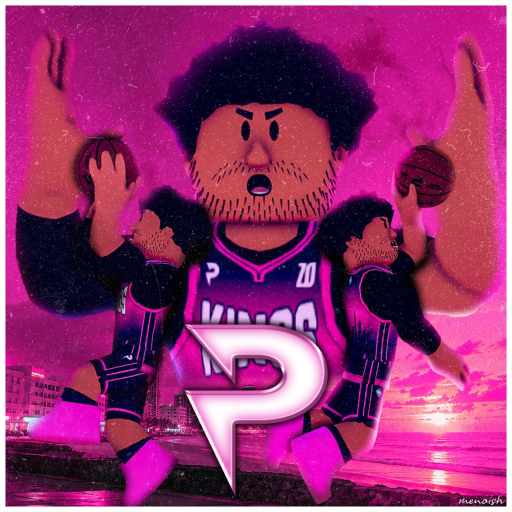
You shape a My Player build first in Practical Basketball: height, attributes, badges, a takeover, and the animations you want to feel. Then you hit the court. Create space with hand-dependent dribbles, time your jumper release, finish at the rim when the lane is clean, and pass to a numbered teammate before help defense closes the party early.
Makes are earned. Perfect Release rewards a repeatable shot, contests punish rushed greens, and good spacing stops your team from stacking in the paint like a traffic jam. Practical Basketball is still in Stress Test 3, so systems can move, but the loop stays the same: read the defense, take the right shot, and protect the next possession.
- Creator
- Practical's Games
- Game Created
- April 12, 2025
- Last Updated On
- November 4, 2026
- Age Requirement
- All Ages
- Genre
- Sports & Racing
- Subgenre
- Sports
- Supported Devices
- DesktopMobileTabletConsoleVR
Checked and verified on November 5, 2026
100KLIKESYou get 5,000 Coins, 25 Tickets, 5 Games of double Reputation, and Basketballs Banner
500KMEMBERSYou get 5,000 Coins, 25 Tickets, 5 Games of Double Badge EXP, and Scheme Banner
SORRYFORBUGSYou get 10,000 Coins
Showing the latest 3 of 5 active codes. View all Practical Basketball codes
Game data
Badges:
Badges are the My Player perks that push a build toward a role: finishing at the rim, shooting, creating for teammates, or defending and rebounding. You pick them around your attributes and position, so a small guard, wing, and center should not copy the same setup. Practical Basketball is still in Stress Test 3, so badge names and requirements can move, but the categories are the main way to think about builds.
Takeovers:
Takeovers are build-creation boosts that push your player toward a clear role. A guard can lean into shooting, self-created offense, or team support, while wings and bigs can choose rim pressure, paint scoring, rebounding, or utility. Pick the takeover that strengthens what your build already does most often, because forcing the wrong role is how possessions get weird fast.
Practical Basketball Controls
| Action | Desktop | Console |
|---|---|---|
| Shoot | Hold E | Hold Xbox X / PlayStation Square |
| Pump fake | Tap E | Tap Xbox X / PlayStation Square |
| Layup | Hold E while driving | Run to rim + Hold Xbox X / PlayStation Square |
| Driving dunk | Shift + Spacebar | RT/R2 + Xbox Y / PlayStation Triangle |
| Standing dunk | Hold Spacebar | Hold Xbox Y / PlayStation Triangle |
| Pass to teammate | 1 / 2 / 3 / 4 | Hold RB/R1 + Teammate Icon |
| Bounce pass | Double-tap 1 / 2 / 3 / 4 | Hold RB/R1 + Double Tap Teammate Icon |
| Chest pass | Shift + 1 / 2 / 3 / 4 | Hold RB/R1 + RT/R2 + Teammate Icon |
| Self alley-oop / self lob | F | Hold LB/L1 + Press RS/R3 |
| Post up | Hold G | Hold LT/L2 |
| Sprint | Shift | No control shown |
| Stepback | X | D-Pad Down |
Practical Basketball Gameplay Tips
- Learn open stationary shots before forcing moving contested ones. Use Perfect Release and contest feedback to lock in a release you can repeat.
- Keep dribble chains short. One direction change into a drive, stop, or pass usually beats a long combo that gifts the defender the ball.
- Match badges and takeovers to the job you actually play: shooting, slashing, playmaking, or paint work. Stacking every flashy option makes the build harder to trust.
- Confirm controls in the in-game overlay or community server before a session. Practical Basketball is in Stress Test 3, so binds can change between builds.
Practical Basketball Events
Recent updates, live events, and completed event history for Practical Basketball.
Official Release
Live nowStarts (PT): Oct 30, 2026, 3:00 PM.Ends (PT): Nov 7, 2026, 9:26 AM
🏀 Stress Test #3
CompletedStarts (PT): Jul 29, 2026, 12:00 PM.Ends (PT): Aug 12, 2026, 12:00 PM
More From This Developer
Other Roblox experiences from Practical's Games on Bloxodes.