

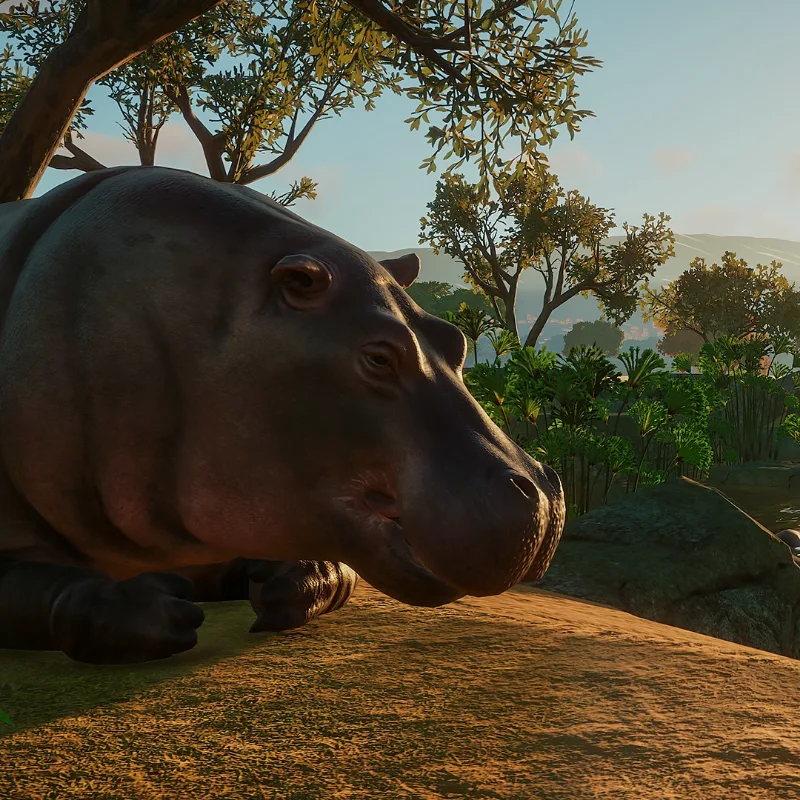
Planet Zoo is the original 2019 zoo building and management game from Frontier Developments, the studio behind Planet Coaster, and it is a separate game from its sequel, Planet Zoo 2. You shape the land, build habitats, and fill them with animals. Each animal needs more than a fence, so you add the water, shelter, plants, and toys it needs to feel at home. When an animal is struggling, the cause is often the temperature, the trees, or the enrichment toys, so you adjust the habitat until it settles.
Staff handle much of the daily work, so you are not feeding and repairing everything yourself. Keepers feed and clean the habitats, vets treat sick or injured animals, and mechanics repair walls and equipment. All of this care connects to animal welfare, which is how well an animal's food, company, living space, and enrichment are being met. Animals with good welfare stay healthier, live longer, and draw more visitors and donations, and visitors bring in the income that keeps your zoo running.
More visitors come when your zoo has appeal, which depends on the animals you keep, how much guests learn during their visit, and your zoo's reputation. Over time, you can also work on conservation, since displaying and releasing endangered animals, adding information signs, and hosting educational talks all raise your conservation rating. Career mode walks you through Bronze, Silver, and Gold objectives, Challenge mode starts you from an empty plot with a limited budget, Sandbox lets you build freely, and Franchise mode runs several zoos online that share animals and an economy. Free updates, including yearly anniversary updates, have added animals over the years, and paid DLC packs add more species.
- Developer
- Frontier Developments
- Publisher
- Frontier Developments
- Release
- Planet Zoo (PC): 2019-11-05 · Planet Zoo: Console Edition: 2024-03-26
- Platforms
- Windows, PlayStation 5, Xbox Series X|S
Game data
Animals
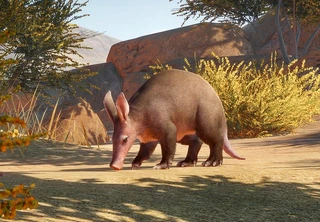
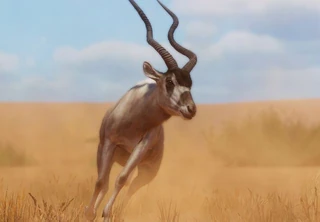
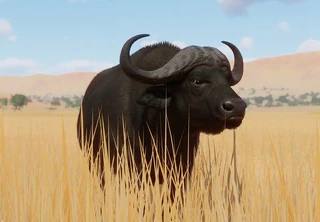
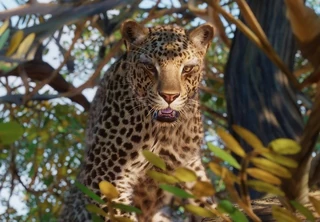
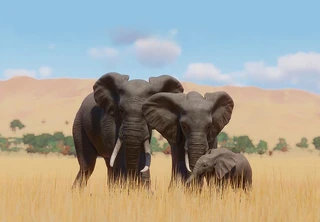
Planet Zoo's animals cover mammals, birds, reptiles, marsupials, amphibians, insects and arachnids, from big roaming species in habitats to smaller animals in exhibits. Each one has its own needs for space, temperature, food and company, and its welfare decides how healthy it stays and how much it draws guests and donations. Animals can be adopted through the Trade Centre, bred for young, or released into the wild for conservation credits.

DLC Packs
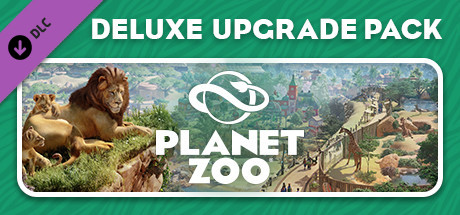
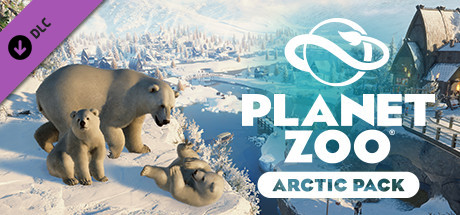
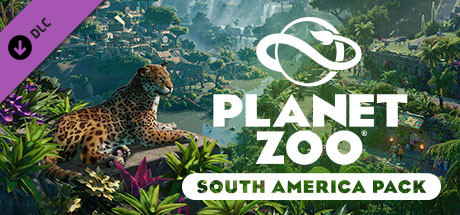
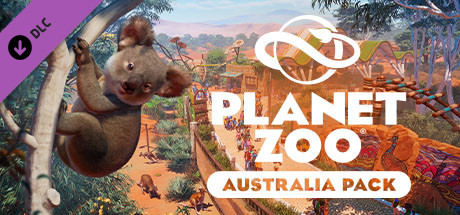
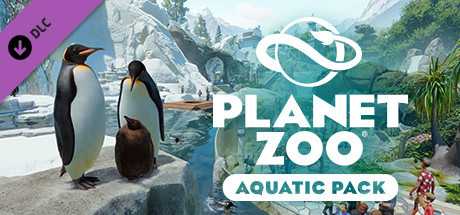
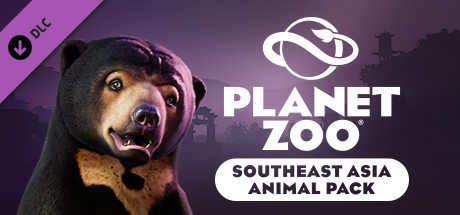
Planet Zoo's DLC packs are optional add-ons that bring new animals, scenery and scenarios, and they often launch alongside free updates that add features for everyone. Each pack requires the base game. On PC, packs are sold one at a time on Steam, while on PS5 and Xbox Series X|S they're sold through the console stores, and some packs are only available in bundles.
Planet Zoo gameplay tips
- Put a vet on research for a species, then read its Zoopedia entry before you build. Research fills in the entry, and the entry lists the animal's requirements and social preferences. Designing around that list is much easier than rebuilding a habitat after the animals arrive.
- Match the group size to what the animal prefers, and leave room for it. Each animal has a preferred number of its own kind to live with, and bigger groups need more space on land, in water, and for climbing. Social life is one of the core needs behind animal welfare, so getting the group right helps keep the animals healthy.
- Give shy animals cover from the path. Shy species need hiding spots that block guests' view, while bolder animals handle bigger crowds. Being watched all day can stress an animal that would rather stay out of sight, so cover keeps it calmer.
- Place a keeper hut close to each habitat. Keepers need a keeper hut to do their feeding, and the farther they have to walk from it, the slower each habitat gets looked after.
- Browse the Steam Workshop for habitat designs before you start from scratch. On PC, players share habitats, scenery, and whole zoos for free, so you can copy a layout that already works. Building and pathing are the hardest parts for many new players, so this saves a lot of trial and error.