

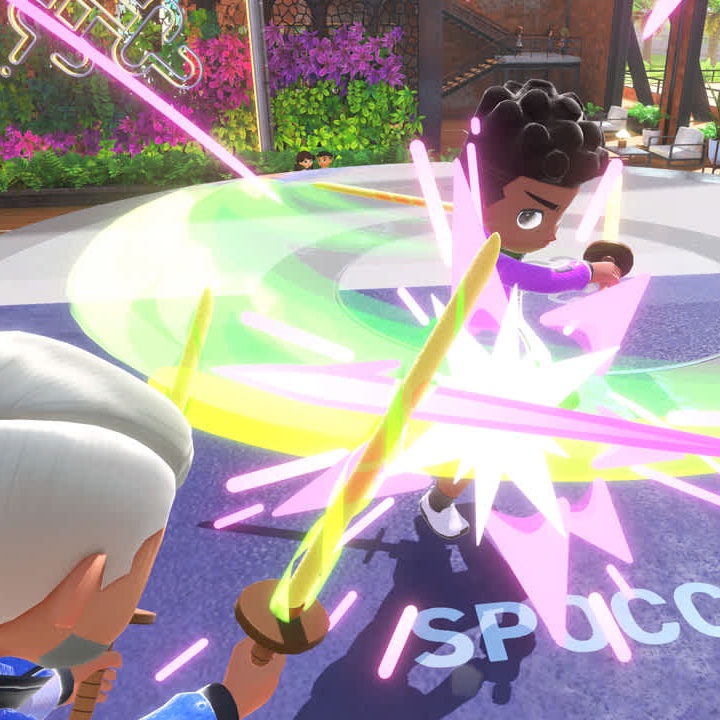
In Nintendo Switch Sports, a sports game for the Nintendo Switch that came out on April 29, 2022, you play by moving the Joy-Con controllers in your hands. Your swings, twists, and kicks turn into the moves on screen, so you learn each sport by doing it. That makes it easy to pick up, even if you have never played a sports game before.
Each session starts on the sport selection screen, where you can choose from eight sports: tennis, volleyball, badminton, bowling, soccer, chambara (sword fighting), golf, and basketball. Golf and basketball came later as free updates. After you pick a sport, choose how to play: Play Locally with people in the same room, Play with Friends for online matches with people you know, or Play Globally for online matches against random players. Online play needs a Nintendo Switch Online membership.
Every online match earns points whether you win or lose, and every 100 points lets you redeem one random item, such as an outfit, racket, or face paint, from a themed collection you pick. Each sport also has its own Pro League, which opens through online play and matches you with players of similar skill as your rank climbs. Ranks run from E up to A, and later updates added S and ∞ above them. Both goals come from the same matches, so every game you play moves you forward.
- Developer
- Nintendo
- Publisher
- Nintendo
- Release
- Worldwide: 2022-04-29
- Platforms
- Nintendo Switch, Nintendo Switch 2 (backward compatibility)
Game data
Sports
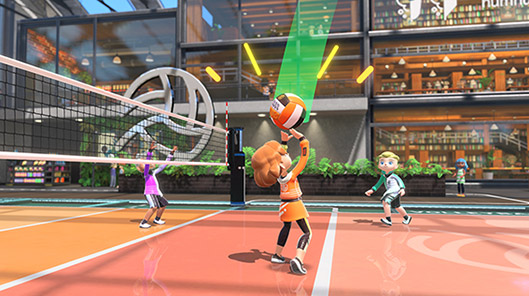
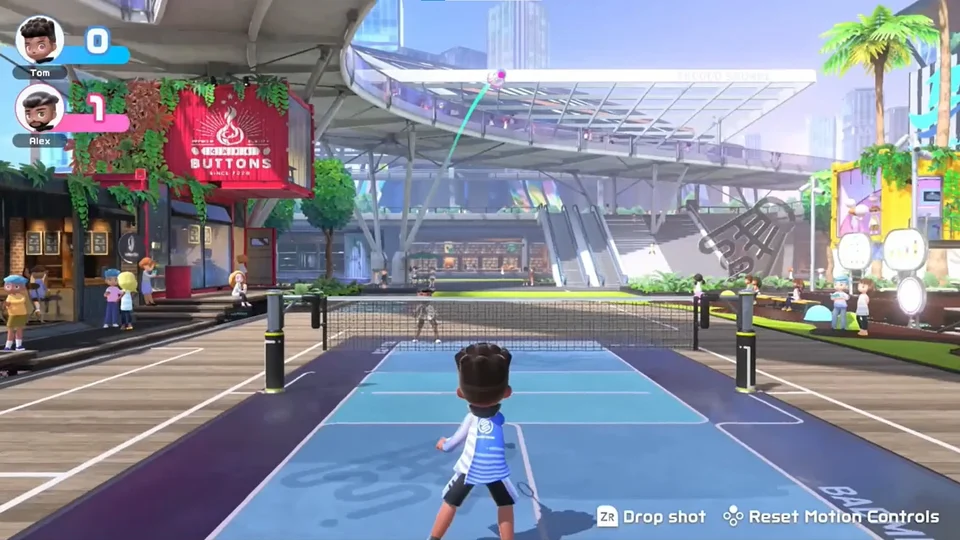
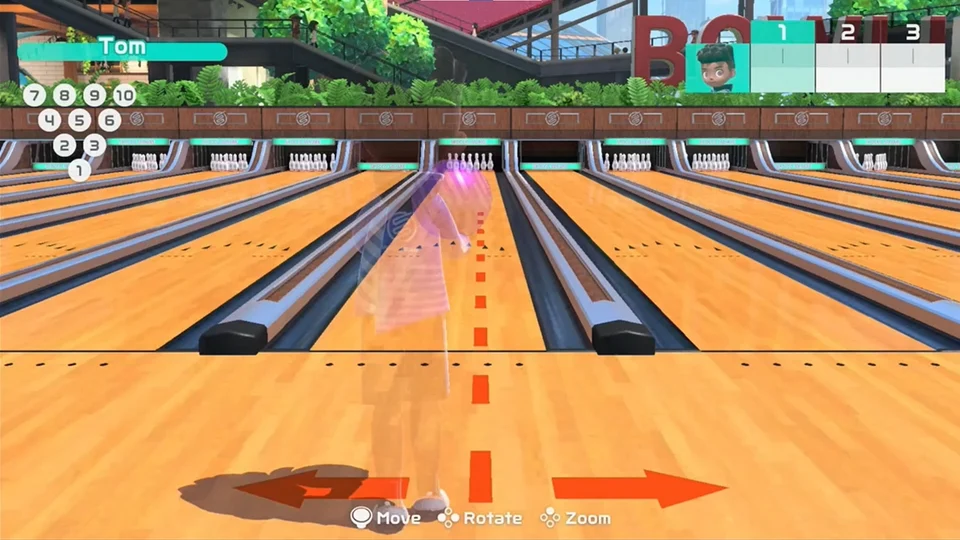
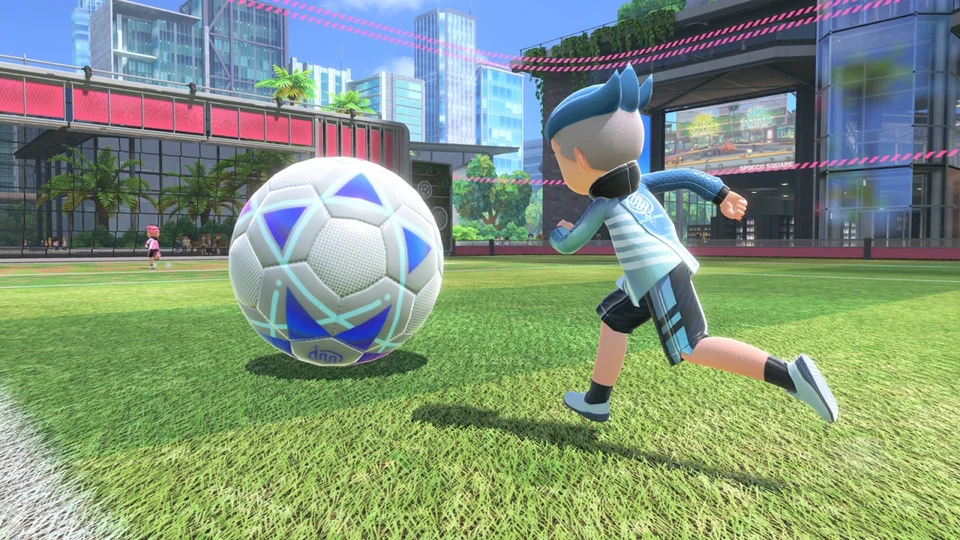
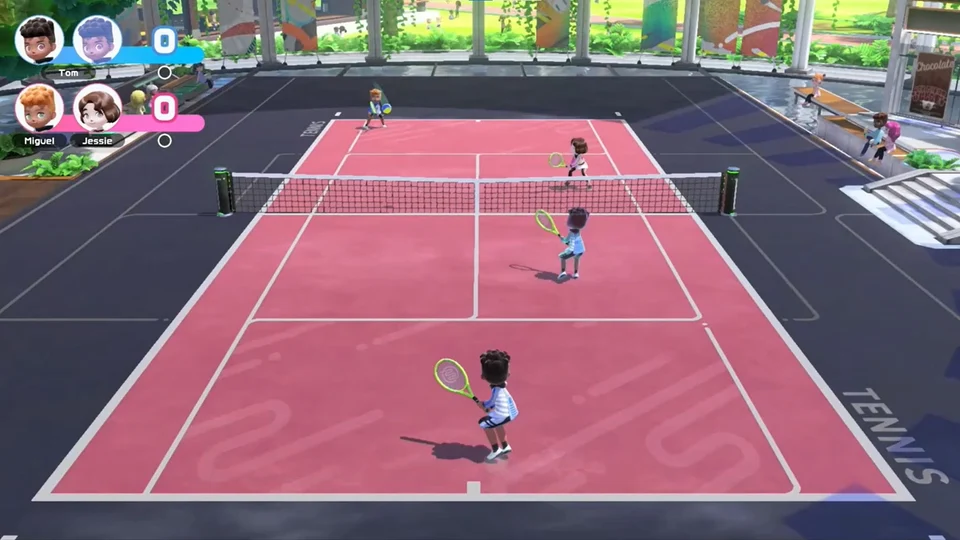
Nintendo Switch Sports (2022) is played by moving the Joy-Con, so your swings, rolls, and sword strikes control the action. Badminton, bowling, chambara, soccer, tennis, and volleyball came with the game, and Golf and Basketball, added later in free updates, joined them. Each sport has its own online Pro League ranking, including golf and basketball.
Collectibles
Special Items
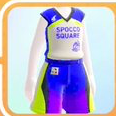
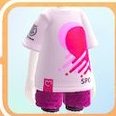
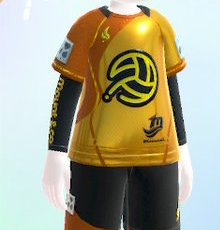
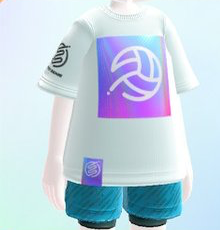
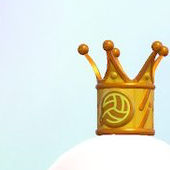
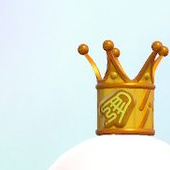
Special items in Nintendo Switch Sports (2022) are hidden rewards that unlock through specific in-game actions, not the points shop. They include Rookie outfits, Golden outfits, Crowns, the Friendly Look pair and the Basketball set. Every sport has its own Rookie outfit, Golden outfit and Crown, including Basketball, and each item follows its own unlock rule.
Switch Sports Controls
| Action | Console |
|---|---|
| Tennis: hit the ball | Swing one Joy-Con like a racket; twist it to add top-spin or back-spin |
| Badminton: Drop Shot | Hold ZR while swinging one Joy-Con |
| Bowling: throw and hook | Swing one Joy-Con to throw; twist your wrist during the swing to hook the ball |
| Volleyball: Slide Attack | Move the stick left or right right after a bump |
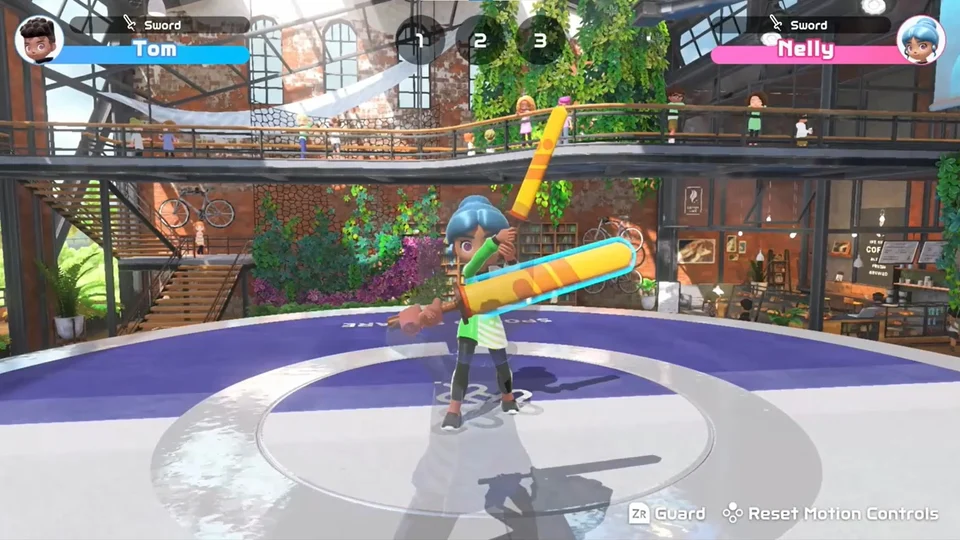
| Chambara: attack and guard | Hold one Joy-Con with both hands; swing to attack and angle it to guard (Twin Swords uses two Joy-Con) |
| Golf: take a stance and swing | Press X to take a stance, then swing the Joy-Con like a club; stop without following through to add backspin |
| Basketball: steal while defending | Swing the Joy-Con sideways |
| Soccer: switch to Leg-Strap Mode | Press X on the Play Globally sport-selection screen, or + on the Joy-Con instruction screen in Play Locally or Play with Friends |
Switch Sports gameplay tips
- Block first in Chambara. Cross swords with your opponent to guard before you go for an attack. Deflecting attacks calmly pays off, because a successful guard briefly stuns your opponent and gives you a chance to counter. You win by pushing your opponent off the raised platform, and the first player to win two of three flags takes the match.
- Practice against the CPU in Play Locally first. Play Locally has computer opponents, so you can learn how the game reads your swings before you face real people online.
- Twist your wrist over the ball in tennis. This adds topspin. The ball travels far, so topspin works well when your opponent is standing near the net.
- Jump just before your teammate gets the ball in volleyball. Meeting the ball in the air lets you hit a quick spike, and a quick spike gives the other side less time to react.
- Face the left Joy-Con forward when you use the Leg Strap. Attach the strap to the middle of your thigh, then attach the left Joy-Con so it faces forward. A Joy-Con that isn't facing forward may not register kicks well.