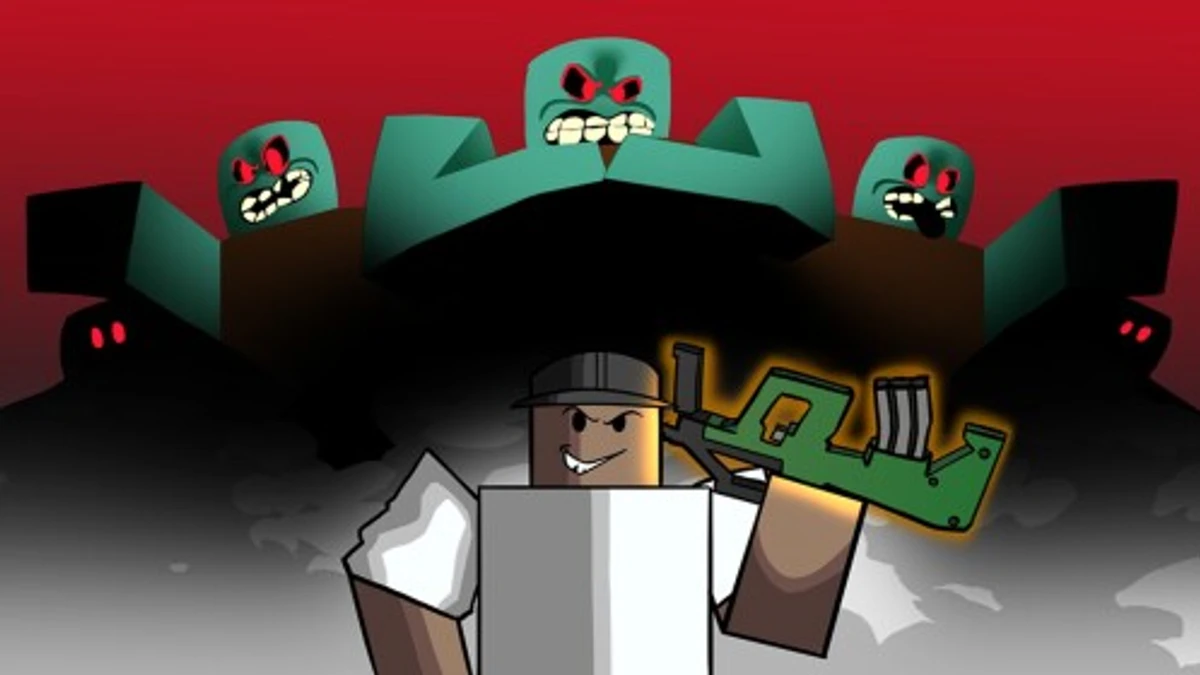
The Mimic is a horror game on Roblox, inspired by Japanese folklore and urban legends. In the story, the Mimic is an entity that lurks at your school and can possess and control anyone it chooses. Once you discover that you are immune to its curses, you have to explore its realm and uncover its secrets.
On top of that, The Mimic codes can give you free Spirits and some Revive Credits, and Spirits can be spent on emotes. Below, you will find how to redeem them, what rewards to expect, and how to fix a code that will not work.
Checked and verified on November 18, 2026 (Today)
HAPPYHALLOWEENYou get 500 Spirits
How to Redeem The Mimic Codes
Redeeming codes has no level, group membership, or game mode requirement, so you can go straight to the steps below.
- Start the game by clicking Launch The Mimic.
- Walk to the glowing green circle labeled CODES in the lobby.
- Press E and type your code into the text box.
- Click ENTER to claim your rewards.
Since they share a similar genre, you may also like the Baby Evil codes and the GREED codes.
These codes are expired and no longer work.
Why Codes Might Not Work
A code can fail for a few common reasons. A typo can stop it from working, so copy and paste codes instead of typing them. An expired code will not work, and a code you have already claimed will not work again.
This game has two extra things to check:
- Codes are case sensitive, so capital letters must match exactly.
- If a code does not give you its rewards, switch to a newer server and try again.
What Rewards You Normally Get?
Codes in this game give two reward types. Here is what each one gives you.
| Reward | What You Get |
|---|---|
| Spirits | Most codes give Spirits. You can spend Spirits on emotes. |
| Revive Credits | Many codes add Revive Credits. A code can also give only Revive Credits, with no Spirits. |
Where to Find The Mimic Codes
The Mimic is made by the developer CTStudio. The best way to track codes is by joining the official The Mimic Discord server, since codes can be released at any moment. You can also join the CTStudio Roblox community to see updates and news announcements. The developer's socials are below.
We keep track of these sources and update this page as soon as new codes drop. Bookmark this page or follow our channels to get the codes right away.