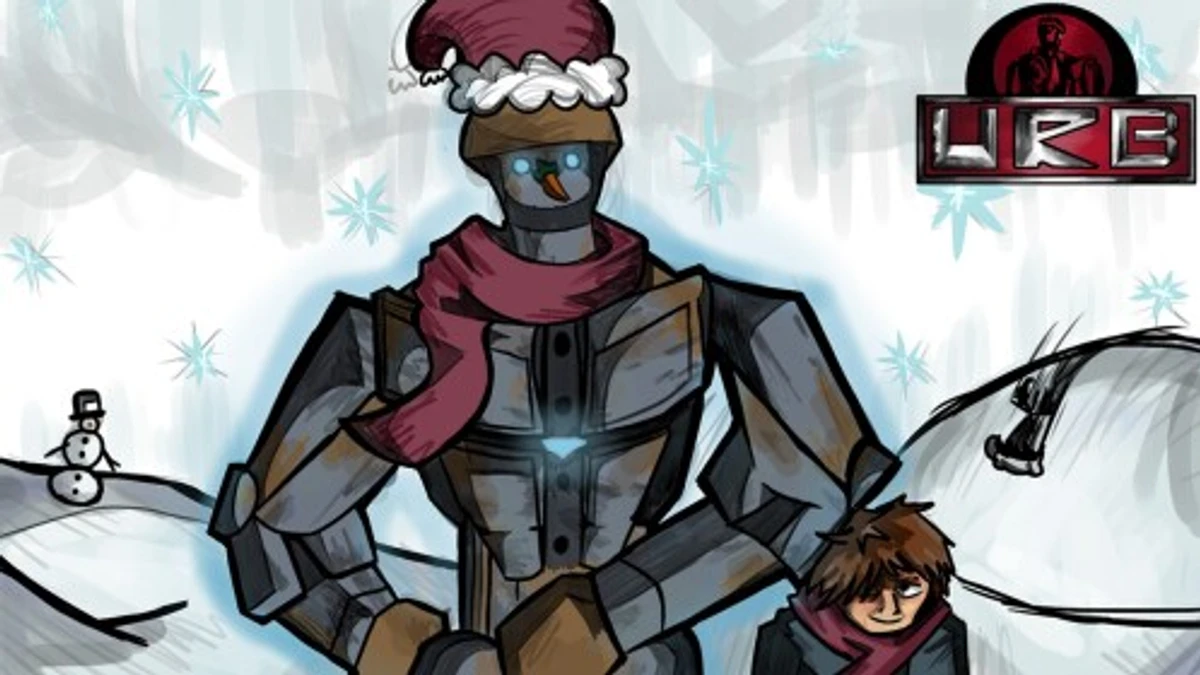

Roburbia is a peaceful life sim set in a quiet little town, made by Lúmen Studio. You raise a family, help babies learn to walk and talk, cook recipes and customize your look with accessories and car seats. The game has a Codes button in its phone, so you can enter codes right inside the game. Here is how to redeem Roburbia codes and what to try when one fails.
Checked and verified on November 15, 2026
No active codes right now
We have not confirmed any working codes at the moment. Check back soon for the next drop.
How to Redeem Roburbia Codes
Codes go in through the in-game phone, and it only takes a few clicks.
- Start the game by clicking Launch Roburbia.
- Click the phone in the bottom-right corner.
- Click the Codes button.
- Click the ENTER CODE box and type in your code.
- Click Redeem.
If you enjoy everyday life sims, the genre is similar for Avataria Life codes and City Life codes.
Why Codes Might Not Work
Codes often fail because of a typo, wrong capitals or extra spaces. Enter the code exactly as shown and retype it carefully. If it still fails, the code is likely no longer valid.
What Rewards You Normally Get?
Each Roburbia code comes with its own reward, shown next to the code.
Where to Find New Roburbia Codes
Lúmen Studio is the developer behind Roburbia, and its official Roblox community shares updates and sneak peeks. Check it for news from the team.
We keep track of these sources and update this page as soon as new codes drop. Bookmark this page or follow our channels to get the codes right away.