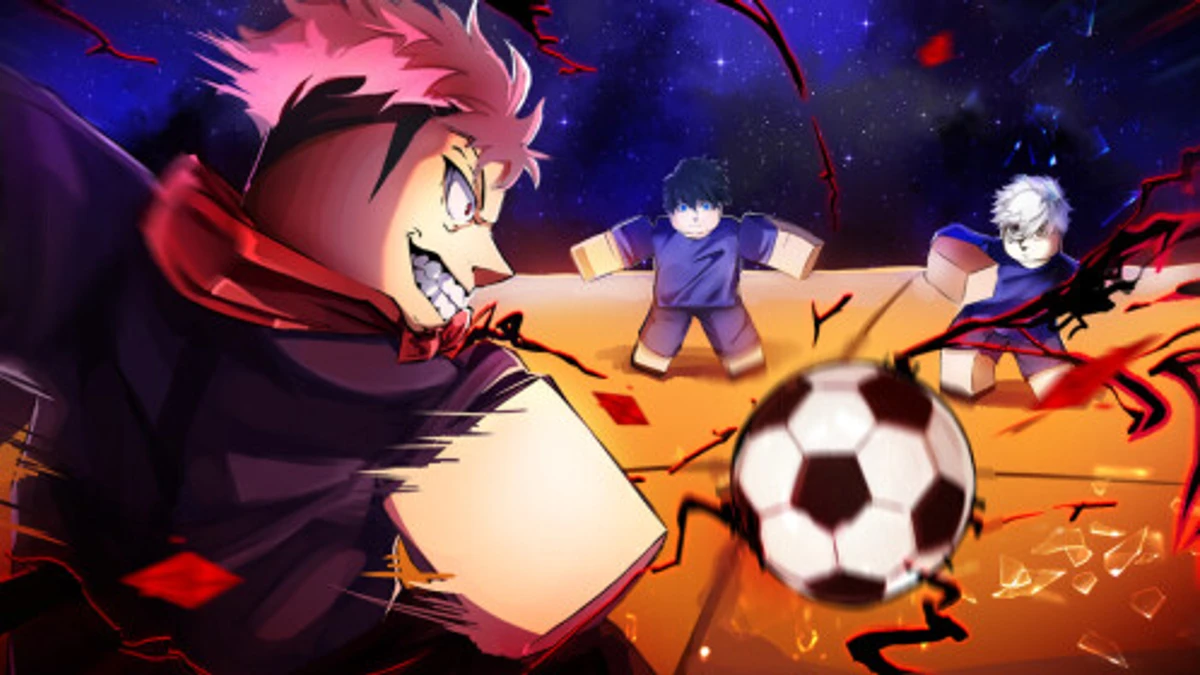
Mini Cup lets you build your own football team by opening packs to get players, training buildings, and new skills. Using Mini Cup codes gives you free packs, which means more footballers to grow and earn money from. Getting these codes helps you speed up your team’s progress without spending Robux, making pack openings more rewarding and fun.
Checked and verified on October 30, 2026 (Today)
THX1MILYou get 1 Gold Pack, 2 Diamond Packs, and 1 Galactic Pack
RELEASEYou get 5 Wood Pack and 2 Stone Pack
UPDATE1You get 2 Gold Pack and 1 Diamond Pack
How to Redeem Mini Cup Codes
There are no special requirements to redeem codes in Mini Cup. Just follow these simple steps.
- Launch Mini Cup on Roblox.
- Click on the Settings option on the right side of the screen.
- Type a working code into the ‘Enter Codes Here…’ box.
- Click Redeem to claim your rewards immediately.
For more simulation fun, check out genre-similar Be The Final Boss codes and My Squishy Box Store codes.
Why Codes Might Not Work
If a Mini Cup code doesn’t work, try restarting your Roblox client first. Sometimes bugs block code entry. Also, check the spelling carefully and copy-paste the code to avoid mistakes. If the code still fails, it may have expired since Mini Cup codes don’t last forever.
What Rewards You Normally Get?
Redeeming codes in Mini Cup mainly gives you free packs that contain footballers and resources to improve your team. Here are the typical rewards:
| Reward Type | Description |
|---|---|
| Wood Pack | Contains basic footballers and materials for early game progress. |
| Stone Pack | Offers better footballers and resources than Wood Packs. |
| Gold Pack | Includes higher-tier footballers to strengthen your team. |
| Diamond Pack | Provides top-level footballers and rare items to boost your squad. |
These packs are essential because better footballers earn you more money, which helps you build training buildings and research skills faster.
Where to Find New Mini Cup Codes
Mini Cup codes are usually released during game updates and special events. The developer shares new codes on the official Mini Cup Discord server, especially in the #announcements channel. Checking the developer’s socials listed below also helps you catch fresh codes quickly.
We keep track of these sources and update this page as soon as new codes drop. Bookmark this page or follow our channels to get the codes right away.