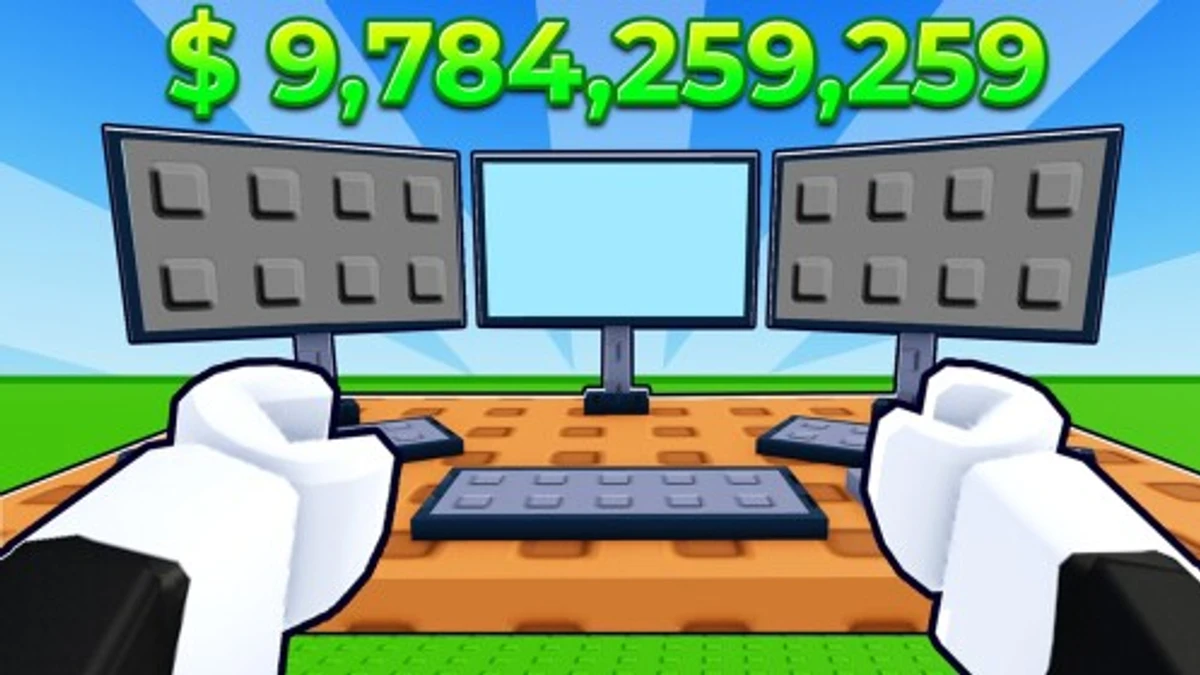
Color Hide and Seek adds a colorful twist to classic hide and seek. You either hide by matching your color to blocks or seek out all the hiders. Codes in the game give you coins and sometimes pets, helping you unlock cool extras. Knowing how and when to use these codes can give you an edge or just some fun rewards while you play.
Checked and verified on October 10, 2026 (Today)
like75kThis code gives you 3,000 Coins.
like70kThis code gives you 3,000 Coins.
hide2023This code gives you 300 Coins.
How to Redeem Color Hide and Seek Codes
You can only redeem codes in the main lobby before starting a game. Make sure to type the codes exactly as shown because they are case sensitive.
- Launch Color Hide and Seek.
- Walk up to the Gift box in the main lobby.
- Click the box to open the code input.
- Type your code carefully.
- Press enter to claim your reward.
Try some fun alternatives with Color Block But Lava codes and Color Block codes, or enjoy other party-style games like Bloxy Bingo codes and Beast Games codes.
These codes are expired and no longer work.
Why Codes Might Not Work
Codes may fail if they are expired or not active yet. Always check the exact spelling since codes are case sensitive. Redeem codes only in the main lobby before a match starts. If a code doesn’t work, it’s likely expired or typed incorrectly.
What Rewards You Normally Get?
Codes in Color Hide and Seek mainly give coins and sometimes pets. These rewards help you get powerups and customize your play.
| Reward Type | Description |
|---|---|
| Coins | Currency used to buy powerups and other in-game items. Codes can give from 300 up to 3,000 coins. |
| Pets | Special companions like the Rubik pet that come with some codes, adding a fun collectible element. |
Where to Find New Color Hide and Seek Codes
New codes usually drop through the developer’s Roblox page and official Discord server, especially in the #codes channel. The developer updates codes around milestones like player count or events. For the latest updates, check the developer’s socials listed below.
We keep track of these sources and update this page as soon as new codes drop. Bookmark this page or follow our channels to get the codes right away.