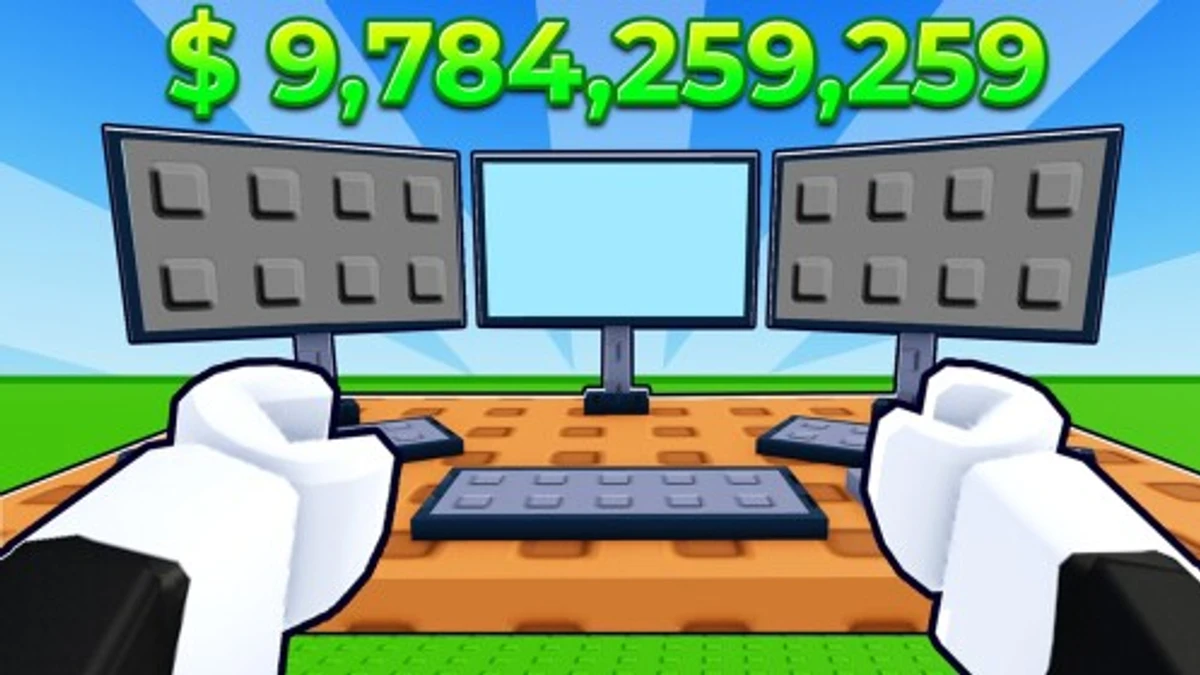
If you enjoy steady progress in Roblox, +1 Food Every Second codes can give you helpful boosts. These codes add extra food automatically, making it easier to grow your resources without constant clicking. Knowing how to use these codes well can save you time and help you reach higher levels faster.
Checked and verified on October 10, 2026 (Today)
REBIRTHThis code gives you 1 Medusa Pet and 6 Eggs.
1KLIKEThis code gives you 1 Medusa Pet and 6 Eggs.
RELEASEThis code gives you 2 Eggs.
5KLIKEThis code gives you 1 Taxi Racer and 6 Eggs.
WORLDSThis code gives you 1 Taxi Racer and 6 Eggs.
10KLIKEThis code gives you 1 Taxi Racer and 6 Eggs.
EXCLUSIVEThis code gives you 1 Lava Drake and 6 Eggs.
LUCKYBLOCKSThis code gives you 1 Lava Drake and 6 Eggs.
How to Redeem +1 Food Every Second Codes
There are no special requirements to redeem codes in +1 Food Every Second. Just follow these simple steps.
- Open the game by launching it from Roblox.
- Look for the code redemption button or chat input where you can enter codes.
- Type or paste the code exactly as given.
- Confirm the code entry to receive your rewards.
- Enjoy the extra food added to your count every second.
If you don’t see a code input, check for updates or announcements from the developer.
Why Codes Might Not Work
- The code has expired or was used already.
- The code was entered incorrectly with wrong capitalization or spaces.
- The game version is outdated and needs an update.
- The code redemption feature might be temporarily disabled by the developer.
What Rewards You Normally Get?
Codes in +1 Food Every Second mainly grant extra food increments per second. This reward directly increases your food gain rate, which is the core resource in the game. The faster your food grows, the quicker you can buy upgrades or unlock new features. These boosts are unique because they improve your passive income rather than giving one-time items or currency.
Where to Find New +1 Food Every Second Codes
New codes for +1 Food Every Second usually come from the developer’s official Discord server, especially in the #announcements or #codes channel. The developer posts codes during updates or special events. You can also check the developer’s social media listed below for the latest codes and news.
We keep track of these sources and update this page as soon as new codes drop. Bookmark this page or follow our channels to get the codes right away.