The Trading Plaza gives your extra Brainrots a second way to move them: you can list one at a booth for Trade Tokens instead of waiting for a direct swap. Direct Brainrot-for-Brainrot trading is still available, so the right route depends on whether you want currency or a specific exchange.
This guide walks through the full booth flow, from entering the Trading Plaza to claiming a free booth, setting a price, and understanding what happens when another player buys your listing.
How to Enter the Kick a Lucky Block Trading Plaza
The Trading Plaza is a separate trading world, and the in-game Trade button is your entry point.
- Press Trade on the left side of the screen.
- Choose Teleport to Trading World.
- Wait for the Trading Plaza to load, then look for an empty booth.
The separate Trading button is the route for this trading world, so you do not need to search the old trading area before starting the booth process.
How to Claim a Booth in Kick a Lucky Block
Any player can enter the Trading Plaza and claim an empty booth for free.
- Walk around the Trading Plaza until you find an empty booth.
- Interact with the booth to claim it.
- Once it belongs to you, open Edit Booth to begin adding a Brainrot.
How to Sell Brainrots for Trade Tokens in Kick a Lucky Block
The claimed booth opens the My Booth screen through Edit Booth, where you can add a Brainrot and set its price.
- Press the + button to add a listing.
- Choose the Brainrot you want to sell. If you need to identify one before selecting it, the Kick a Lucky Block Brainrots collection can help you check its name.
- Enter the Trade Token amount in the Insert Amount box.
- Press Set Price.
The selected Brainrot will then be displayed on your booth for other players to purchase. The listing step is complete once the Brainrot appears at the booth with the amount you set.
How Other Players Buy Your Brainrot Booth Listing
After your Brainrot is displayed, an interested player can walk up to it and purchase it with a single interaction. The buyer spends Trade Tokens, and the seller receives the sale's Trade Tokens after the update's stated 10% deduction. In other words, the number on your booth is the listing amount, not the exact payout you should expect.
How Trade Tokens and Brainrot Booth Sales Work in Kick a Lucky Block
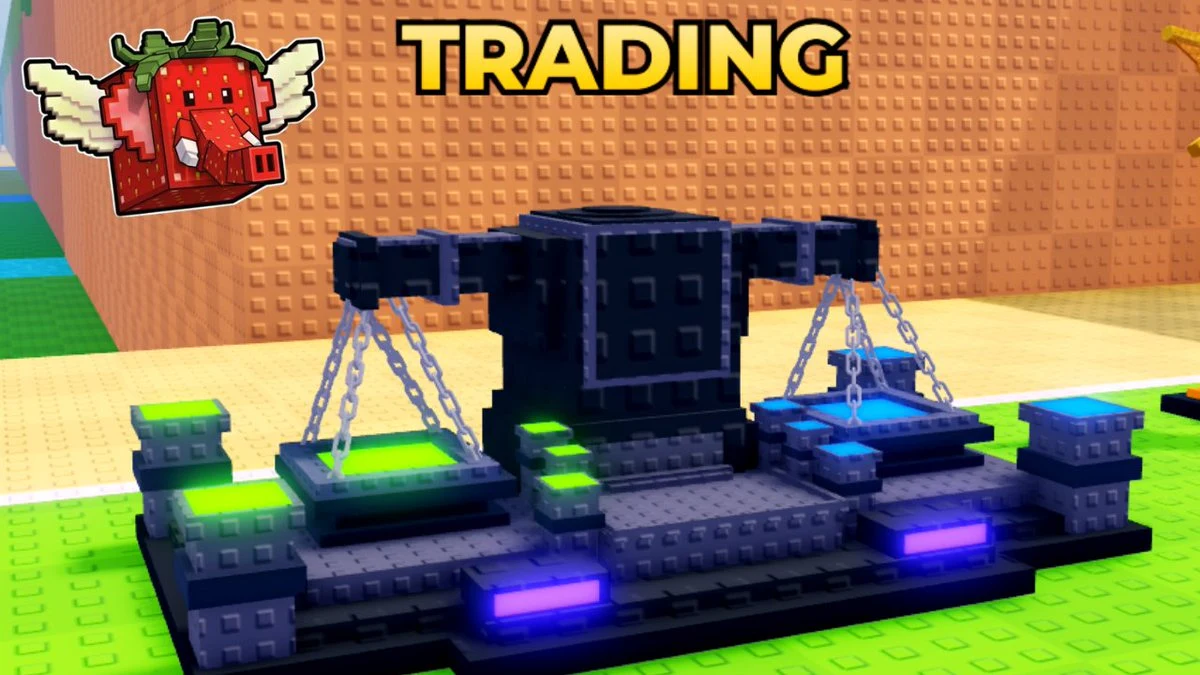
Once the listing is live, the useful choice is what you want the exchange to produce. Use this table as a quick route check; the exact booth controls are in the setup steps above. This station, marked by its large TRADING sign and glowing scales, is the visual cue for the Plaza's exchange area.
| Route or use | Result and best fit |
|---|---|
| Sell through a booth | Turn one of your Brainrots into Trade Tokens for spending in the Trading Plaza. |
| Buy from another booth | Spend Trade Tokens on a displayed Brainrot. The update says these purchases are not restricted by rarity, income rate, or mutations. |
| Other Token options | Spend Tokens on items in select shops, buy Token Packs with Robux, or trade Tokens with other players. |
| Direct Brainrot trade | Exchange one Brainrot for another through the normal player-trading flow. |
No market-value ranking, listing cap, cooldown, or other trade limit is established in the update details, so this guide does not assign a “fair” Token price. Use the route that matches what you want to receive rather than relying on an unverified value ranking.
How to Leave the Kick a Lucky Block Trading Plaza
The update says the portal in the center of the Trading Plaza returns you to the main world. Use it after your listing or purchase is finished.
Before opening your booth, set a clear listing amount with the post-sale deduction in mind. If you want another specific Brainrot rather than a Token balance, the direct-trade route above may fit your goal better.