GTA 6 is an open-world game set in Leonida, and you can go fishing from the start of free roam, the part of the game where you explore on your own. Pick up a free rod from the jetty behind Jason's house in Key Lento, hold L2 to grip it, then hold R2 and let go to cast. In free roam you can't keep or sell what you catch, so every fish goes back in the water.
| Action | PS5 | Xbox |
|---|---|---|
| Open the weapon wheel to equip the rod | Hold L1 | Hold LB |
| Find fish spots (Focus) | Click L3 + R3 | Click both sticks |
| Grip the rod | Hold L2 | Hold LT |
| Cast | Hold R2, then release | Hold RT, then release |
| Lure the fish | Rotate the right stick slowly | Rotate the right stick slowly |
| Hook the fish | Press R2 on a strong bite | Press RT on a strong bite |
| Steer a fighting fish | Left stick, against the pull | Left stick, against the pull |
| Reel in once it tires | Rotate the right stick quickly | Rotate the right stick quickly |
| Reset an empty cast | Circle | B |
How to Get and Equip a Fishing Rod in GTA 6
You never buy a fishing rod in GTA 6. Jason's home has rods and a boat from Chapter 1, so start at the jetty behind his house in Key Lento. Walk up to the rods at the end of the dock, and on PS5 a Fishing Rod prompt appears on L1. Follow the prompt to pick one up.
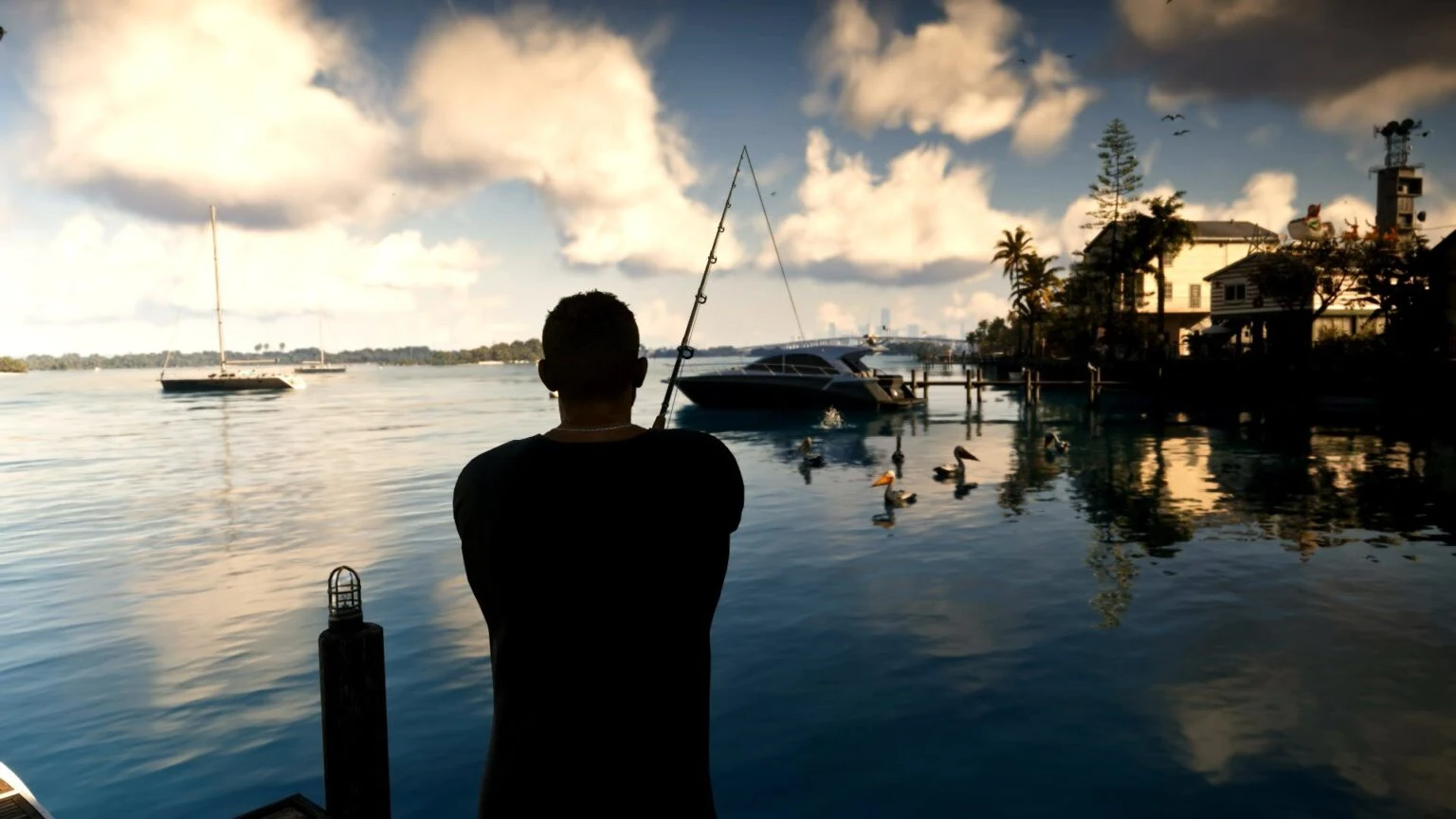
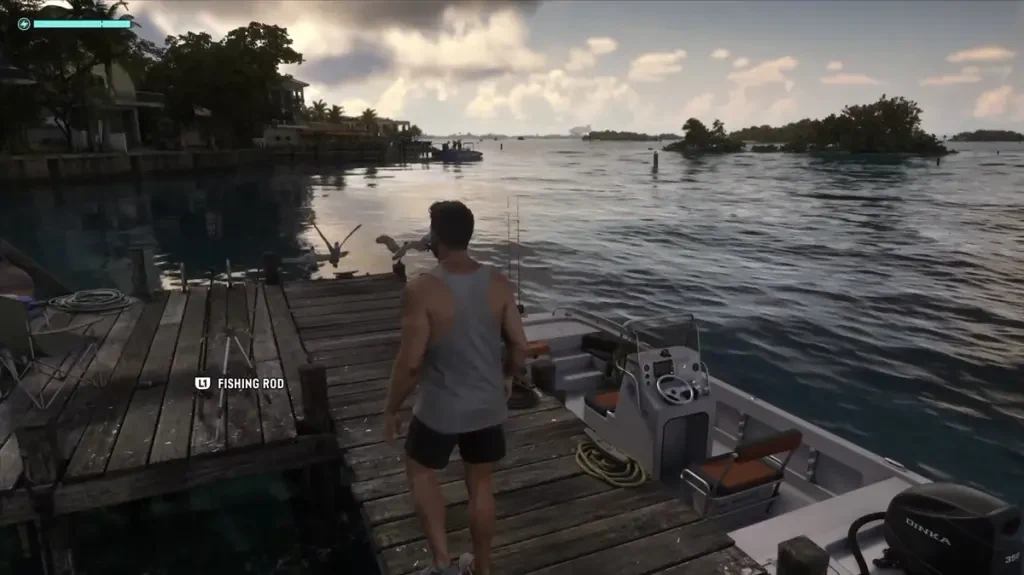
Jason's boat, tied up beside the jetty, carries more rods, so you can head straight out to open water. Rods also turn up on other docks and boats around Leonida. Once you have one, it sits in your equipment, so bring it out through the weapon wheel:
- Hold L1 (LB on Xbox) to open the weapon wheel.
- Move the right stick to the Equipment slot, the one with the binoculars icon.
- Keep holding L1 and tap R2 (RT) to cycle through items until the Fishing Rod shows.
- Release L1 to equip it.
Which Lure to Use and Where to Buy More
You fish with lures rather than bait, and each lure suits a certain kind of water. You start with a small saltwater lure and a small freshwater lure. Use the saltwater one off docks, along the coast and out at sea, and the freshwater one in lakes and rivers.
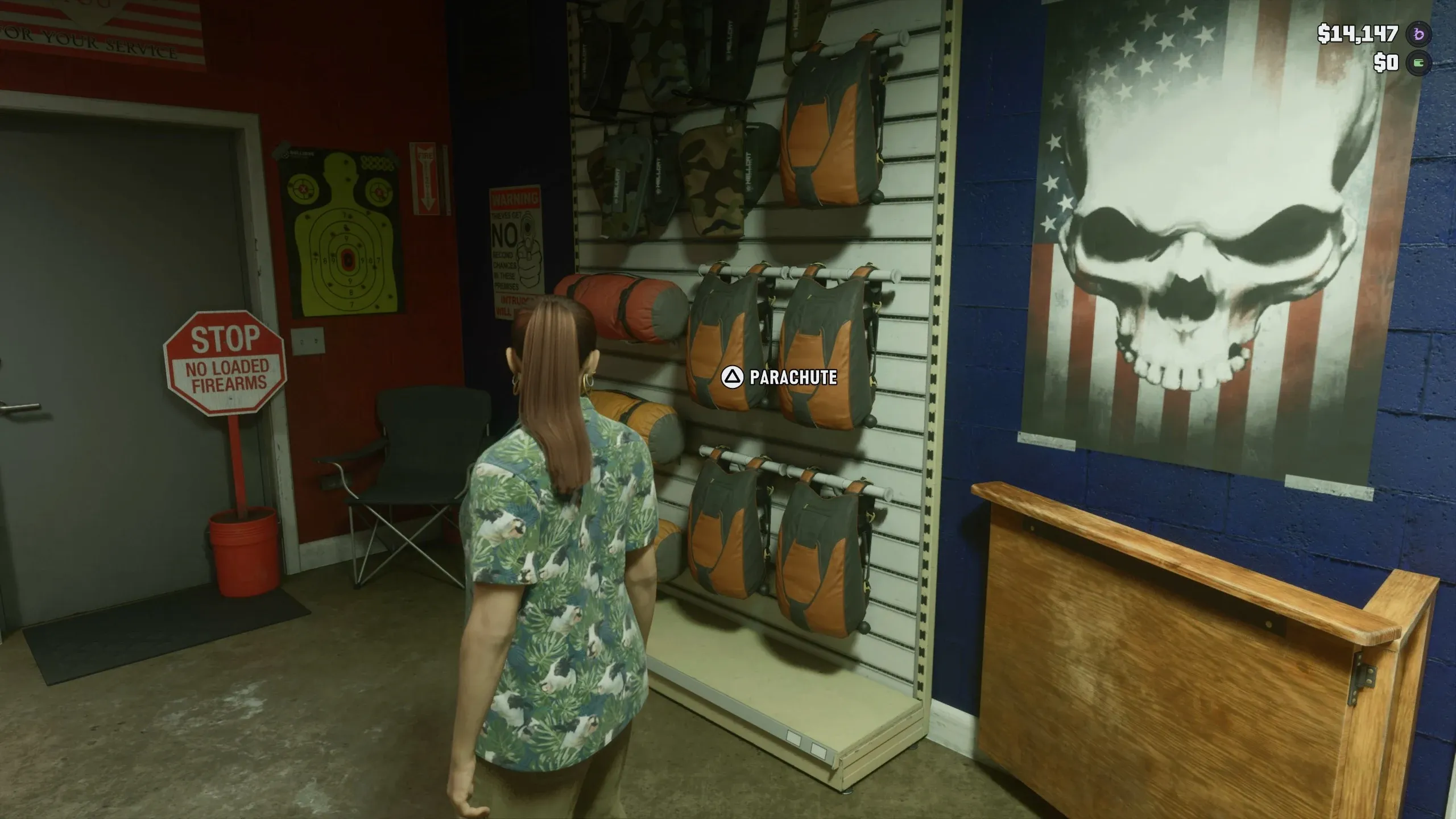
The lure you have on shows in the bottom-right corner of the screen, and you can swap it from the prompt there. Medium and large lures are sold at Chuck's Tackle & Shot, the Ammu-Nation in Key Lento, where they sit on the left side of the shop. You visit that shop during the Gear Up mission.
How to Cast and Hook a Fish
Fish show up as pale or white patches on the water, and you can sometimes see them under the surface or jumping out of it. Click both sticks (L3 + R3) to use Focus, which picks out these spots. Then hold L2 to grip the rod, and keep it held for the whole catch.
Next, hold R2 to pull the rod back, and release to cast. The longer you hold, the farther the lure goes, so aim to land it a little past the patch. That way, when you reel back, the lure passes right through the fish.
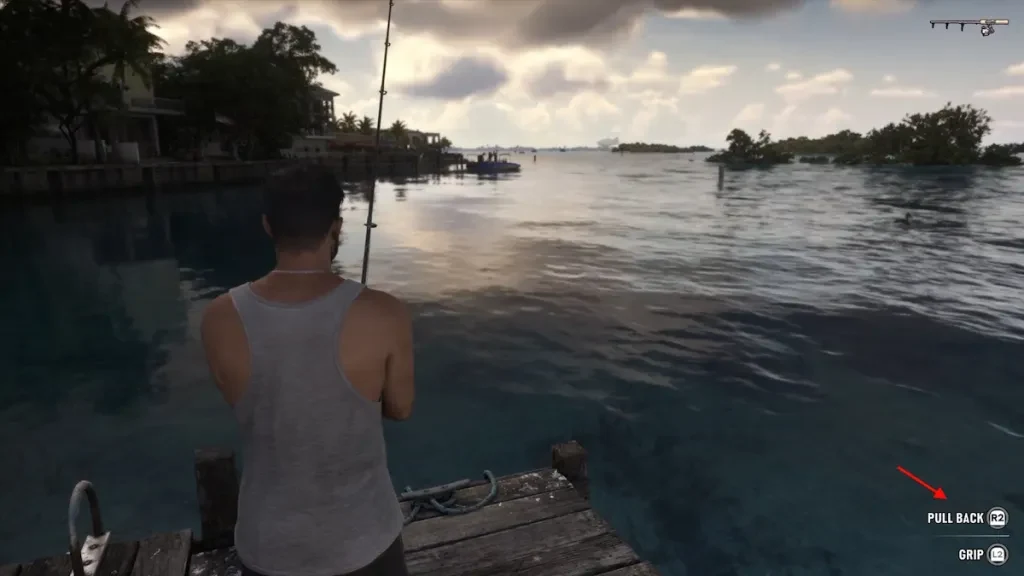
Bring the lure in slowly by rotating the right stick gently, because reeling fast drags it past the fish before they bite. A light buzz can just be a nibble, so wait for the stronger vibration. When the greyed-out Hook Fish prompt turns white, press R2 straight away.
If nothing bites, check the speed first. A lure moving too fast skips past the fish, and one moving too slowly may not draw a bite, so keep the stick turning steadily. If the lure lands in empty water, press Circle (B) to reset the cast and try again.
Why Fish Get Away and How to Reel Them In
Most lost fish come from reeling while the fish is still pulling. Fighting and reeling are two separate phases, so do them one at a time. Use this order every time:
- As soon as the line starts pulling, stop reeling. Push the left stick the opposite way to the pull: left if it runs right, and down if it swims away from you.
- Watch the water. Bubbles show which way the fish is heading, and when they stop, it's safe to reel.
- When the fish stops fighting, spin the right stick quickly to reel it in.
- If it starts running again, go back to the left stick. A big fish can take several rounds.
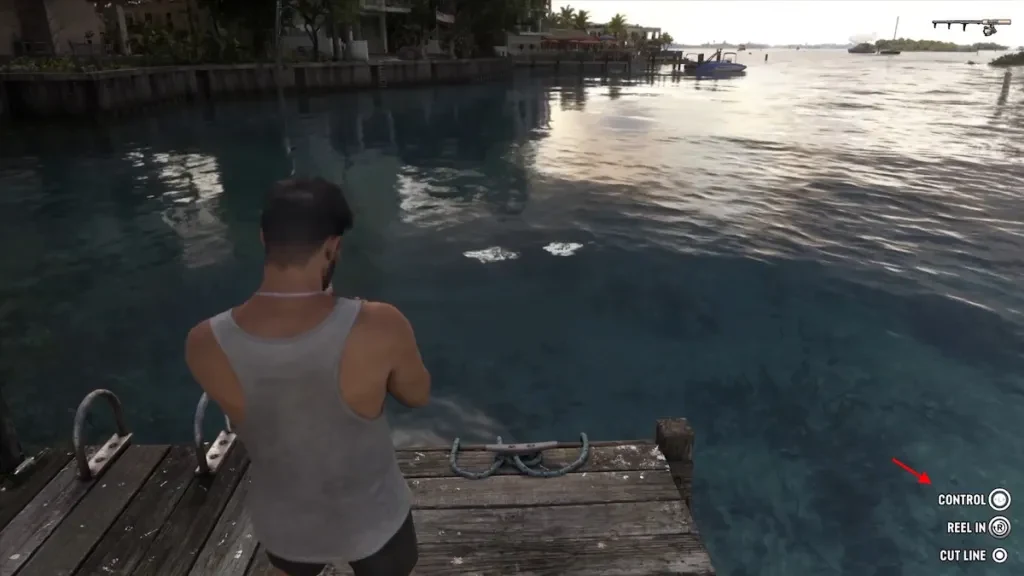
Cut Line drops a fish you don't want to fight. If you keep losing fish, change the reel input under Settings > Gameplay > Accessibility > Fishing. Rotate is the default, and tap and hold are the other two options, with tap being easier to control than rotating the stick.
Where to Fish: Docks, Boats and Open Water
Jason's dock is the simplest place to start, since fish swim right next to it. You don't need a boat for it. A boat is the better choice when you want open water, because deeper water away from shore should hold more and bigger fish.
To fish from the boat:
- Stop the engine.
- Press Triangle (Y) to step out of the cabin.
- Walk to the edge and cast.
Any open water works, so cast wherever Focus lights up fish. Different bodies of water hold different fish, so try a few spots instead of staying in one.
Which Fish You Can Catch in GTA 6
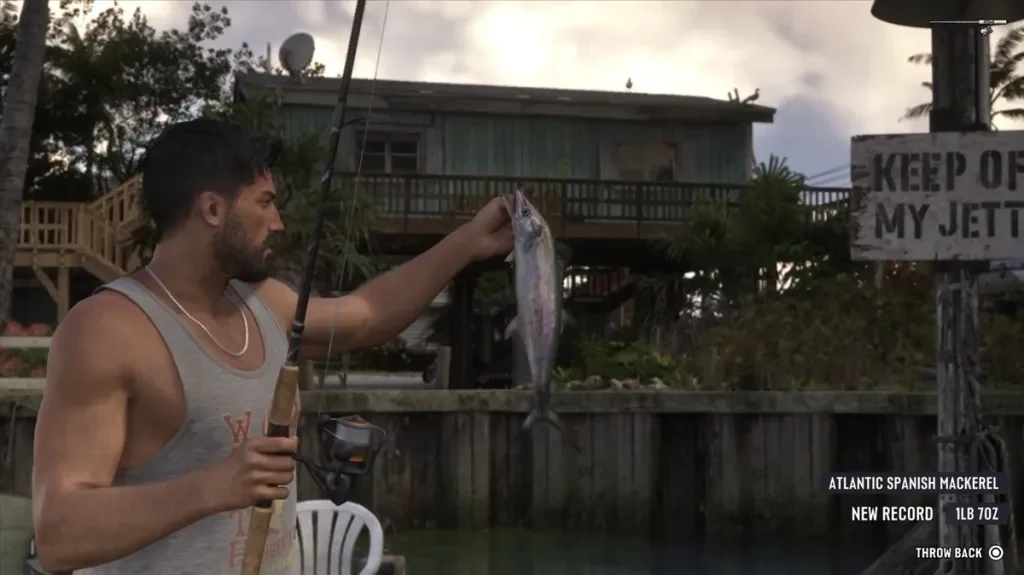
Each catch card shows the fish's species, its weight and your largest catch of that species. A New Record tag appears when you beat that best. Your biggest fish and total caught are in the pause menu, under Progress, then Animals, then Fishing.
Among the species you'll catch are the Stoplight Parrotfish, the Atlantic Spanish Mackerel and the Yellowtail Snapper. The Stoplight Parrotfish is also the fish Cal asks for in his challenge.
Can You Keep or Sell Fish in GTA 6?
No, not in free roam. Fishing there is catch and release, so the only option after a catch is Throw Back. Fish don't go into your inventory, and you can't sell them to a shop.
Recalibration is the exception. It's a Chapter 1 story mission where you fish from Cal's boat with him, and the catch card there offers Keep (Cross on PS5) or Throw Back (Circle). If you keep a fish, Jason drops it into the boat's cooler, but that only happens during the mission.
How to Beat Cal's Fishing Challenge for Baited My Tackle
Cal's challenge is where the fishing trophy comes from. It opens early in Chapter 1, once you've finished the Feng Shui mission and Cal Hampton texts you a fishing spot. Once that text arrives, the challenge goes like this:
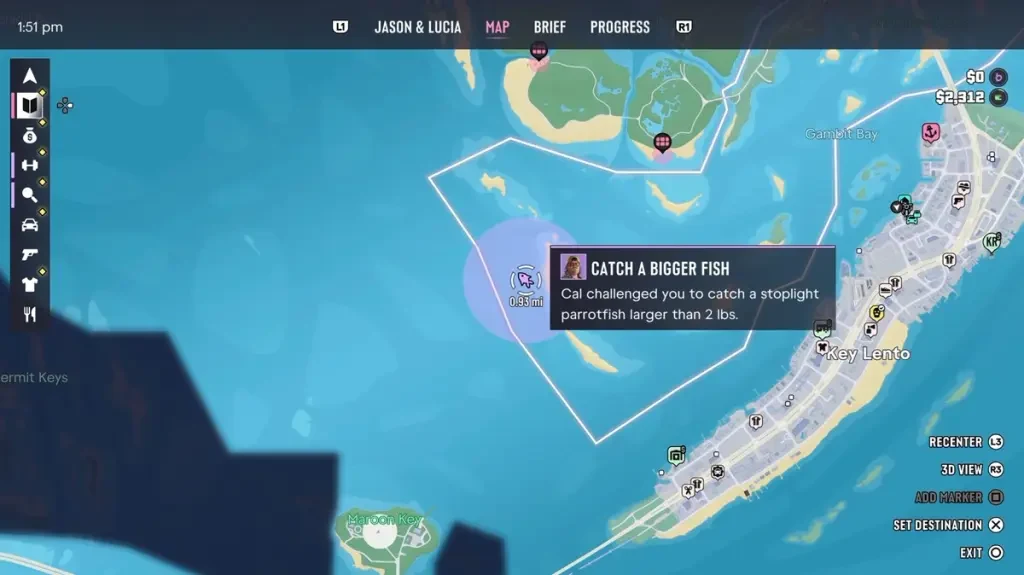
- Open the text and set the spot as your destination. It shows as a purple circle on the map, out in open water west of Key Lento.
- Take a boat. Jason's boat at his jetty already has rods on board.
- Inside the circle, the objective reads Catch a Bigger Fish: a Stoplight Parrotfish larger than 2 lbs, which is about 0.91 kg.
- Fish with the small saltwater lure you started with. Throw back anything under 2 lbs, and keep casting inside the circle.
- When you land one over 2 lbs, press the Take Photo for Cal prompt.
Baited My Tackle unlocks right after the photo. It's a Bronze trophy (an achievement on Xbox) for beating Cal in a fishing challenge. For the rest of the trophies and achievements, see the full trophy and achievement list.
Focus and Fishing Challenges in GTA 6
Each fish you land adds to Focus, the stat that slows time so you can line up your shots. Fish you lose or cut give nothing, so landing the fish is what counts.
Fishing also counts toward several challenges:
- Big Fish: land a fish of 20 lb or more.
- Catch of the Day: in one day, catch three fish on each type of lure.
- Angler: catch four different species in under six minutes.
- Pro Angler: catch every species of fish.
Catch of the Day means using every type of lure in one day, so it's worth switching lures now and then. The full list of challenges covers the rest of the challenges in the game.