Rolling your first robot is only the first step in Destroy a Vault. The robot does not earn anything while it sits in the roll result. You need to claim it, buy a placement slot, put it in your base, let it attack a vault, and take the Gold to the Smelter before the reward becomes Cash you can spend.
This guide covers that first-session route, the early upgrade order, and the later systems worth saving for.
How the Destroy a Vault gameplay loop works
Destroy a Vault is a Roblox simulation from LoopForge Studios. You build a robot army, send it against vaults, and reinvest the proceeds into robots, slots, base upgrades, and robot upgrades. The important distinction is between the two currencies.
| Part | What happens | What you do |
|---|---|---|
| Robot | A rolled robot attacks a vault after you place it in your base. | Claim a result, buy a slot when needed, and place the robot. |
| Gold | Destroying a vault gives you Gold. | Take the Gold to the Smelter. |
| Cash | The Smelter turns Gold into Cash, the main spending currency. | Use Cash for robots, slots, and upgrades. |
| Vault | The target provides the Gold payout, and stronger vaults offer bigger rewards. | Keep your robots working and move to stronger vaults when they unlock. |
The useful order is Robot, Gold, Smelter, Cash, then upgrades. Gold is the attack payout, while Cash pays for progress. If you take Gold straight to an upgrade board, you are skipping the conversion step the game expects.
How to get and place your first robot in Destroy a Vault
Follow this order when you start a new base:
- Activate
Roll A Robot. Use the robot podium to start the opening roll. Your first roll is free on the starting route described here. That does not establish that every later roll is free. - Review the result. A random robot appears for you to claim. If the result panel asks for Cash, pay for the robot you want to use. When the interface offers another roll, you can use that option instead if you do not want the displayed result.
- Buy the first placement slot. After the first result, the
Buy A Slotprompt appears beforePlace Your Robot. Do not assume that the tutorial supplies a free slot. - Place the robot. Carry the claimed robot to an open placement area and use
EquiporPlace Your Robot. The first step is complete when the robot sits in a base slot and begins attacking the vault.
A rolled result is not the same as a working income stream. The slot and placement step are what put the robot into the attack loop.
How to earn Gold and turn it into Cash
Once the robot is placed, let it handle the vault attack. When the vault is destroyed, the game gives you Gold.
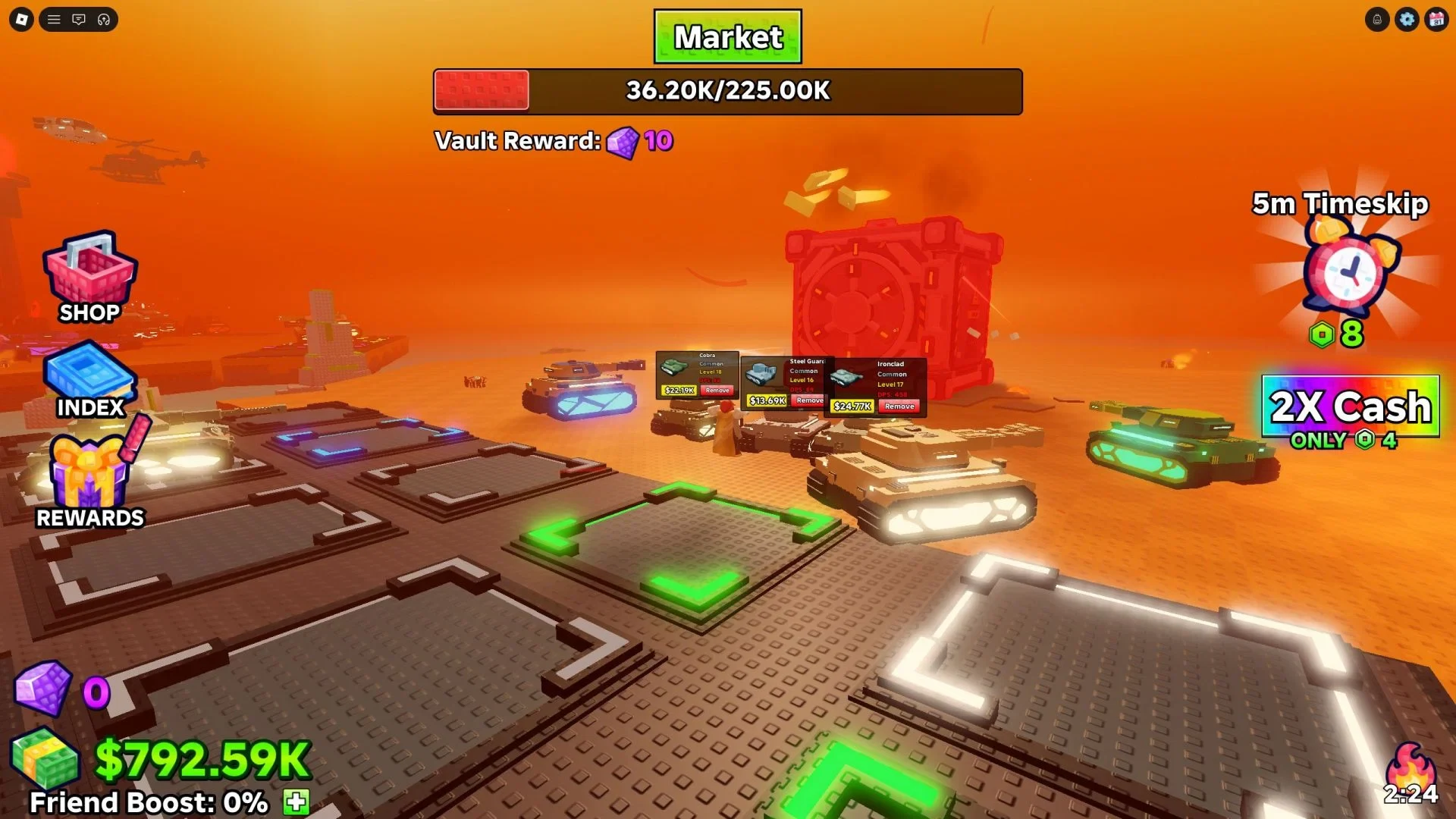
Take that Gold to the Smelter and convert it into Cash. Cash is what you use for another robot, a placement slot, individual robot upgrades, and the upgrade boards in your base. Convert the payout before you start shopping so you do not confuse the reward currency with the spending currency.
The official game description also says that you can continue earning Gold while offline. Set up a placed robot before leaving, then treat offline earnings as extra progress. You still need the first robot in a slot before this part of the loop can help you.
What to upgrade first in Destroy a Vault
Spend your first Cash on upgrades that help the placed robot finish vaults more efficiently. Start with Robot Damage, then Robot Battery and Robot Luck.
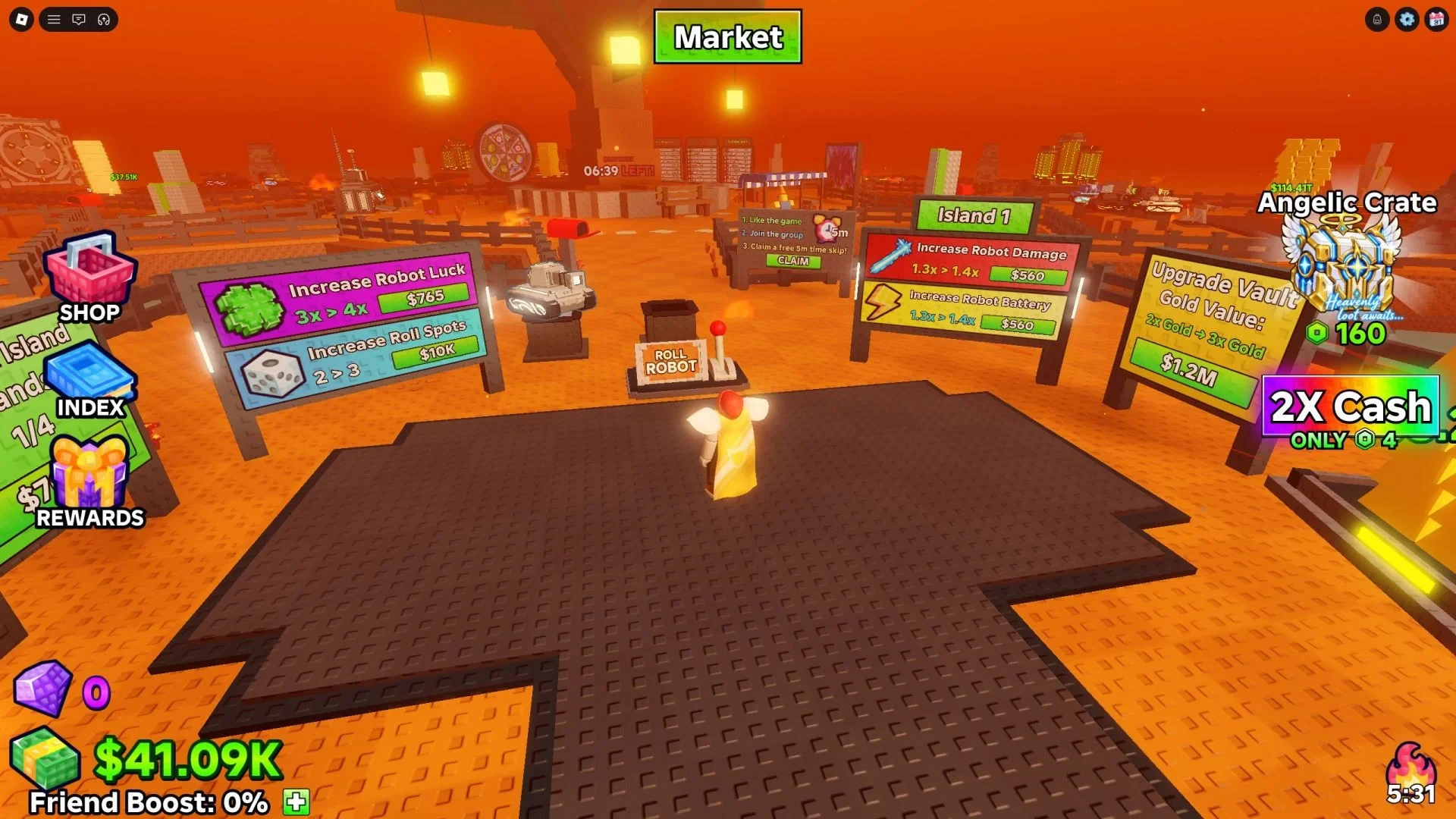
- Robot Damage: Buy this first. Stronger attacks destroy vaults faster and bring the next Gold payout sooner.
- Robot Battery: Keep this near the front of your early upgrade order after damage.
- Robot Luck: Improve this after the attack side of the loop is working. It helps with future robot rolls.
- Roll Spots: Leave extra spots for later. They become more useful after your base already produces Cash.
- Vault Gold Value: Delay this one in the early game. It is expensive before your attack loop is strong.
Cash also pays for individual robot upgrades and new placement slots. You do not need to spread your first payout across every board. Make the robot that is already attacking more useful first, then add roll options and other upgrades as the base grows.
What mutations, Gems, and fusion do in Destroy a Vault
Mutations are later modifiers that multiply a robot's DPS. If a mutated robot appears during a roll, it can be worth choosing over an unmodified option because the bonus applies to its vault attacks.
Some vaults also give Gems along with Cash. Spend Gems at the Market to buy Mutation Cores, then use a Core to apply a mutation to a robot you choose.
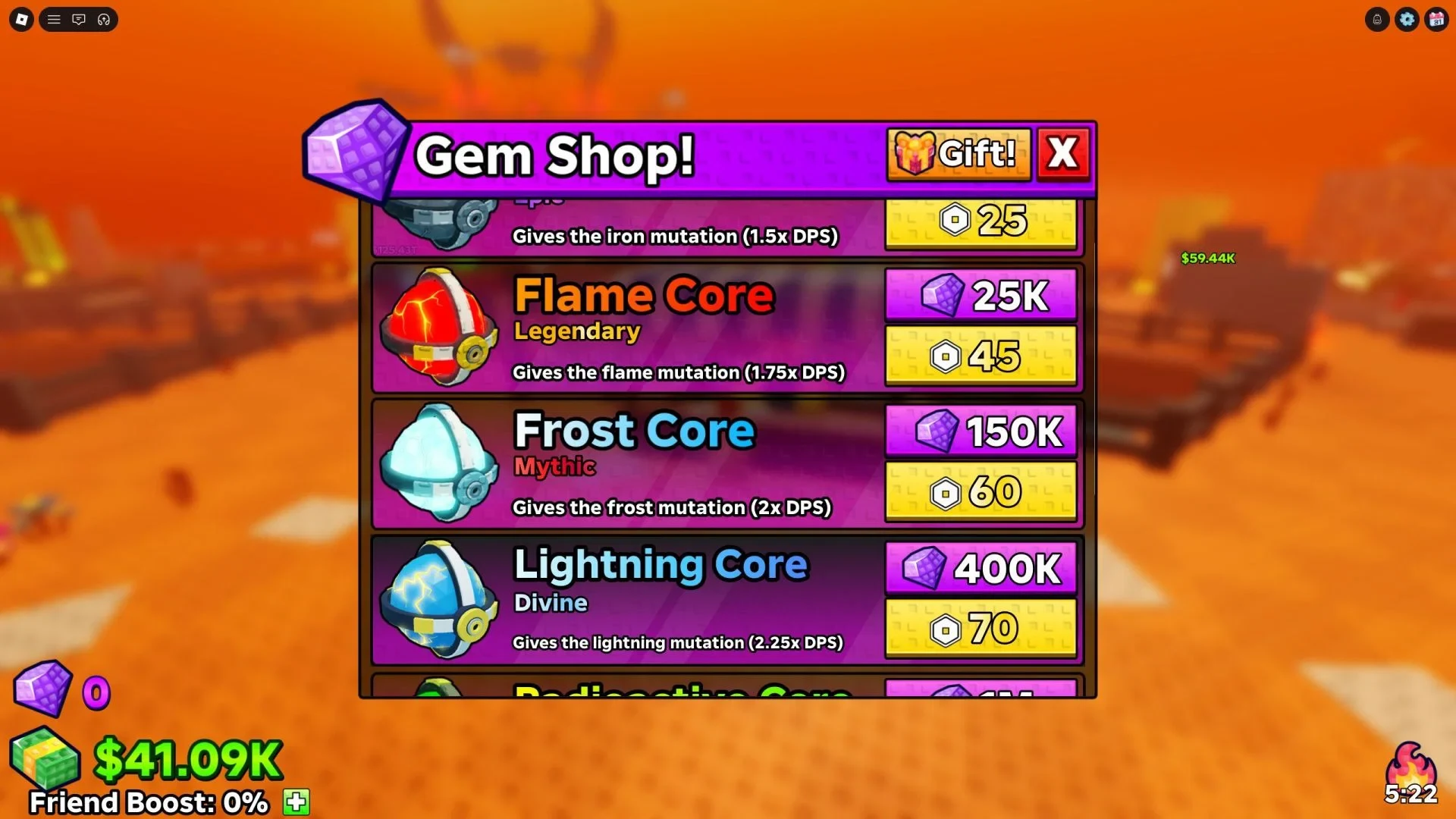
After your base is working, collecting new robots can build Index Luck and make later rolls more useful. Fusion is another later option. After you gain access to the second island, you can fuse four robots of the same type into a stronger robot. A fused robot cannot be fused again.
These systems should come after the first income loop. Place the first robot, smelt the first Gold, and improve the attack side before you spend your early Cash chasing collection bonuses.
Destroy a Vault keyboard controls
The supported keyboard controls are simple:
| Key | Action |
|---|---|
| W, S, A, D | Move |
| Spacebar | Jump |
| E | Interact |
This is a keyboard reference only. Use the game's own prompts for any input method not listed here.
Once you know where each currency goes, the opening stops feeling like separate prompts. Leave a robot deployed, smelt Gold when it builds up, and put Cash into the attack loop before spending on extra roll options or later mutations. That gives you a working base first, then a reason to expand it.