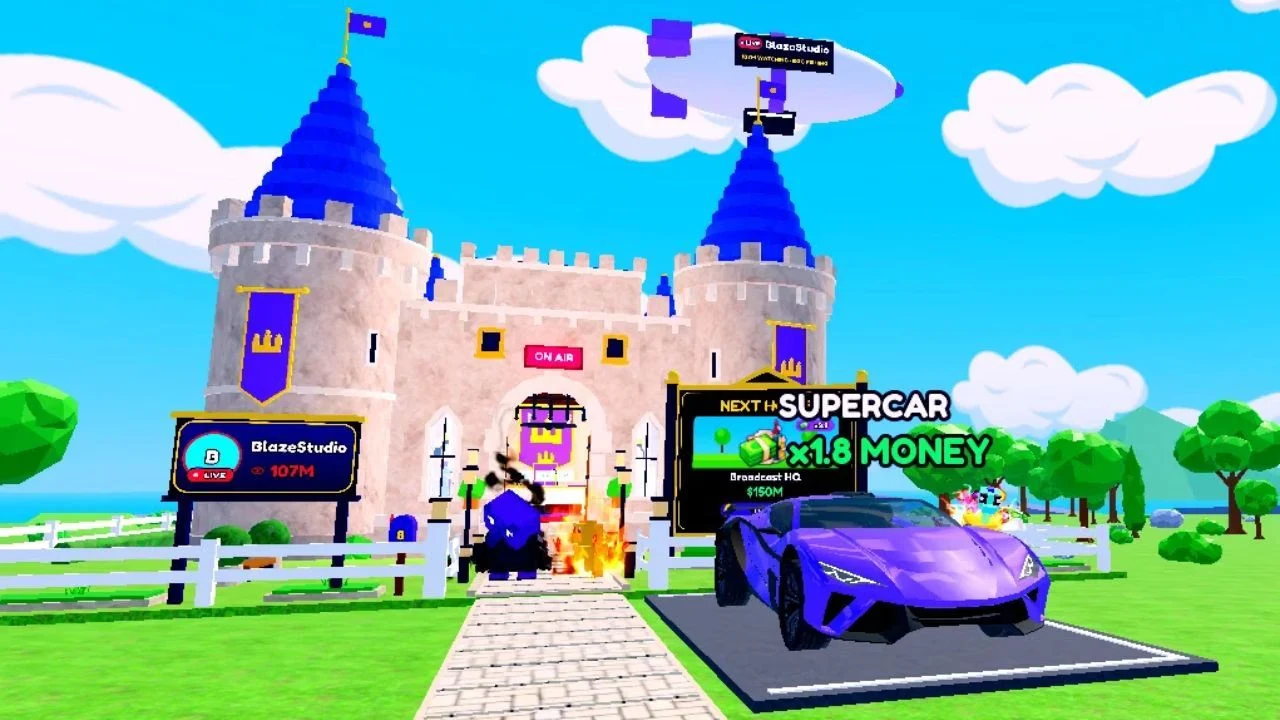
Be The Biggest Streamer is a Roblox simulation and tycoon game where you play a livestreamer who starts with 0 viewers and $0 and works to become the biggest one on Roblox. To get going, finish the tutorial, walk to the computer inside your house and hold E to go live. Once you're streaming, play minigames to earn viewers and Cash, then spend that Cash at the Gear Shop on better gear and hatch the eggs your streams can give you into pets.
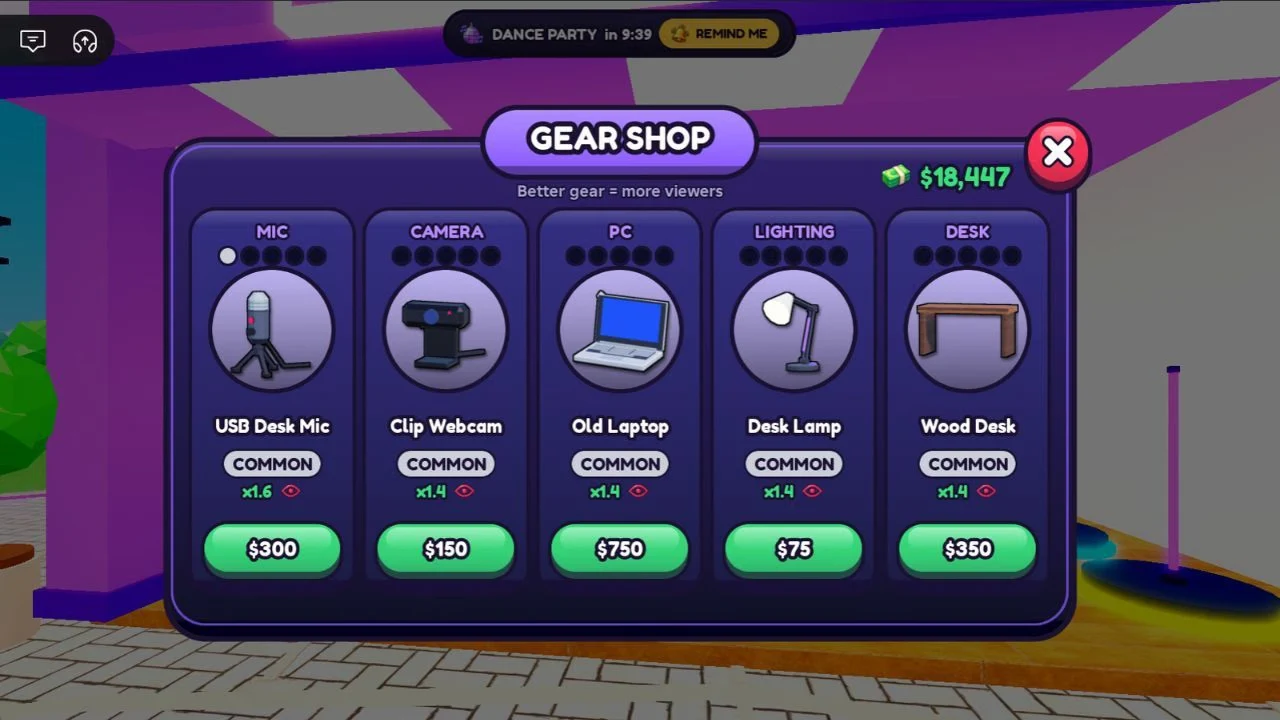
The first-level gear you can buy at the Gear Shop, with the price and viewer multiplier for each:
| Gear | Category | Price | Viewer multiplier |
|---|---|---|---|
| USB Desk Mic | MIC | $300 | x1.6 |
| Clip Webcam | CAMERA | $150 | x1.4 |
| Old Laptop | PC | $750 | x1.4 |
| Desk Lamp | LIGHTING | $75 | x1.4 |
| Wood Desk | DESK | $350 | x1.4 |
How to Start Your First Livestream in Be The Biggest Streamer
Finish the tutorial first. After that, every stream starts from the computer inside your house, so that's where you'll head to go live.
- Walk to the computer inside your house.
- Hold the E key to begin a livestream.
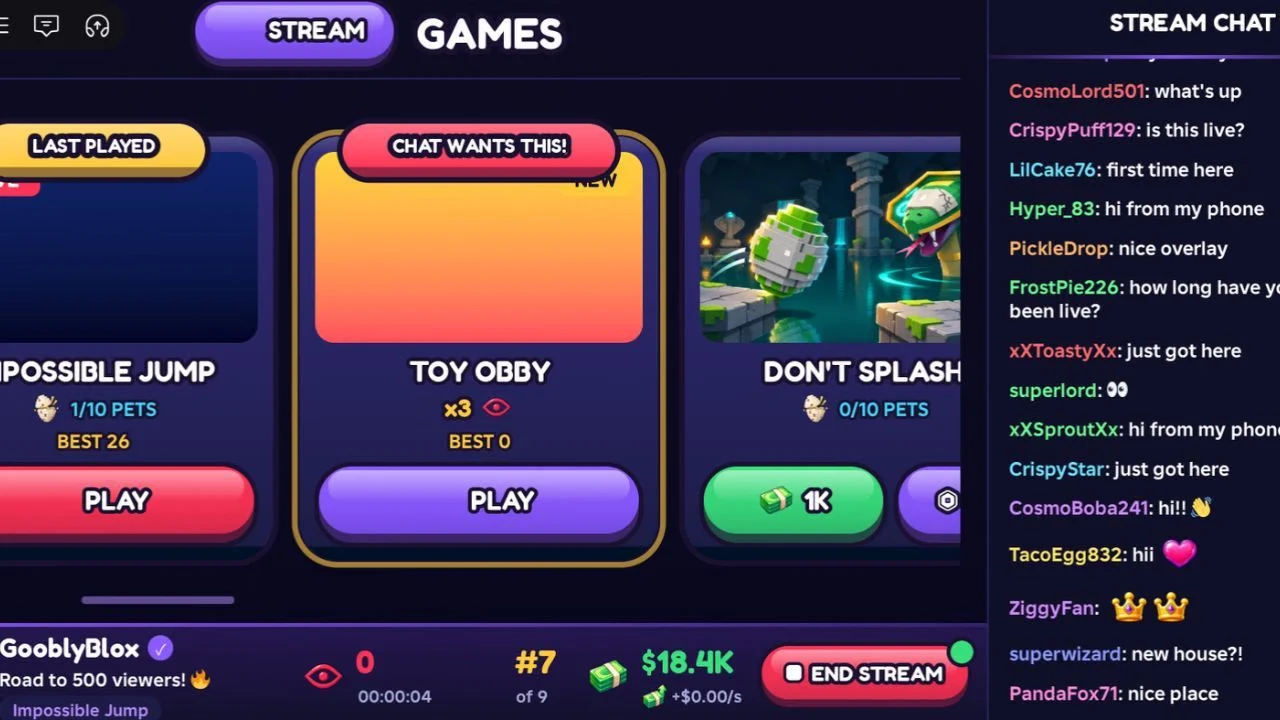
- Pick a minigame from the Stream Games list, choosing your own game or the viewer's choice.
- Play the game through to the end.
- Click END STREAM to stop, then log out of the computer.
Each minigame appears as a card with a PLAY button, and the list holds 13 games in total. A card can also carry a "CHAT WANTS THIS!" tag, which tells you what your viewers are asking for. Once the stream is over, you can roam the map and go shopping.
How Viewers, Donations and Cash Work
Viewers are how your stream grows. Play well to gain them, and your chat reacts with comments that follow how you're doing. You also receive donations, and you earn money even when you're offline.
Cash is the in-game currency, and the game shows it with a $ sign. You spend it on gear, house upgrades and car enhancements, and you can also use it to unlock new houses and cars.
Buying Gear at the Gear Shop to Raise Your Viewers
The Gear Shop is in the middle of the map. Walk over and spend your Cash on upgrades. Its items are sorted into MIC, CAMERA, PC, LIGHTING and DESK categories, and each one shows a viewer multiplier such as x1.6 or x1.4.
The multiplier is the reason to buy. Better gear raises your Viewer Multiplier, so you gain viewers faster for every minute you stream. The shop itself puts it plainly: "Better gear = more viewers."
The mic, camera and PC upgrades are the ones the game highlights for multiplying your viewers. Price doesn't always track the multiplier, though: the Desk Lamp costs $75 and shows the same x1.4 as the $750 Old Laptop.
Extra Cash From the Lucky Wheel and World Events
The Lucky Wheel gives you free spins, and each spin can land you a free reward. Those rewards can include rare equipment as well as Cash, so it's worth using a spin whenever you have one.
World events are the other bonus. One happens every 20 minutes, and each event raises either Cash or the Viewer Multiplier for all players on the server. A countdown shows when the next one is coming, such as "DANCE PARTY in 9:39," so you can plan your streams around it.
Hatching Eggs and Filling Your Index
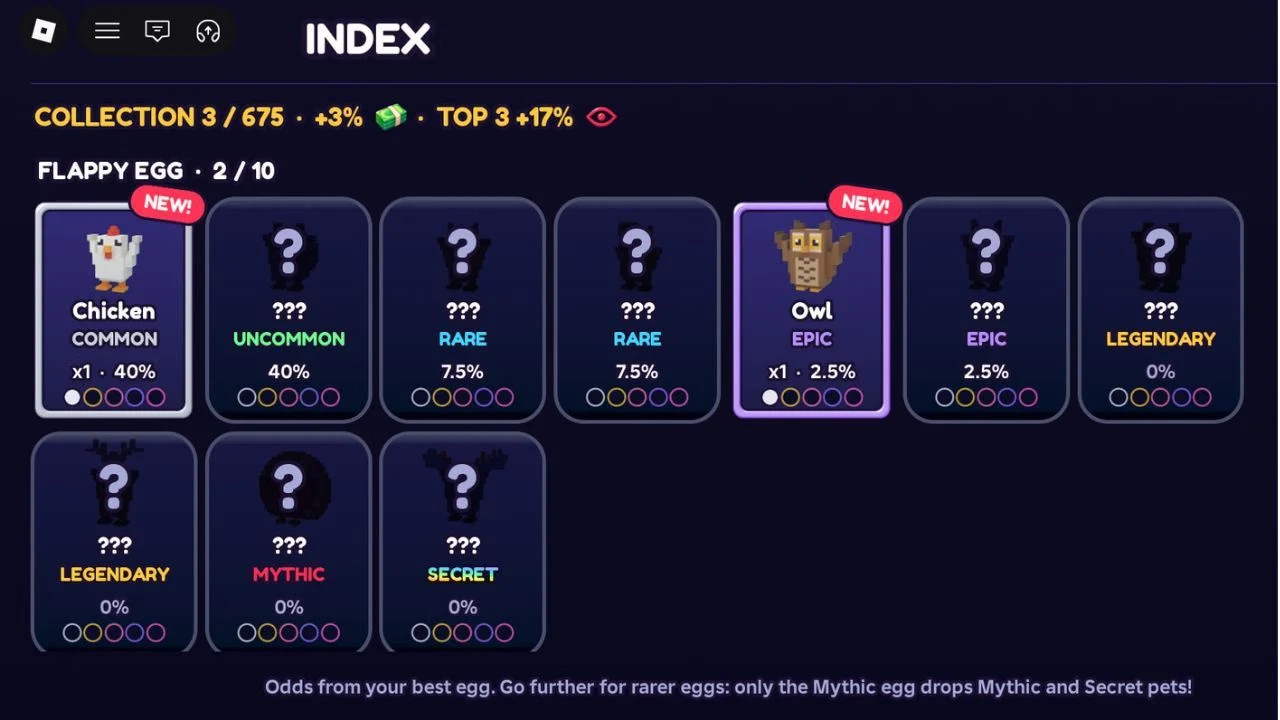
Your streams can give you an egg, and each egg hatches into a pet. Pets come in seven rarity tiers, from Common up to Secret: Common, Uncommon, Rare, Epic, Legendary, Mythic and Secret. The game has at least 100 pets to collect.
Pets you get from streams are registered in your Index. Open it and the bonuses appear at the top of the screen, since collecting pets raises your Cash and Viewer multipliers. That makes the Index worth checking as you go.
Each egg has its own set of pets. The Flappy Egg, for example, has 10. The Index also notes that only the Mythic egg drops Mythic and Secret pets, so that's the egg to aim for if you want the top tiers.
Challenging Other Players and Climbing the Leaderboards
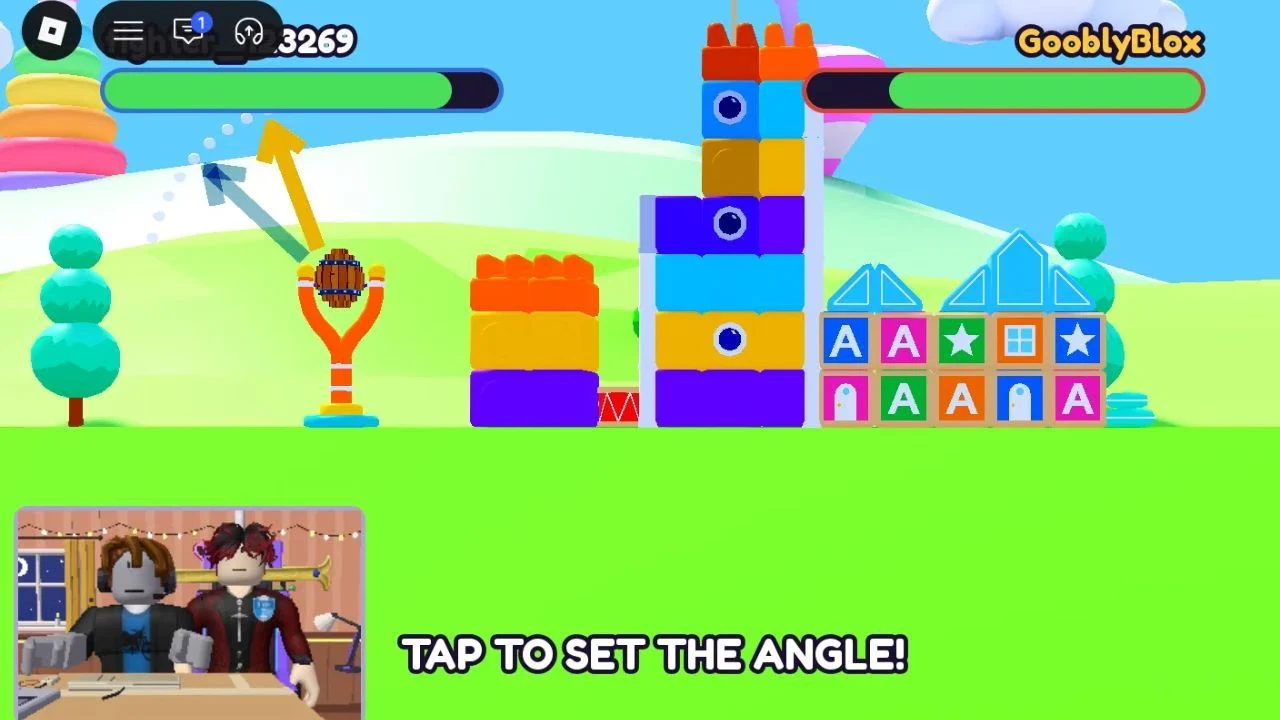
You can invite another player to a challenge, or accept an invite from someone else. The challenge is a head-to-head match, and each player has a health bar. The competition gives both players extra viewers.
Win the challenge and you get Cash and a rare egg. That egg usually hatches a pet of Uncommon or higher rarity, so winning is a good way to fill out your Index. The game also has server, global and friends leaderboards to climb.
Be The Biggest Streamer PC Controls
These are the PC controls. Interact is E, the same key you hold at the computer to go live.
- Movement: W, A, S, D
- Jump: Space
- Interact: E
- Jump during a minigame: Space
- Zoom in: I
- Zoom out: O