

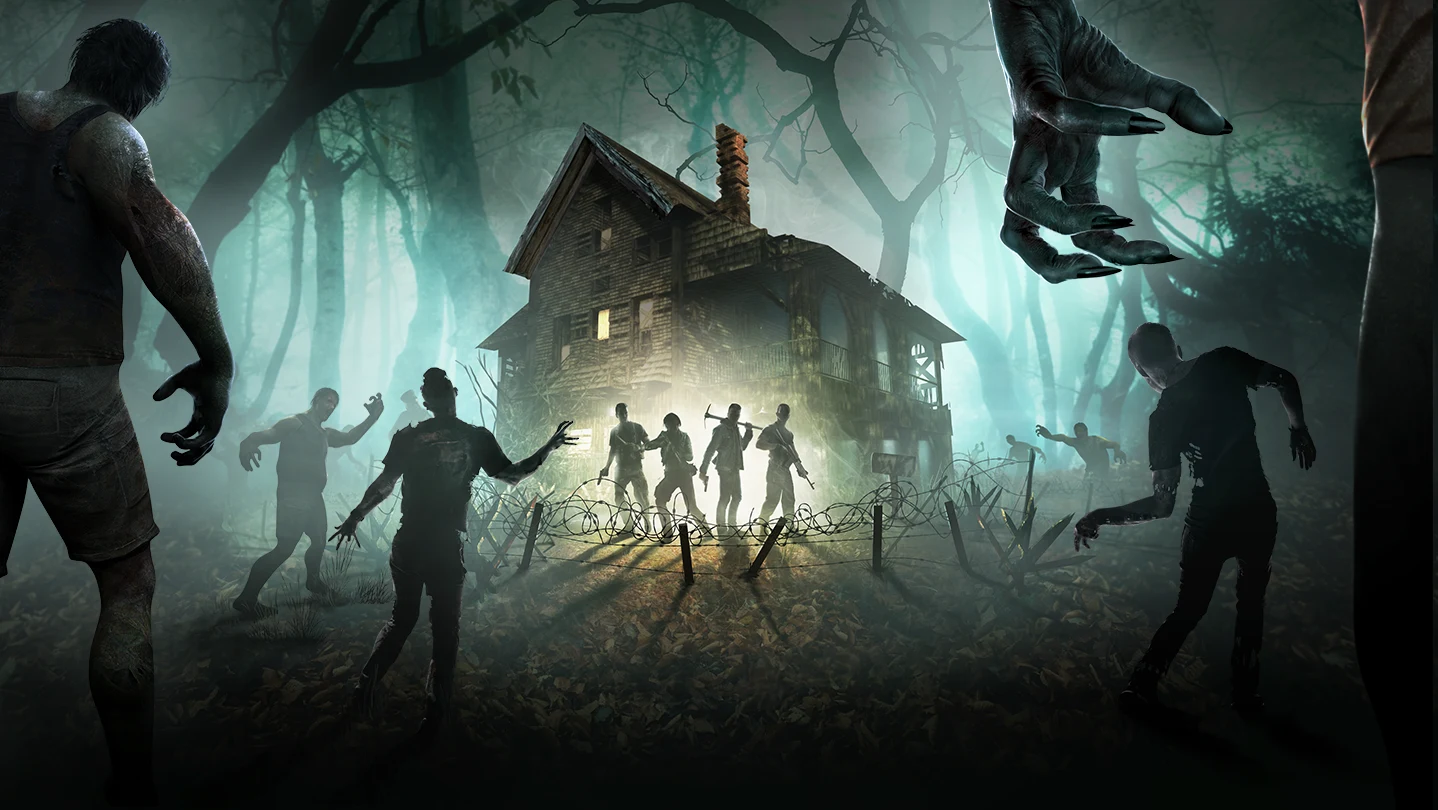
A Blood Moon horde usually arrives every seventh day in 7 Days to Die, and the zombies in it always know where you are. To get through the night, fortify a building before the first one, place wood spikes on the path zombies will take, and carry enough ammo to last until morning. Clearing the final wave stops the spawns for the night, so that's the goal.
| Time | What happens |
|---|---|
| 08:00 | The day number on your screen turns red. The horde is coming that night. |
| 18:00 | Thunder sounds and the sky starts to turn red. |
| 21:00 | The sky is deep red and the storm is in full swing. |
| 22:00 | A scream with no clear direction starts the horde, and the first wave runs at you. |
| 04:00 | The horde ends. The sky clears, and any zombies still alive go back to normal. |
How Often the Blood Moon Comes and What the Warnings Mean
The Blood Moon usually falls on every seventh day, so your first one lands on Day 7, followed by Day 14, Day 21 and so on. The warnings give you most of that day to prepare. Use it to finish walls, set spikes and load your gear, because once the storm is in full swing there's little time left.
The date can move. Blood Moon Range adds up to a set number of extra days after the base frequency, counted from the previous Blood Moon, so don't plan around one exact day. Blood Moon Frequency can also be turned off if you'd rather play without the horde.
Fortify a Base Before the First Blood Moon
You can get through a night without a base, but it's a much rougher fight. The horde knows where you are, however quiet you've been and however many walls stand in between, so hiding behind a closed door won't throw it off. Zombies break down obstacles, climb and dig to reach you, so a single wall won't hold for long.
For your first night, look for an existing building and fortify it rather than building a whole fort from scratch. Reinforce the walls and every opening you can find. If zombies can't reach you at all, they start attacking the blocks above or below you, so those need to hold too.
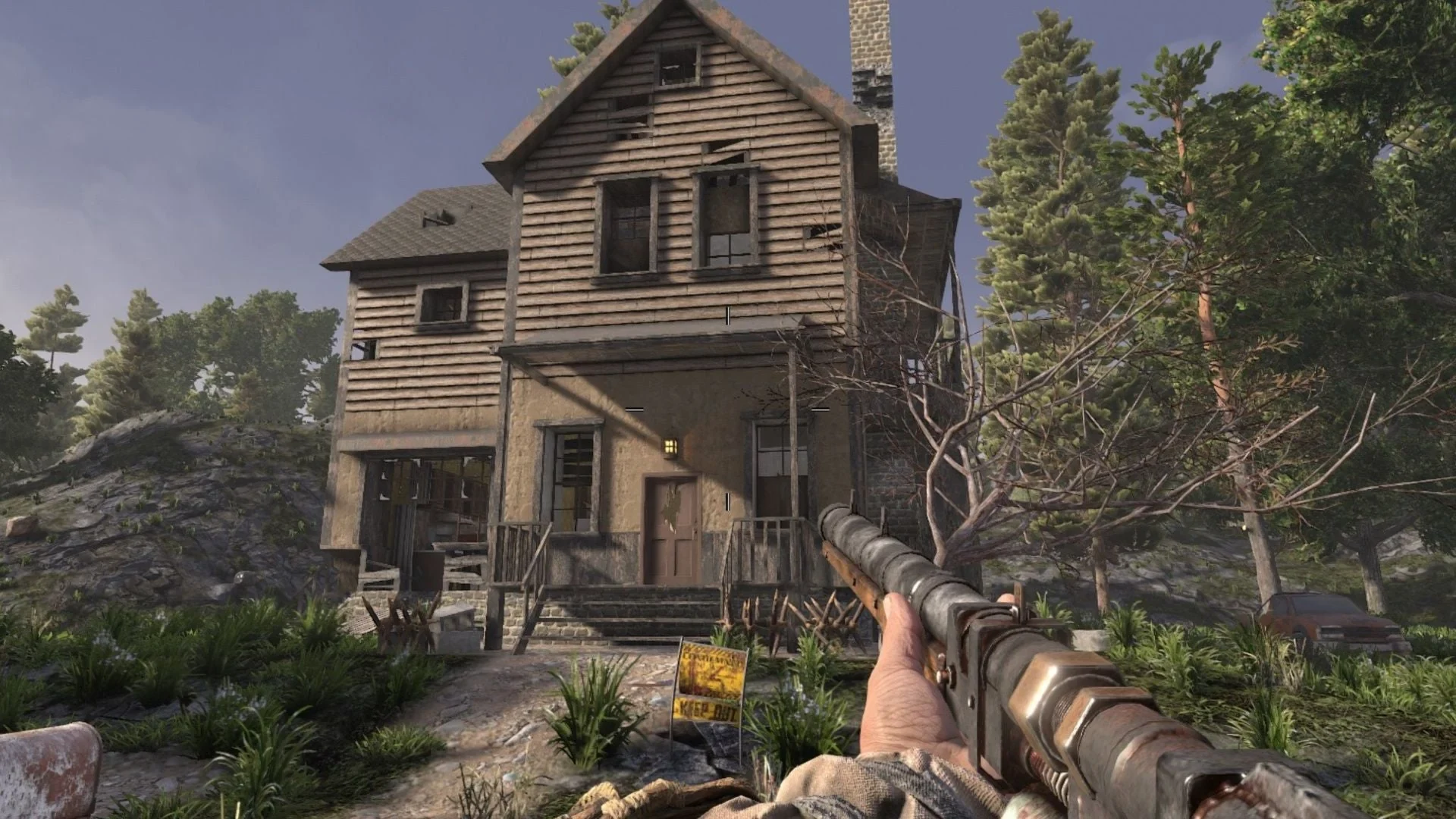
No building nearby? A high spot can still help, but zombies can climb, so don't count on height alone.
Place Wood Spikes Where the Zombies Will Walk
Zombies take the easiest route to you. If no clear path is open, they break the weakest obstacle on the way, so a thin wall or weak door on that route becomes their way in. Walk around your shelter before the night, work out which side is easiest to reach, and put your traps there.
Wood spikes are a simple trap to craft. Each one costs 20 wood, and they slow down running zombies and can dismember them. Set them along that route and around your shelter to cut down the number of zombies that reach your door.
Spikes wear down over the night. Each one has three damage stages, and repairing one costs 5 wood per stage. Repair them after every Blood Moon, and fix any breach before the next one arrives.
Stock Up on Food and Ammo Before Nightfall
Unless you've looted every house you passed, you probably won't have enough for a horde. Visit a trader before the night and stock up on whatever you're missing, such as food, water, health kits and ammunition. Trader Rekt runs Rekt Feeds in the Pine Forest and sells food, farming supplies and seeds, so he's a good place to start for food.
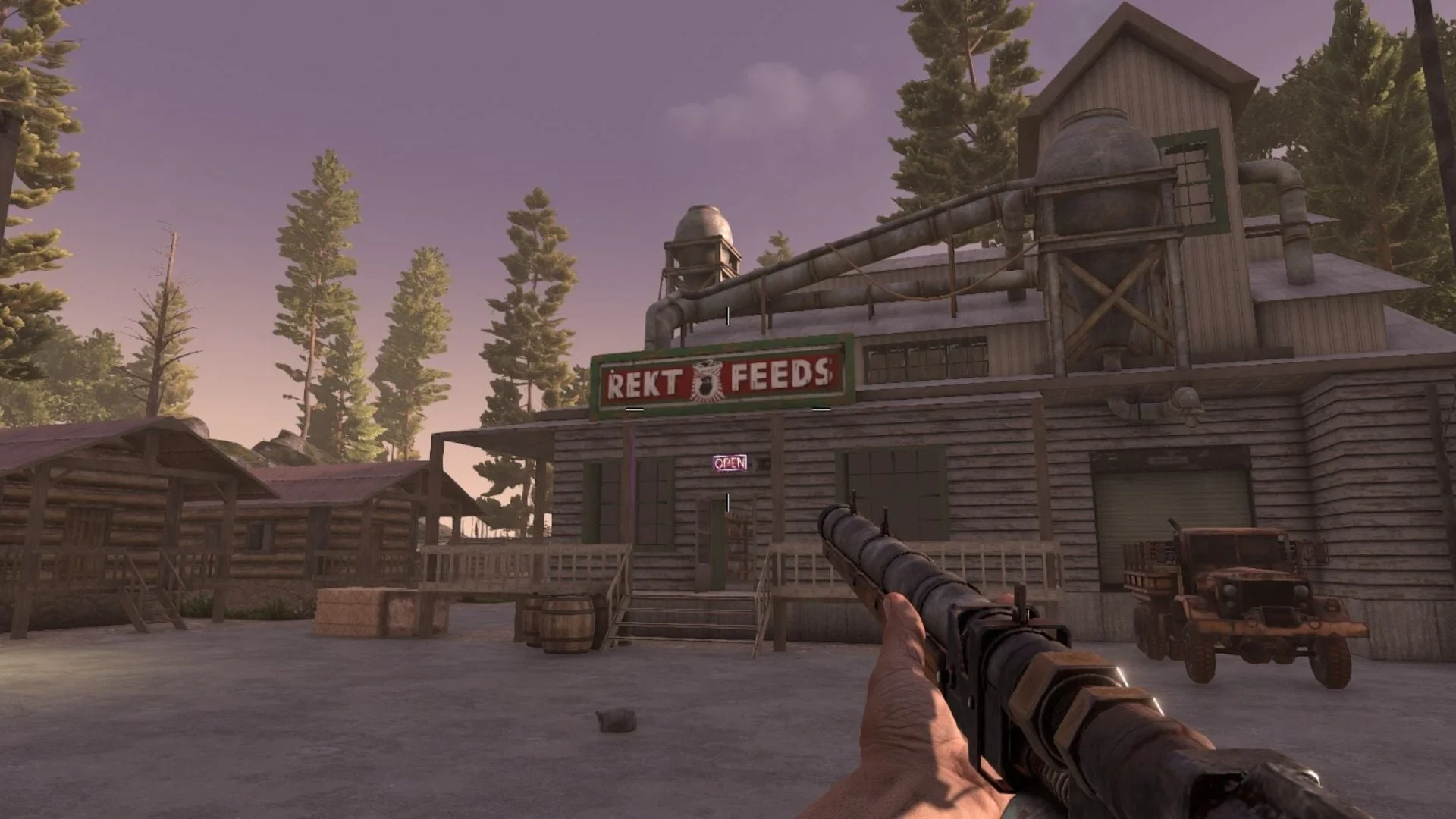
Bring more ammunition than you think you need. Whether you fight with a bow or a gun, pack enough to last the whole night and craft a little extra as a safety margin. The horde doesn't end until the final wave is cleared or morning comes, so running dry in the middle of it is the last thing you want.
For late-game hordes, the M60 turret uses all 7.62 ammo types, so keep a stock of those for it. For the rest of your options, see the full weapons list and how to get them.
How Blood Moon Waves Work and What Sets Their Size
The night starts with one wave. Soon after the scream, a group of zombies spawns some distance away and runs straight at you. Each zombie you kill is replaced by a new one that spawns farther off and joins the attack, until the wave is wiped out or its time limit runs out.
A short break follows each wave before the next one starts. Every later wave is bigger and tougher than the one before, and the number of waves depends on your Game Stage. If a wave's timer runs out with zombies still alive, those zombies stay in the fight, so you still need to deal with them.
Clearing the final wave stops the spawns for the night, so no new zombies trickle in after that. Clear each wave before its timer runs out and the next one comes sooner. If you're still fighting when the horde ends, any zombies left go back to normal, so you can clean them up or avoid them like any other zombie.
Game Stage decides how big the horde is and what mix of zombies it brings. In multiplayer, players standing close together count as one party, and the party's Game Stage sets the horde. The limit on zombies alive at once is set per player.
The horde pays out too. Zombies killed during it give XP and can drop loot. For a closer look at the zombies you'll meet, the full zombie list and how to survive them covers each type.
Change the Blood Moon Settings in 7 Days to Die 3.0
Version 3.0 added a lot of control over the horde, and most of it sits in the Sandbox Options menu. Set these before Day 7 so the first night isn't a surprise.
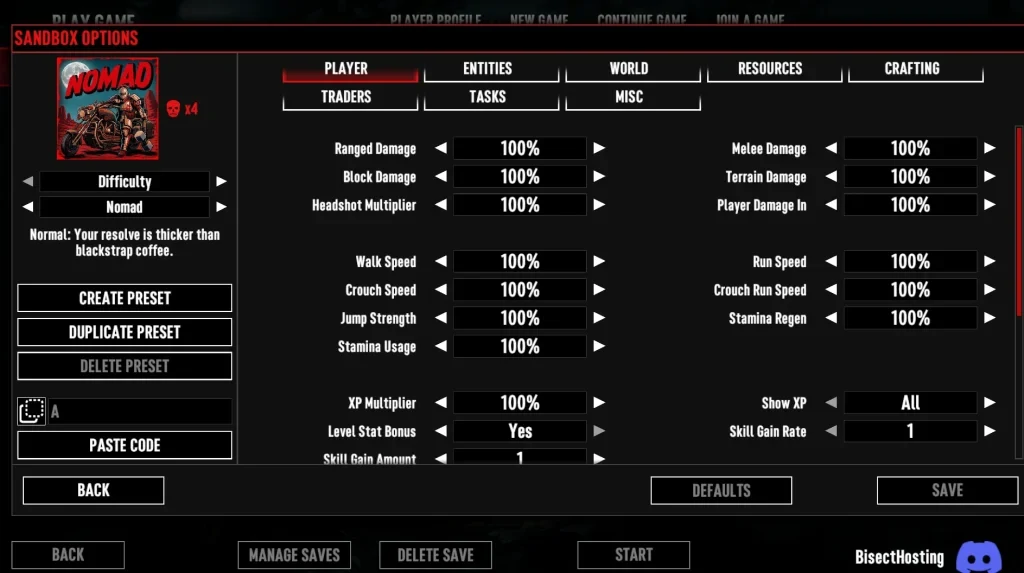
- Open Sandbox Options. Its tabs include Player, Entities and World, among others.
- On the World tab, check the four Blood Moon rows. Frequency sets how often the Blood Moon comes and can be disabled. Range adds days to that gap. Count sets how many zombies can be alive at once for each player. Warning controls when the warning starts.
- On the Entities tab, check Zombie BM Speed, which sets how fast horde zombies move, and Zombie Digging, which can be turned off.
If you run a server, the Blood Moon settings aren't plain lines in serverconfig.xml anymore. Build them in the in-game Sandbox Options menu, copy the code it gives you, and paste it into the SandboxCode property of your serverconfig.xml. Admins who want to keep a version 2.6 save need to recreate their old settings this way, and may need to work with their hosting provider to get it set up.